

Introduction
Modern businesses use multiple platforms such as CRM systems, websites, payment gateways, ERP software, and marketing tools to manage daily operations. When these systems work independently, businesses often face manual data entry, delayed responses, and inefficient workflows.
TryowBOT API connects all your business applications into a single automated ecosystem, enabling seamless data sharing, workflow automation, and improved customer engagement.
Why Integrate with TryowBOT API?
Integrating your business tools helps you:
- Eliminate manual data entry
- Sync customer information automatically
- Capture website leads instantly
- Automate notifications and follow-ups
- Improve customer support and response times
- Increase productivity and operational efficiency
Connect Your CRM
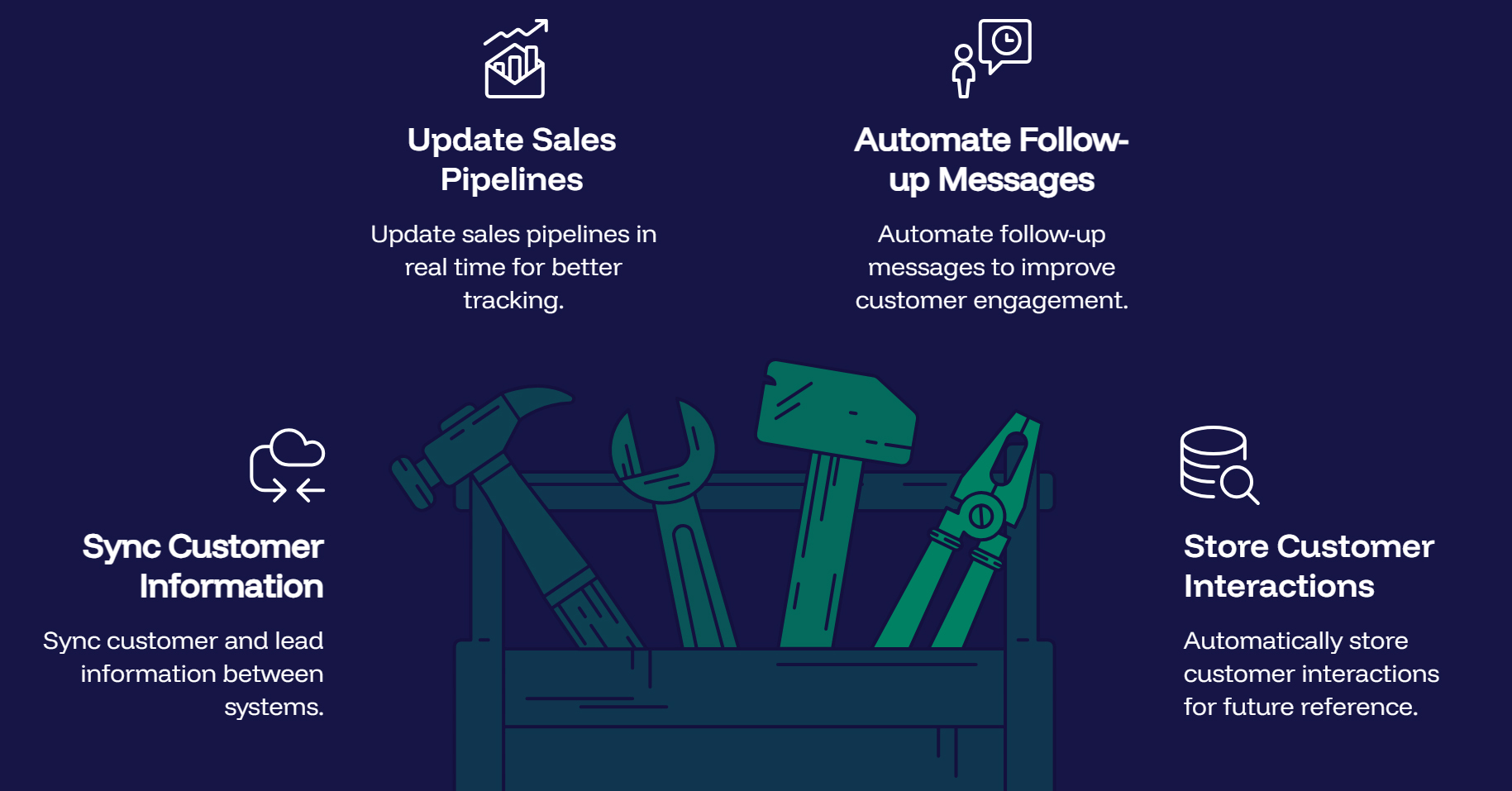
Integrate your CRM with TryowBOT API to:
- Sync customer and lead information
- Update sales pipelines in real time
- Automate follow-up messages
- Store customer interactions automatically
Integrate Your Website
Connect your website to:
- Capture contact form submissions
- Collect leads automatically
- Connect chatbot conversations
- Send instant notifications
- Automate appointment requests
Connect Other Business Tools
TryowBOT API supports integration with:
- CRM Platforms
- ERP Systems
- Payment Gateways
- E-commerce Platforms
- Helpdesk Software
- Marketing Automation Tools
- Inventory Management Systems
- Booking Systems
- Accounting Software
- Custom Business Applications
How to Connect TryowBOT API (Step-by-Step)
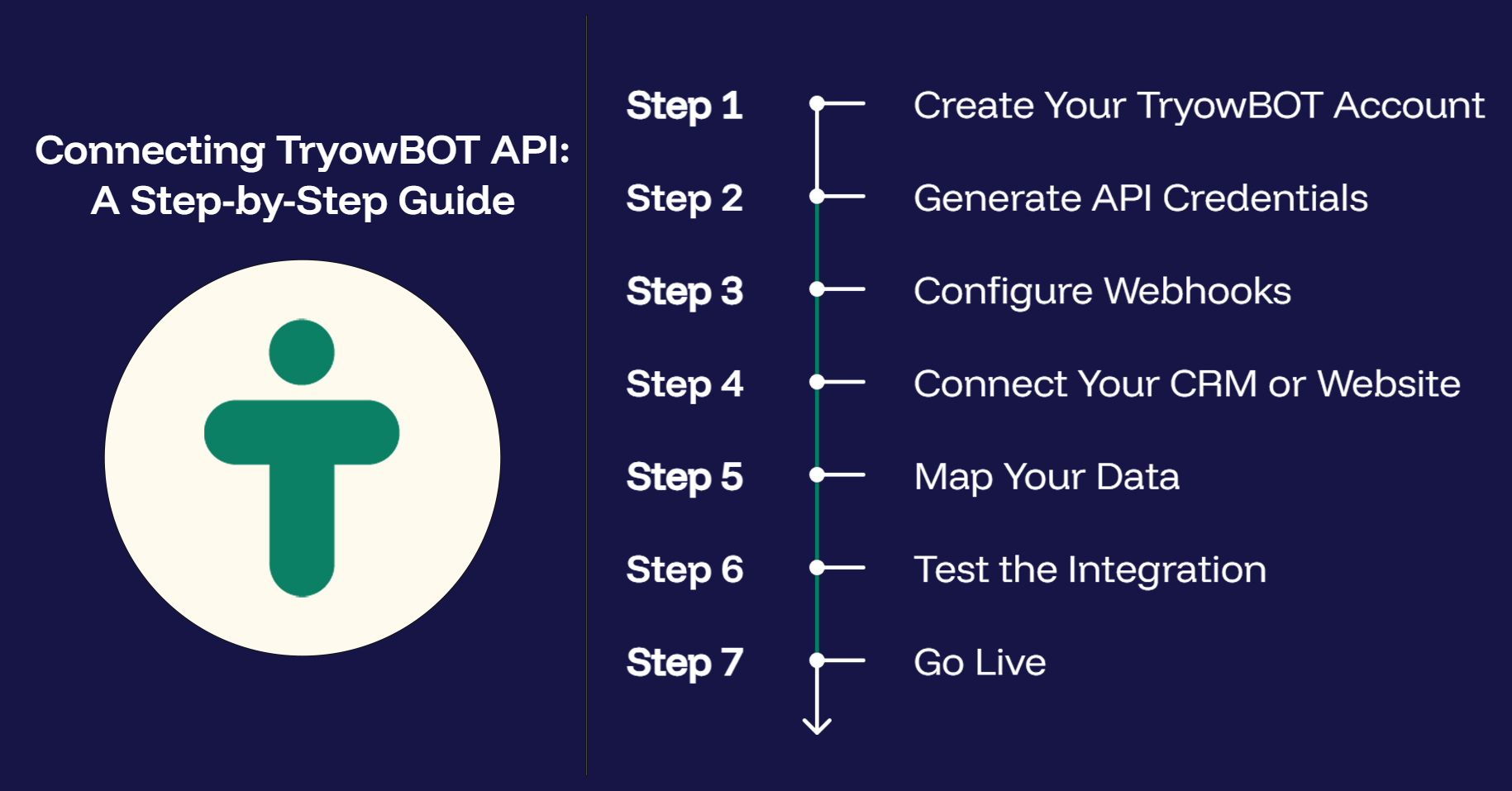
Step 1: Create Your TryowBOT Account
Register your business and complete the onboarding process.
Step 2: Generate API Credentials
Access your dashboard and generate your API Key and authentication credentials.
Step 3: Configure Webhooks
Set up webhook URLs to receive real-time events and notifications from TryowBOT API.
Step 4: Connect Your CRM or Website
Use the provided API endpoints to integrate your CRM, website, or business application.
Step 5: Map Your Data
Match customer fields, lead information, and workflow settings between your systems.
Step 6: Test the Integration
Verify that customer data, messages, and notifications are syncing correctly.
Step 7: Go Live
Once testing is complete, activate the integration and start automating your business workflows.
Key Benefits
- Centralized customer data
- Automated business workflows
- Faster customer communication
- Reduced manual effort
- Improved team productivity
- Secure and reliable API integration
- Easy scalability for growing businesses
Conclusion
Connecting your CRM, website, and business applications with TryowBOT API helps your business operate more efficiently through automation and real-time data synchronization. By following a simple integration process, you can streamline workflows, improve customer engagement, and reduce manual work.
Start integrating with TryowBOT API today and transform the way your business connects, communicates, and grows.