

Introduction:
In today’s fast-moving business world, customers expect quick and easy communication. To make appointment management smarter and more convenient, TryowBOT Whatsapp API introduces its latest feature, Smart Appointment Booking Automation.
With this feature, customers can directly book appointments through Whatsapp without needing additional apps or complicated booking processes. Businesses can now automate appointment scheduling, confirmations, and notifications in a simple and professional way.
This feature enables businesses to automate appointment scheduling directly through Whatsapp. Customers can easily book appointments, receive instant confirmations, and businesses can efficiently track and manage all appointment records with smart automation.
How to Set Up Appointment Booking in TryowBOT API – Step by Step
Managing customer appointments becomes simple and automated with TryowBOT Whatsapp API. Businesses can now allow customers to book appointments directly through Whatsapp with smart automation, instant confirmations, and easy tracking.
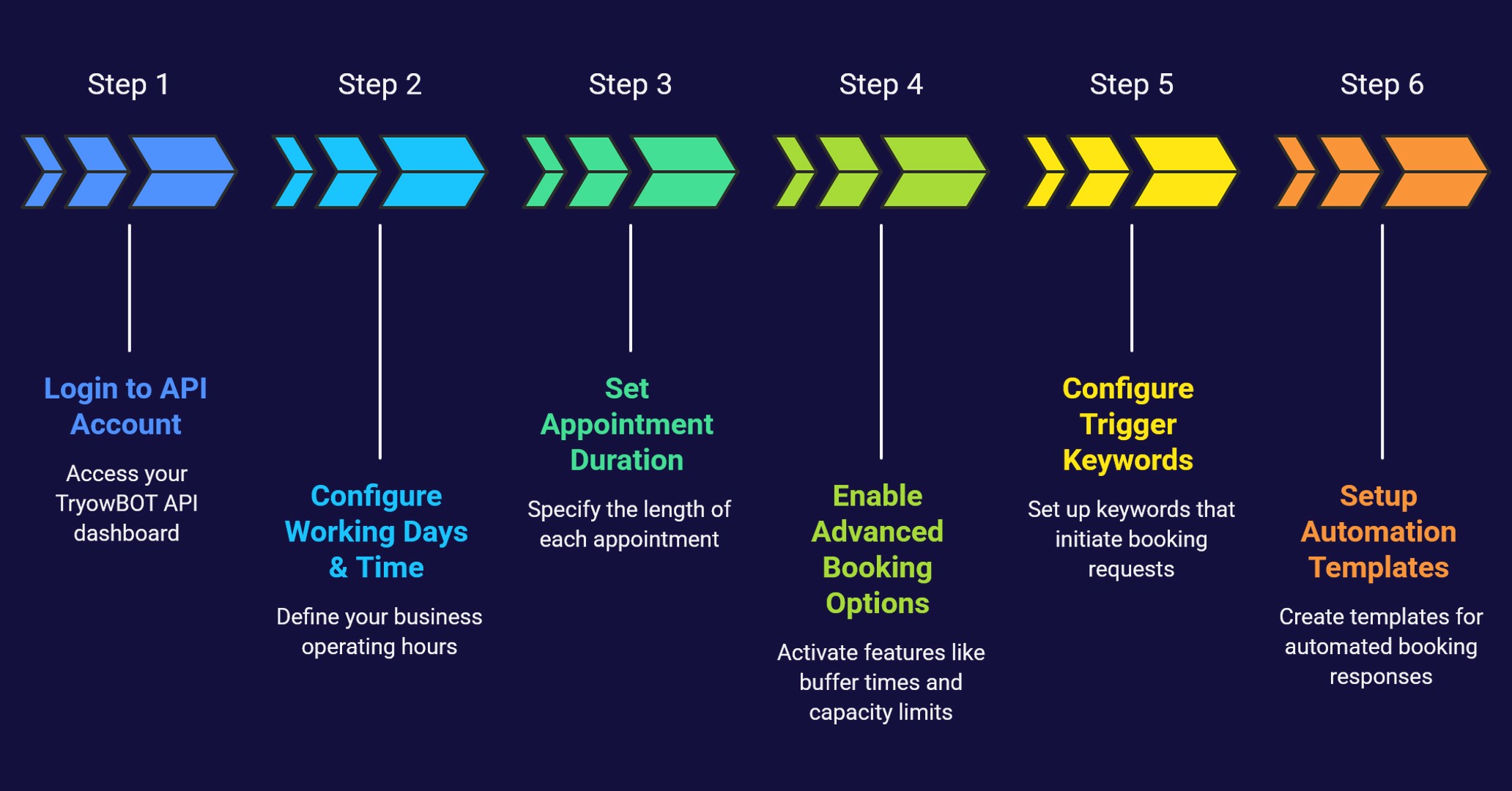
Here’s a step-by-step guide to setting up the Appointment Booking feature in TryowBOT API.
Step 1: Login to Your TryowBOT API Account
Start by logging into your TryowBOT API dashboard using your business account credentials.
After login:
- Go to Settings
- Select Appointment Settings
This section allows you to configure your entire appointment booking system.
Step 2: Configure Working Days & Time
The first setup option is your business working schedule.
Enable your working hours and set availability:
- Monday to Sunday availability
- Start working time
- End working time
Example:
- Working Hours: 9:00 AM to 9:00 PM
This helps the system display only available booking slots to customers.
Step 3: Set Appointment Duration
Next, configure the duration for each consultation or service appointment.
You can choose:
- 30 Minutes
- 1 Hour
- Custom duration based on your business needs
This setting helps automatically manage time slots and avoid overlapping bookings.
Step 4: Enable Advanced Booking Options
TryowBOT API also provides advanced appointment controls such as:
- Maximum bookings per day
- Appointment cancellation settings
- Reschedule options
- Advance booking enable/disable
- Business booking policies and terms
These features help businesses to maintain organized scheduling and better customer management.
Step 5: Configure Trigger Keywords
The appointment booking system works based on trigger keywords.
Example Trigger Keyword: “Book Your Appointment”
When customers send this keyword on Whatsapp, the appointment booking flow automatically starts and it shows the available time slots.
Customers can then:
- Select date and time
- Confirm booking
- Receive instant acknowledgment
Step 6: Setup Booking Automation Templates
After booking, businesses can automate Whatsapp notifications using templates.
Templates can be configured for:
- Booking Confirmation Message
- Appointment Reminder
- Cancellation Message
- Reschedule Notification
- Thank You Messages
Default templates can be customized according to your business requirements and branding.
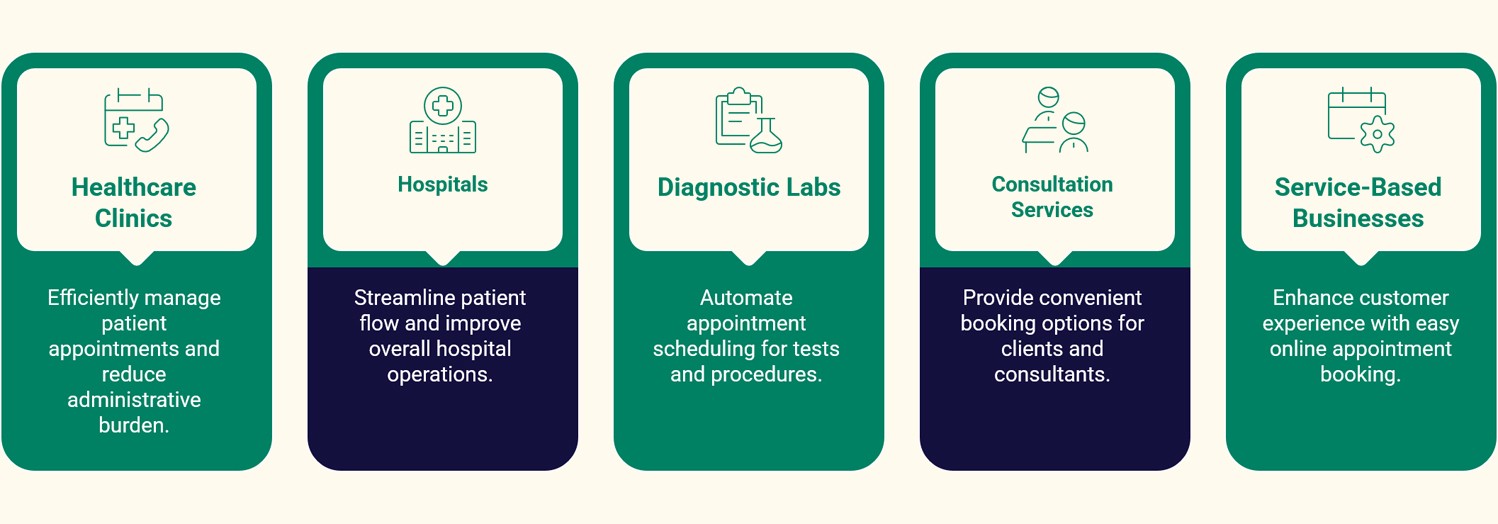
Smart Automation for Every Business
TryowBOT Appointment Booking is highly useful for:
- Healthcare Clinics
- Hospitals
- Diagnostic Labs
- Consultation Services
- Service-Based Businesses
Conclusions:
TryowBOT API’s Appointment Booking feature allows businesses to automate customer scheduling through Whatsapp. With working hour setup, trigger keyword automation, booking templates, and advanced appointment management, businesses can efficiently manage customer appointments and improve communication with ease.