














Manage Customer Activities From the Customer View
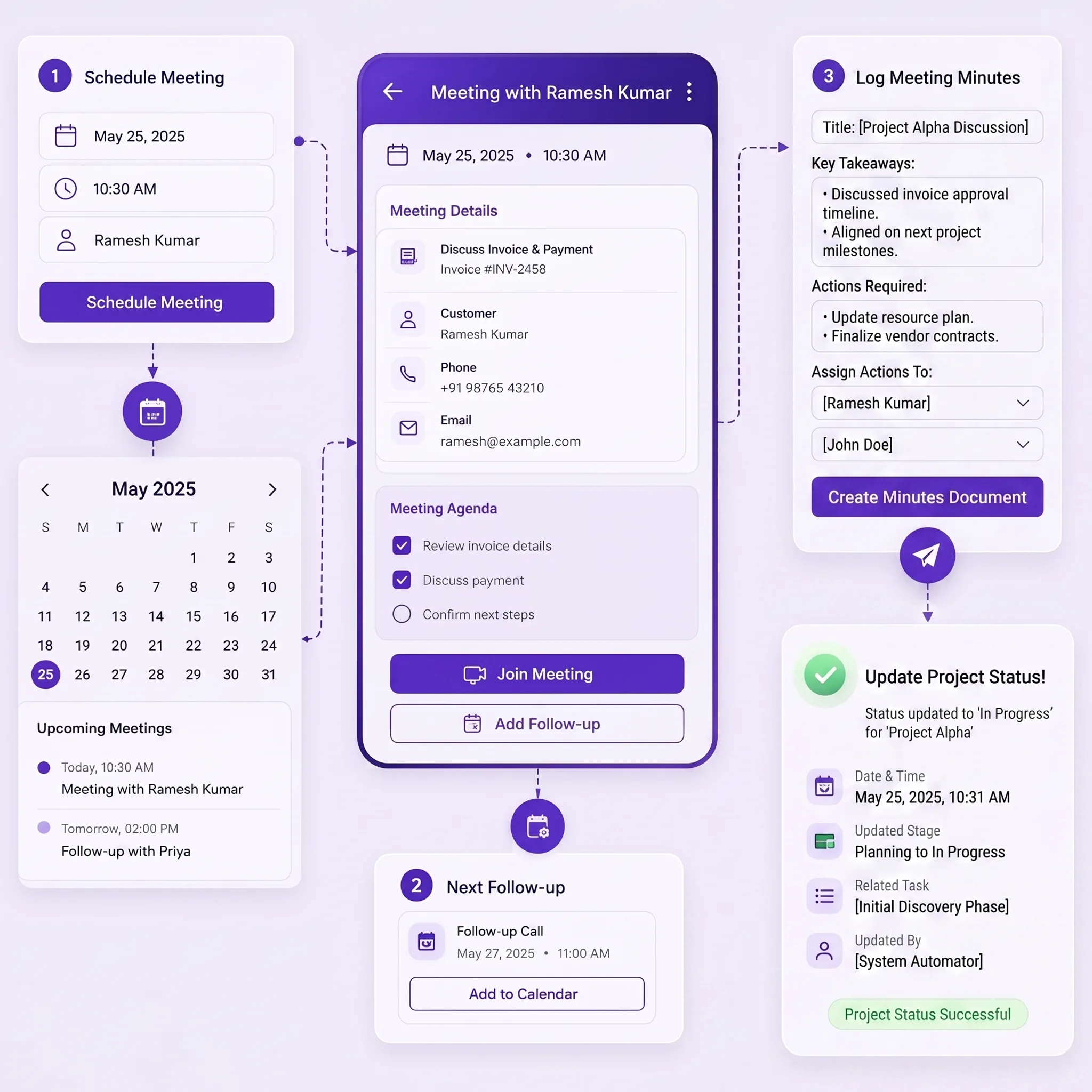
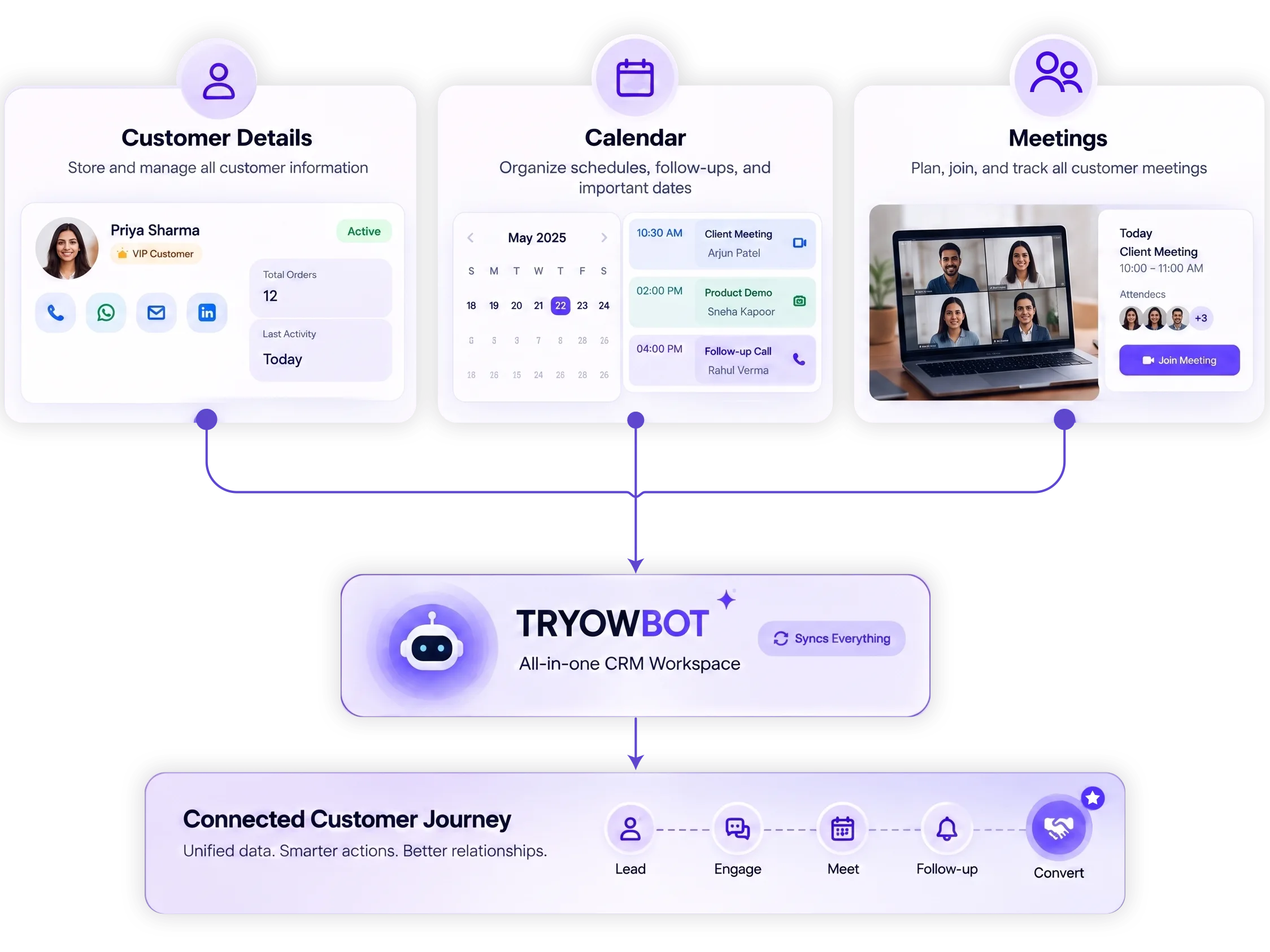
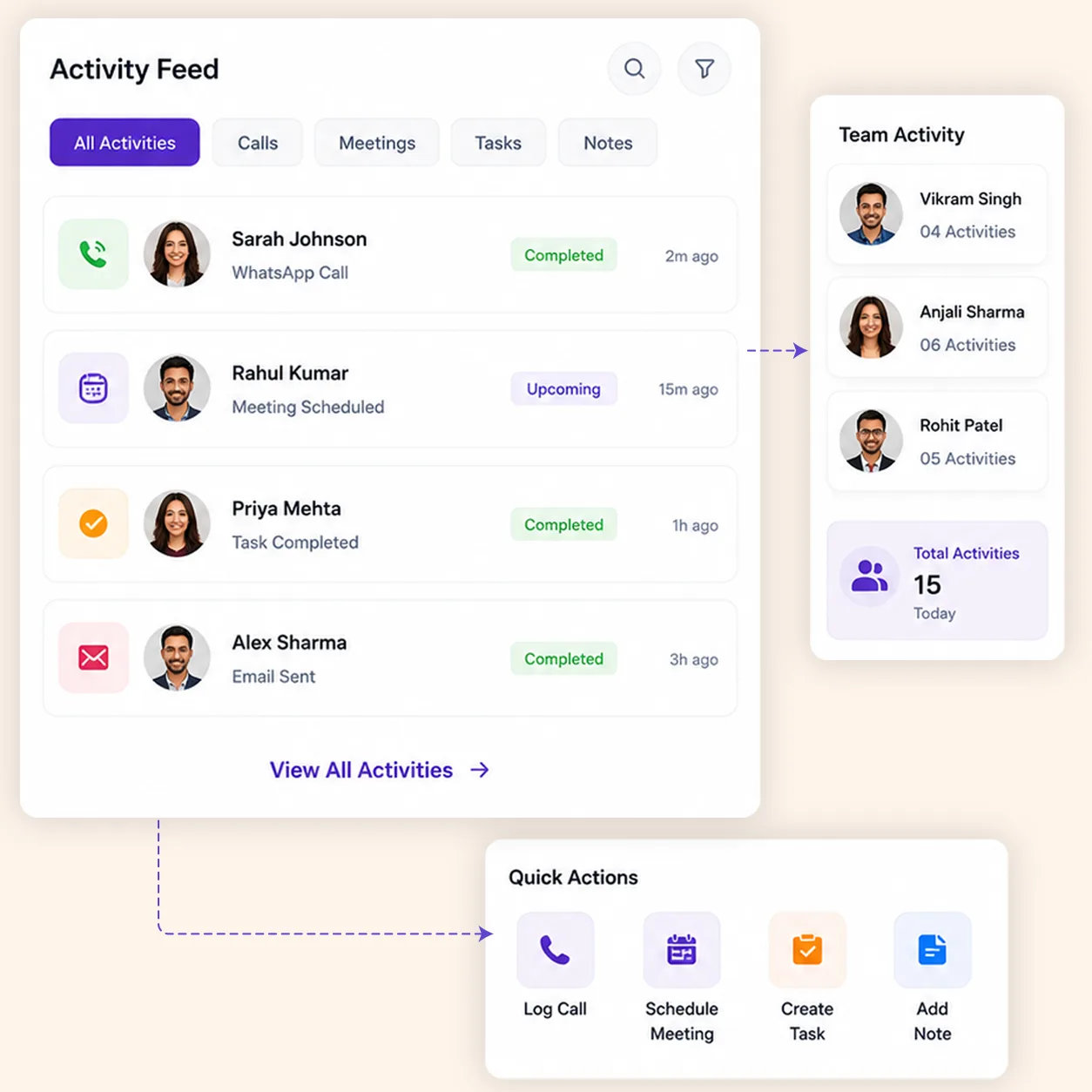
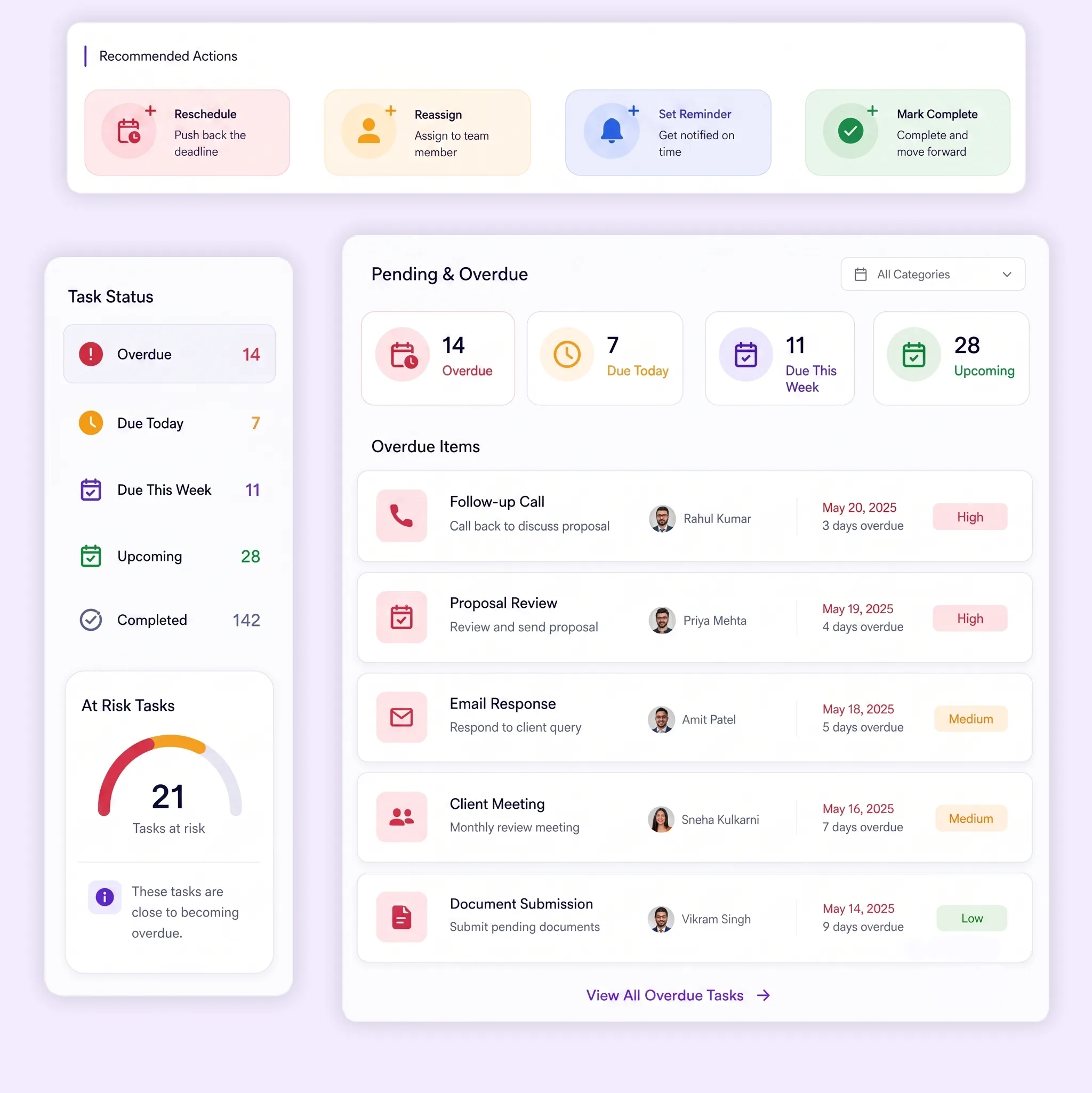
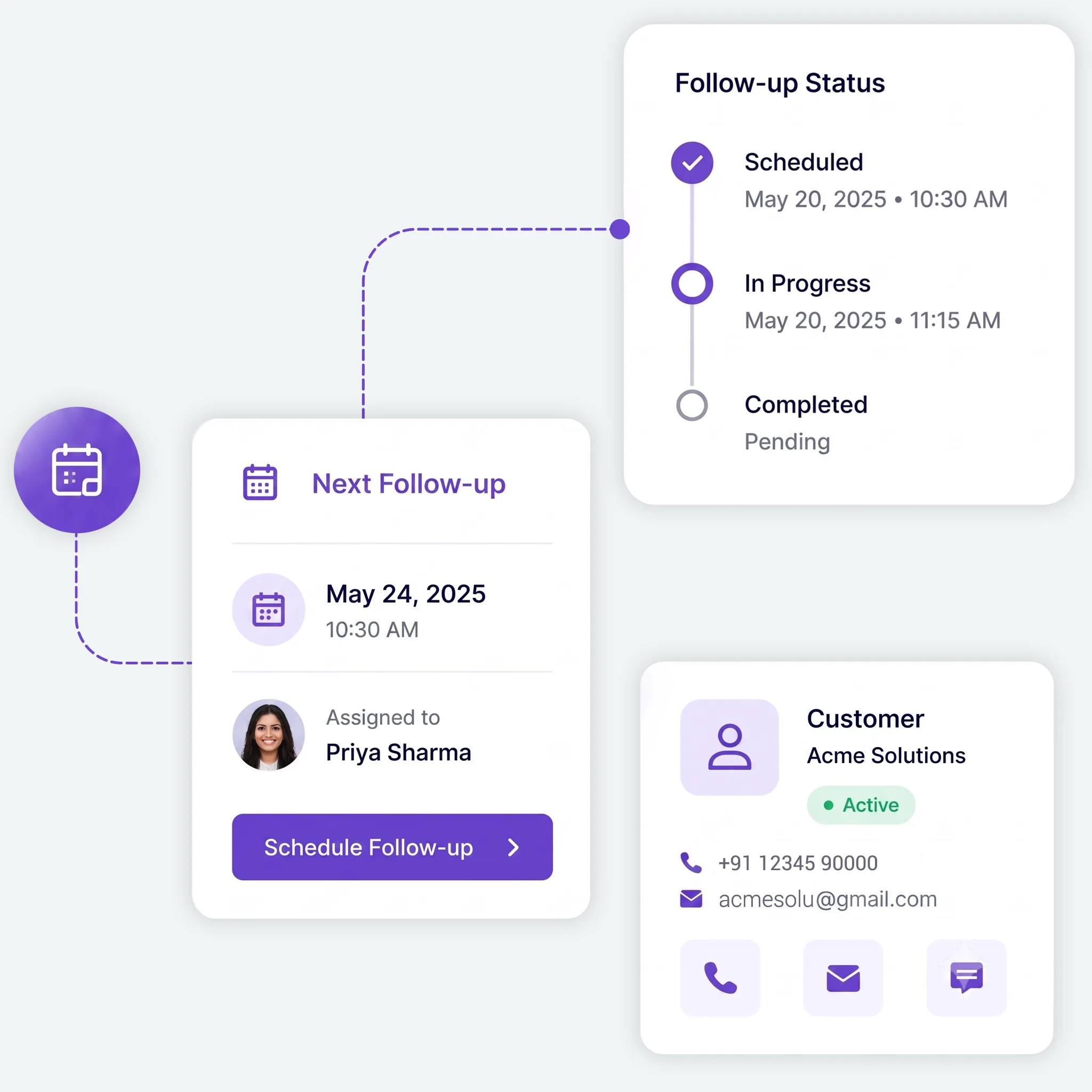
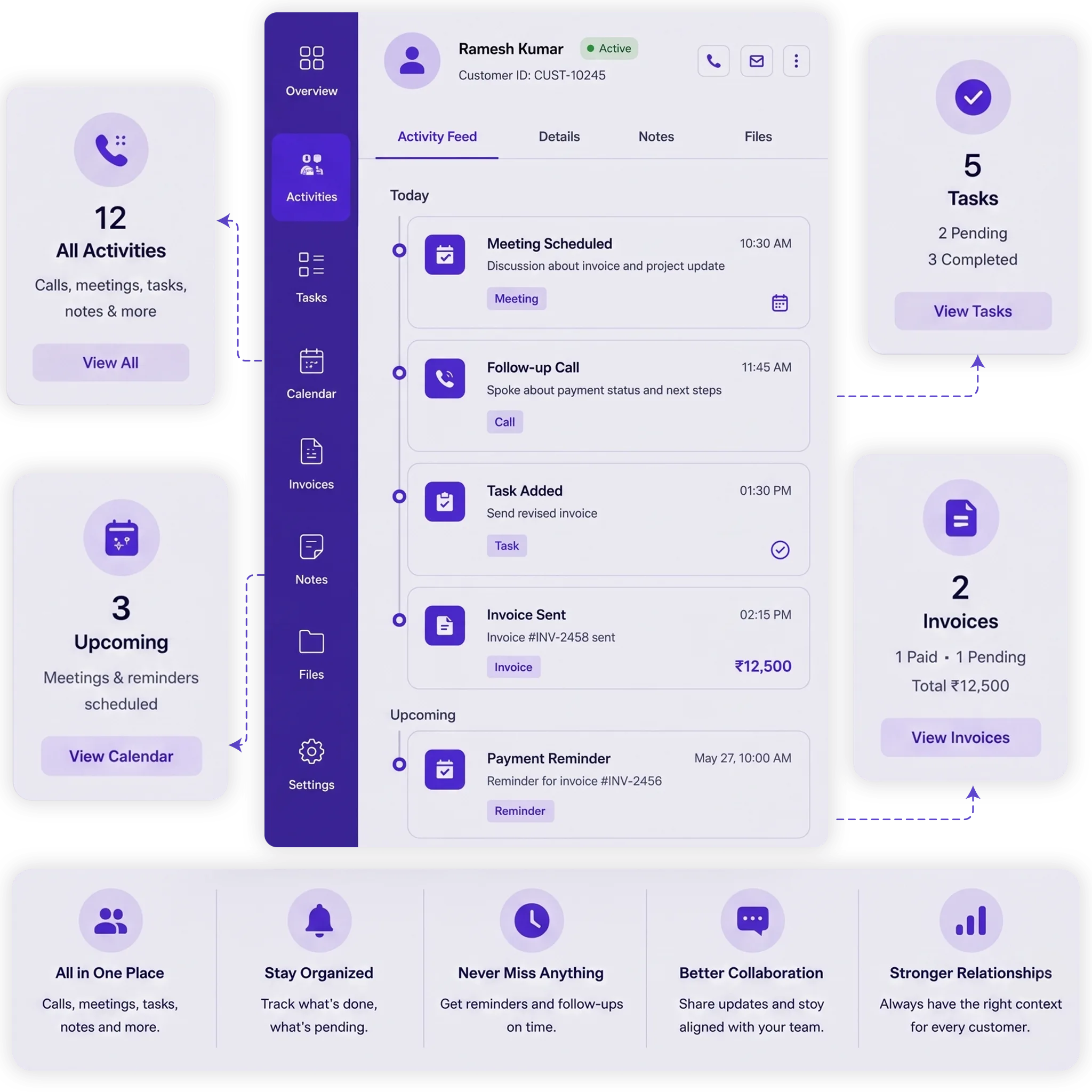
Open a customer and manage all related tasks and follow-ups from one place. Your team can complete, edit, or delete tasks whenever needed, while Calendar changes stay updated automatically.
Customer View
Open a customer to see their related tasks and follow-ups. Manage the work without searching through separate screens.
Complete or Update Tasks
Mark tasks as completed, edit task details, or remove activities when they are no longer needed.
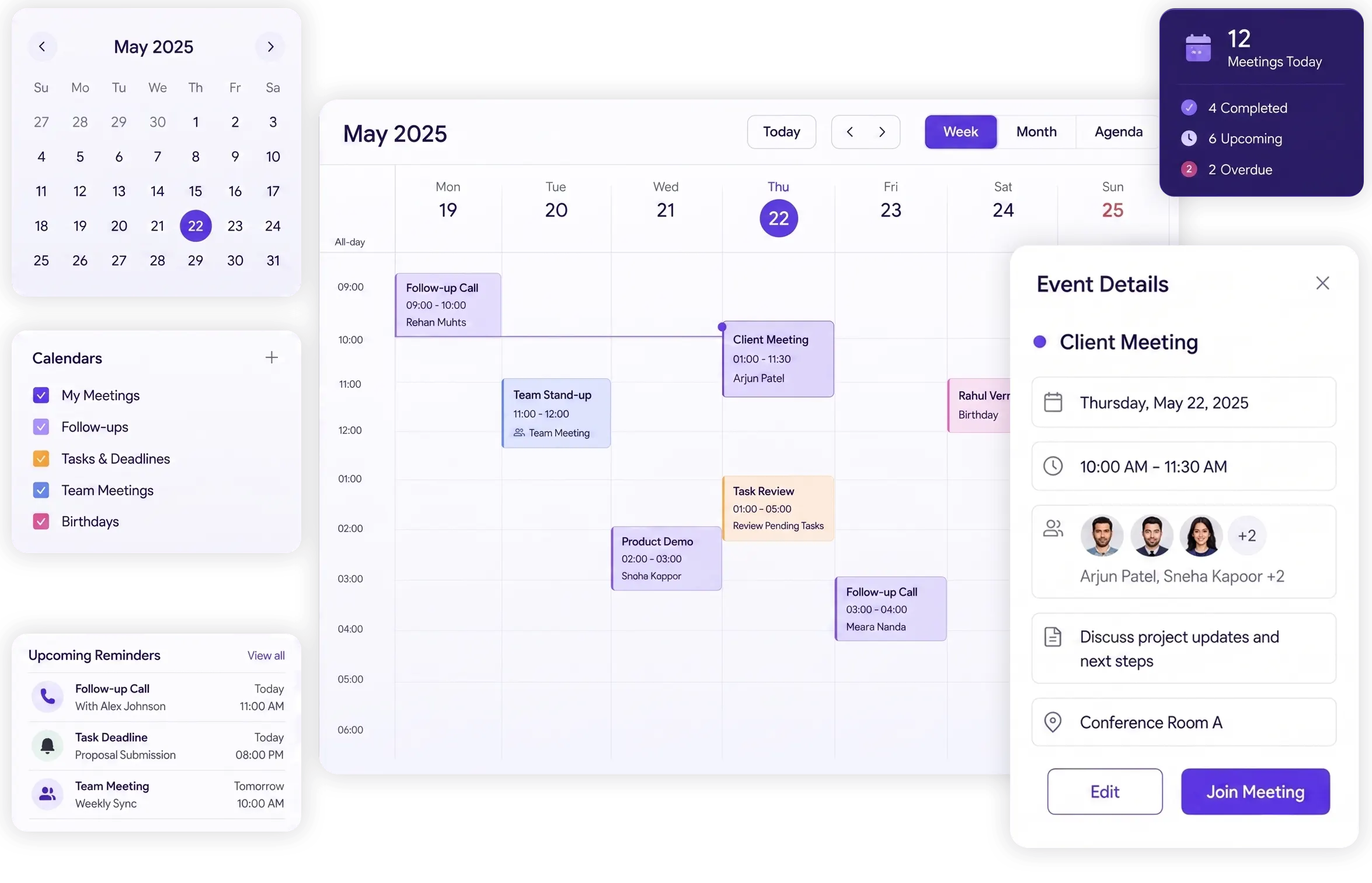
Keep Calendar Updated
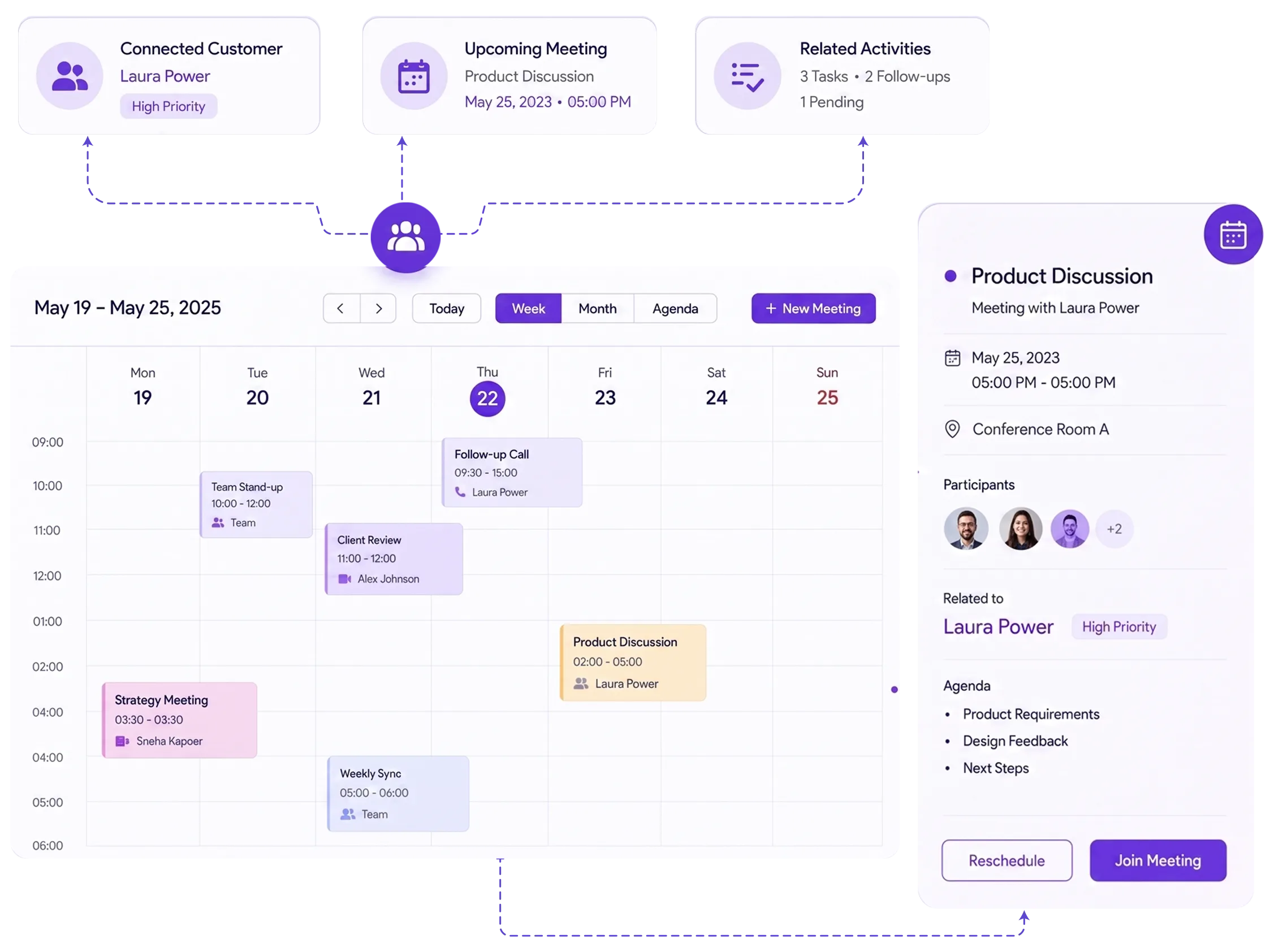
Changes made to customer activities are reflected on your Calendar, keeping your schedule up to date.
Create Tasks With AI Quick Action
Tell TryowBOT what you need to schedule and mention the customer. AI creates the task and adds it to your Calendar.