














TryowBOT WhatsApp Broadcast

Reach More Customers with WhatsApp Broadcasts

Send targeted WhatsApp campaigns to the right audience using approved templates, personalized messages, and flexible scheduling.

Reach More Customers with WhatsApp Broadcasts

Trusted by Growing Businesses

Helping businesses connect with customers through WhatsApp.
a2c
aara
ampere
avatar financial Group
Avira organics
Care Dental Hospital
Cash Bazzar
Crestluxe Realty
Ekatrika
Family Medicals
Kottakal Farook Arts and Science College
Maruthi School of Banking
Shop Surgicals
Yamaha
Royal Enfield

Helping You to Reach More Audience In Three Different Ways

Broadcast

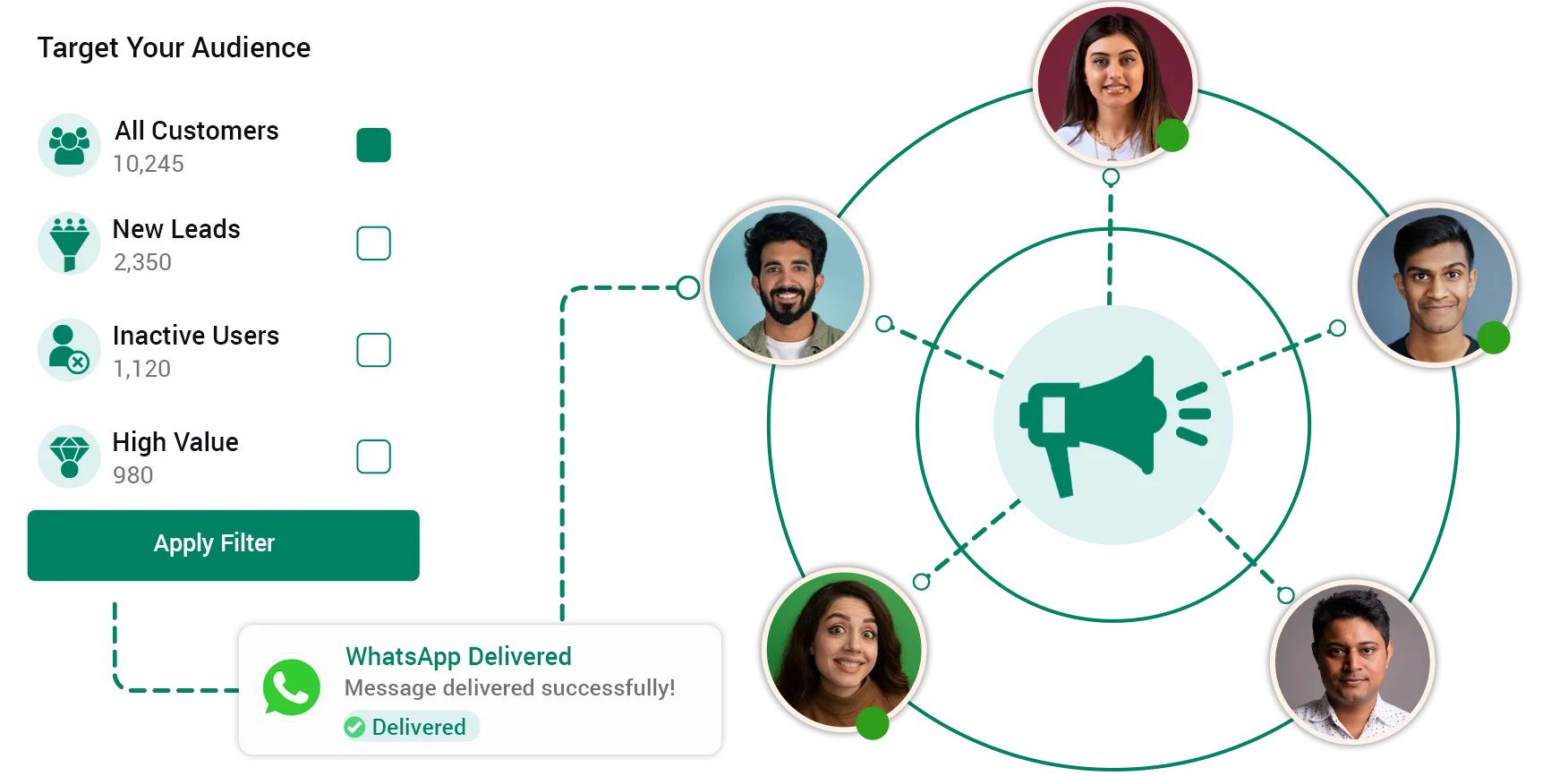
Select contacts from your existing TryowBOT contact list and send targeted campaigns using approved templates.

Dynamic Broadcast

Upload a CSV contact list and send campaigns to customers who are not already in your TryowBOT contacts.

API Broadcast

Connect your application with TryowBOT and trigger WhatsApp template messages automatically through API requests.

KEY FEATURES

Everything You Need to Run WhatsApp Campaigns

Contact-Based Broadcasting

Contact-Based Broadcasting

Select contacts from your TryowBOT audience and send approved WhatsApp messages through a single broadcast campaign.

Approved WhatsApp Templates

Approved WhatsApp Templates

Choose approved WhatsApp templates for promotions, updates, offers, alerts, and other customer communications.

Smart Audience Selection

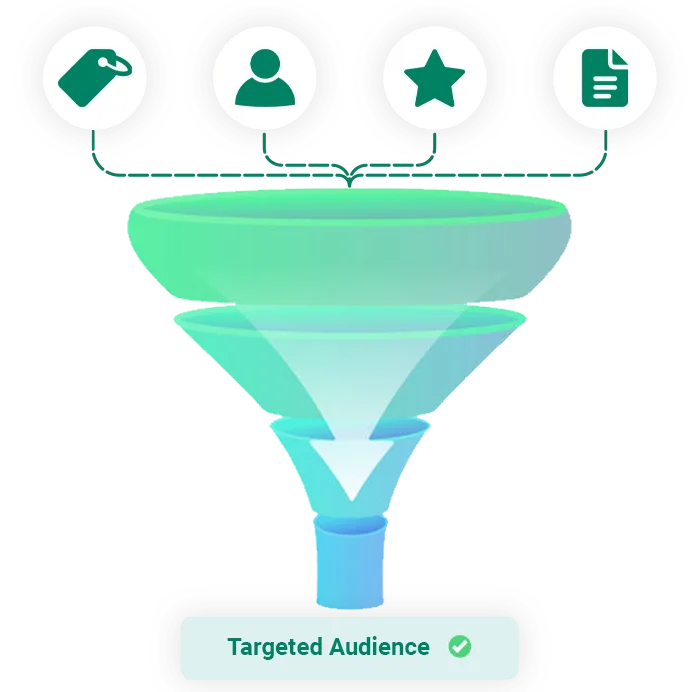
Select the right contacts for each broadcast using tags, source, and other available audience filters.

Smart Audience Selection

Personalized Messages

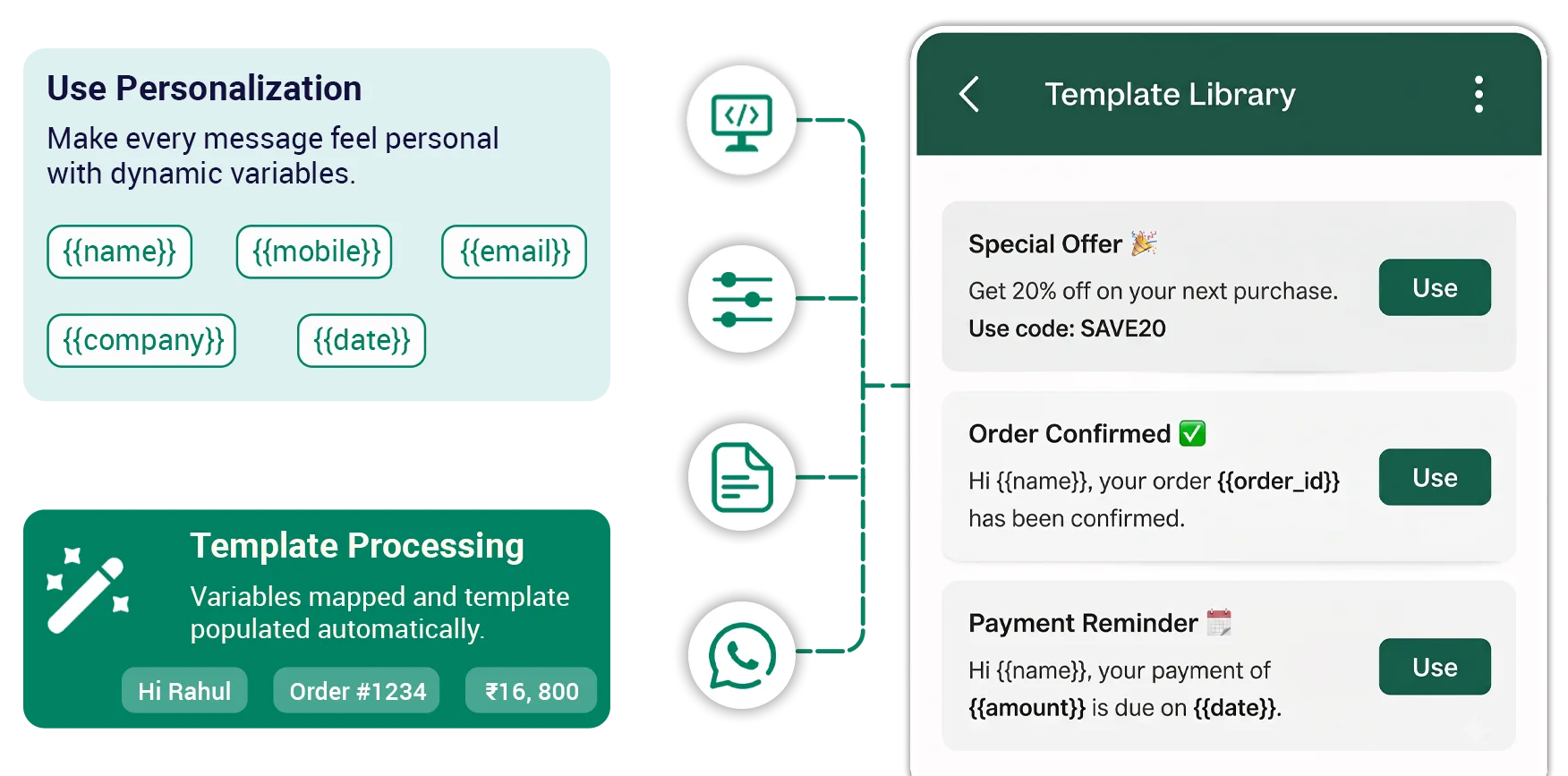
Add customer-specific information to your templates using available contact details and mapped template variables.

Personalized Messages

Campaign Scheduling

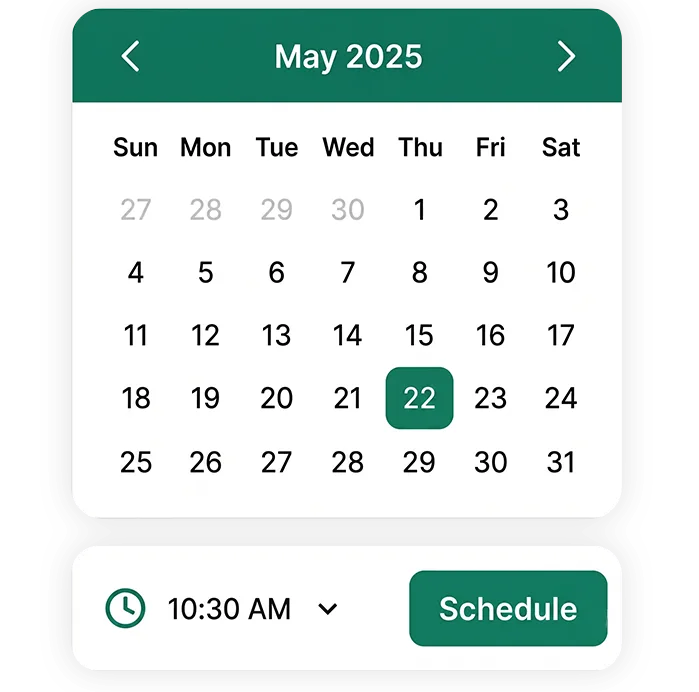
Send your broadcast immediately or schedule it for a specific date and time based on your campaign requirements.

Campaign Scheduling
BROADCAST TYPES

Three Ways to Send WhatsApp Broadcasts

Broadcast

Broadcast

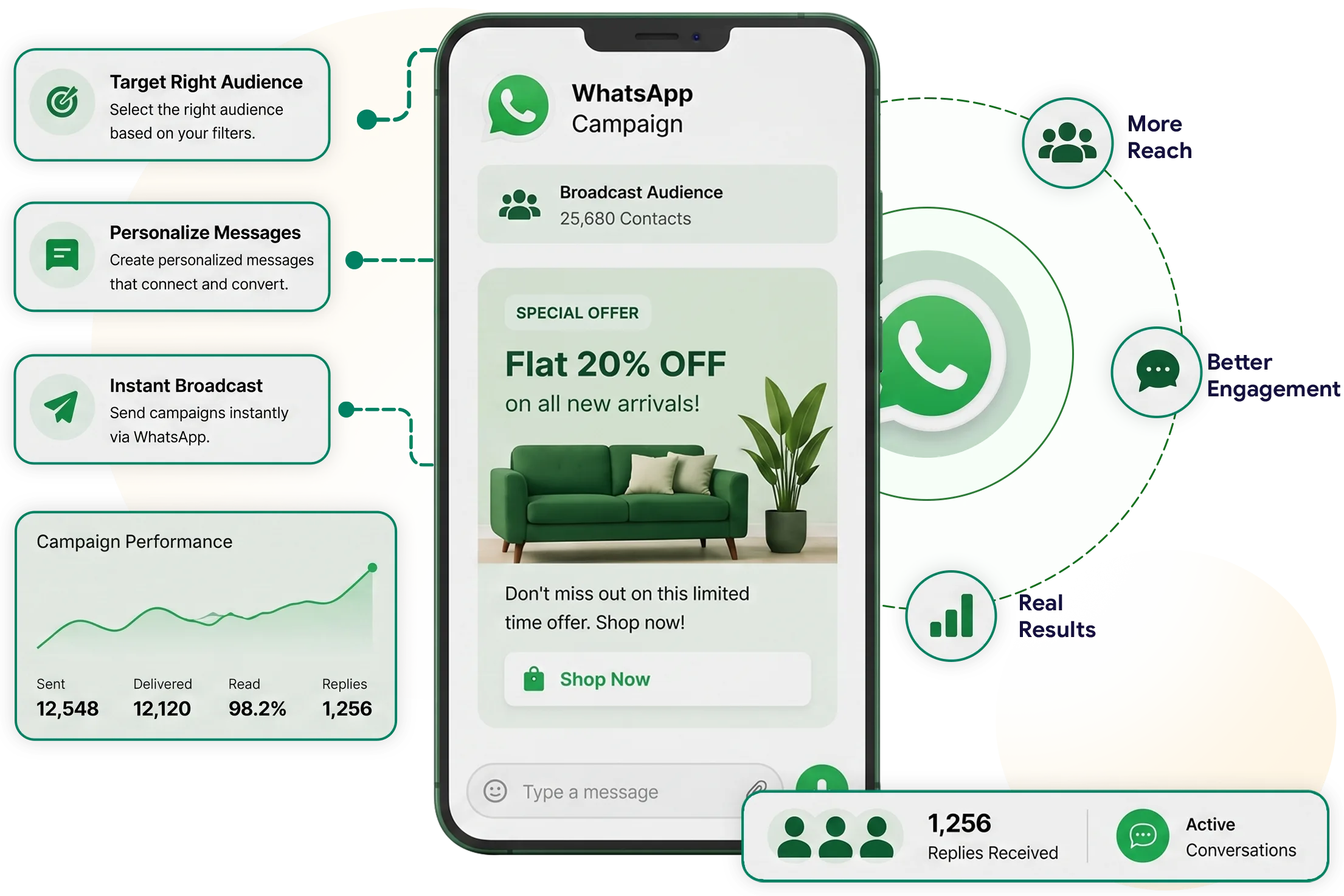
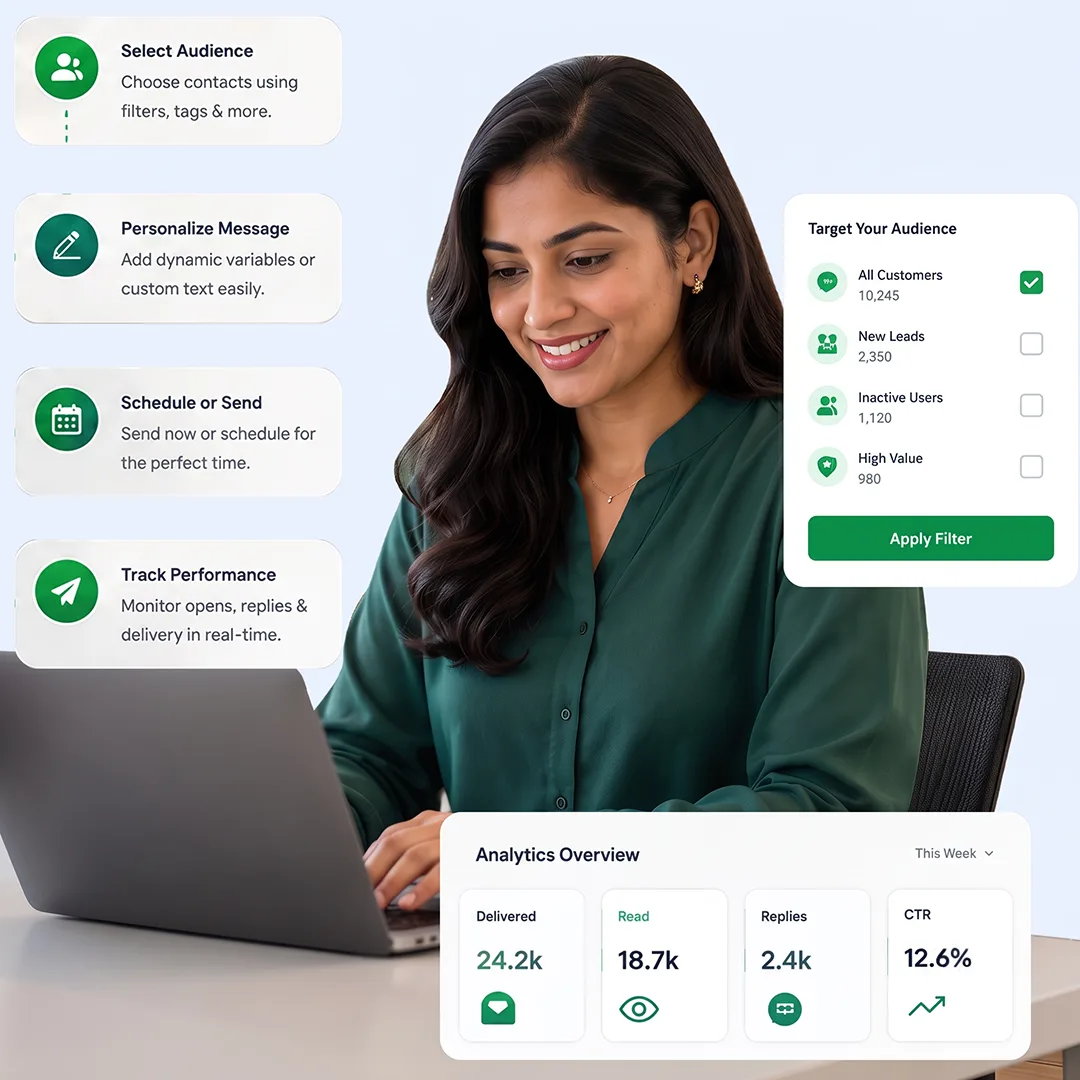
Create targeted WhatsApp broadcast campaigns using contacts already available in your TryowBOT account. Select audiences using filters, tags, assignments, or other available criteria.

Personalize messages by mapping customer details such as name, mobile number, email, company name, or static text to template variables. Send campaigns immediately or schedule them for later.

Use WhatsApp Broadcast for promotions, offers, product updates, announcements, reminders, and customer communications. Continue conversations directly when customers respond.

Dynamic Broadcast
Dynamic Broadcast

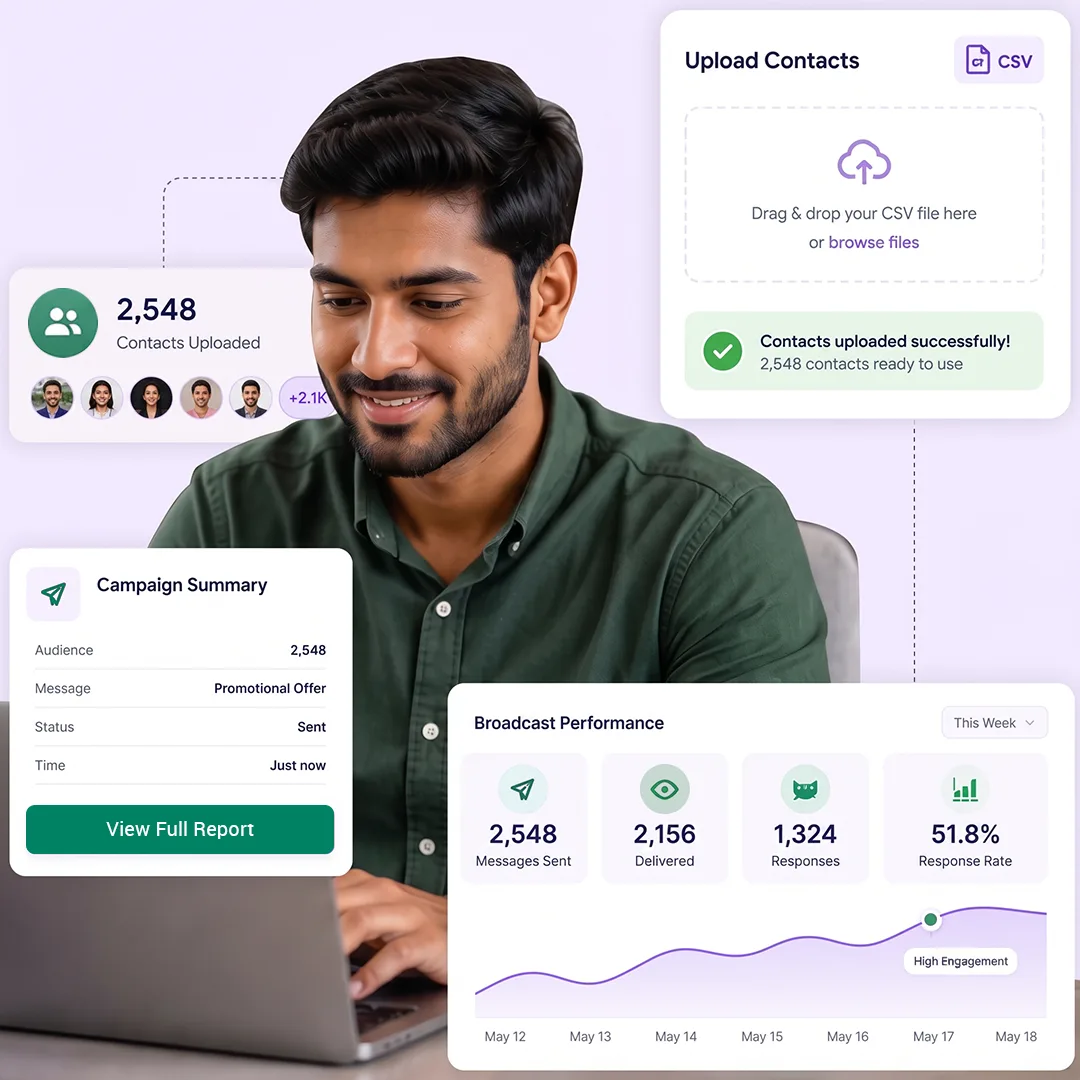
Send WhatsApp campaigns to customers outside your existing TryowBOT contacts. Upload a CSV file containing the contact list and use it as your campaign audience.

Send WhatsApp campaigns to customers outside your existing TryowBOT contacts. Upload a CSV file containing the contact list and use it as your campaign audience.

Reach external customer lists, event participants, new leads, and other contacts collected outside TryowBOT. Manage the entire broadcast from one campaign setup.

API Broadcast

API Broadcast

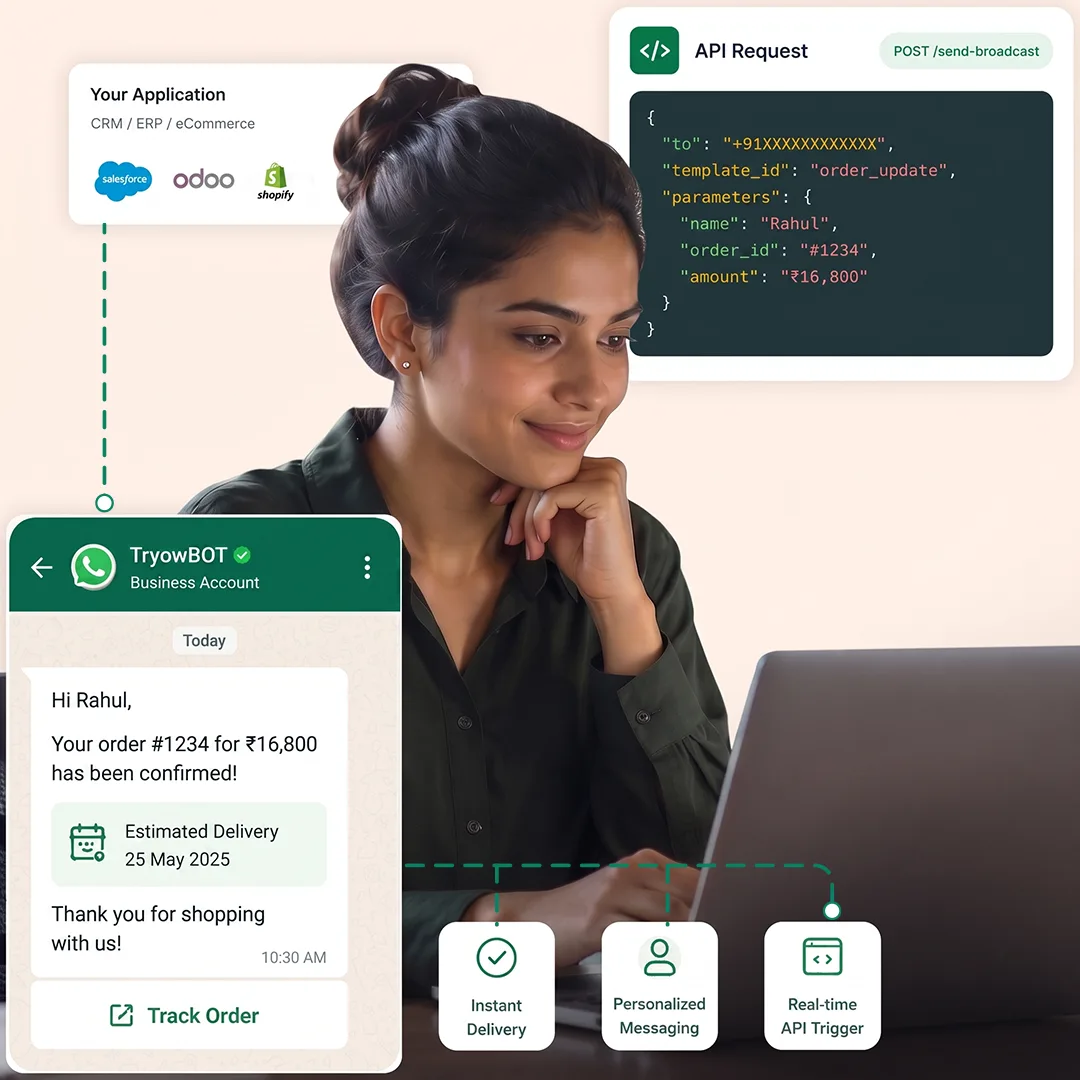
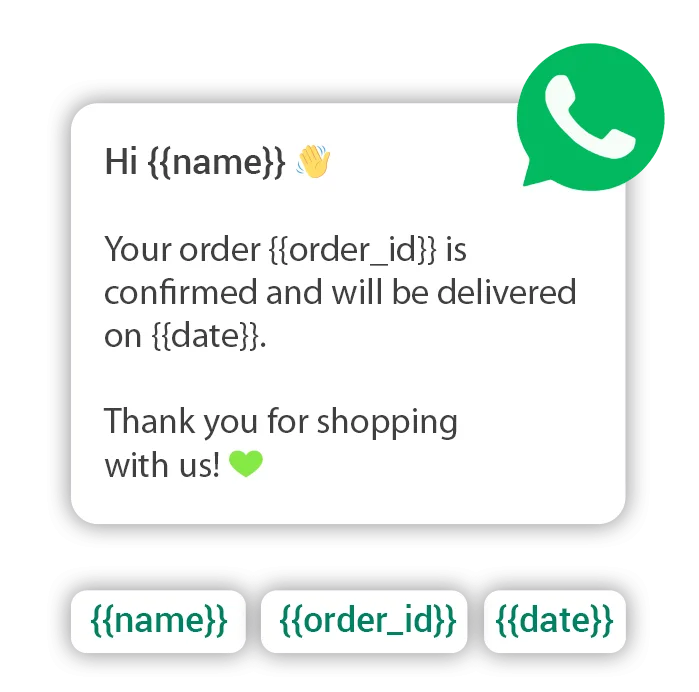
Connect your existing software with TryowBOT through an API Broadcast. Select an approved WhatsApp template and define the variables your application will provide.

When your application calls the API, it sends the required customer values with the request. TryowBOT uses these values to populate the selected template before sending.

Use API Broadcast with CRM, ERP, eCommerce, booking, and other business applications. Trigger relevant WhatsApp messages directly from your existing software.

ALL BROADCASTS

Retarget and Re-engage with the Right Audience

Retarget users from any completed or active broadcast based on their engagement status. Send follow-up messages to those who didn't respond or didn't convert.

01
Select Retarget Audience

Choose the retarget option and select the engagement status of users you want to reach.

02
Set Schedule

Choose to send the retarget broadcast immediately or schedule it for a later time.

03
Select Template & Map Variables

Choose an approved WhatsApp template and map the required variables to your customer data.

04
Preview & Send

Review the message and mapped audience, then send the retarget broadcast to selected users.

Reach Customers With Targeted WhatsApp Campaigns

Send promotions, product updates, announcements, offers, and important business messages directly to your customers on WhatsApp.

With TryowBOT, create broadcasts, select your audience, use approved templates, personalize messages, and schedule campaigns based on your communication needs.

Keep every campaign focused and timely. When customers respond, your team can continue the conversation directly through WhatsApp.

Reach Customers With Targeted WhatsApp Campaigns
3

Broadcast Types

Reach customers through contact, CSV, or API-based broadcasts.

100%

Template-Based Messaging

Use approved WhatsApp templates for every broadcast campaign.

24/7

Campaign Flexibility

Send campaigns immediately or schedule them for a later time.

Integrations

Get more value from your tools

Connect your tools, connect your teams. With over 200 apps already available in our directory, your team’s favourite tools are just a click away.

Ready to Reach More Customers on WhatsApp?

Create targeted broadcasts, send personalized messages, retarget engaged users, and manage your WhatsApp campaigns from one platform.

Book a Demo
Avatar-image Avatar-image Avatar-image Avatar-image
+8
10,000+ Businesses trust TryowBOT

Frequently Asked Questions