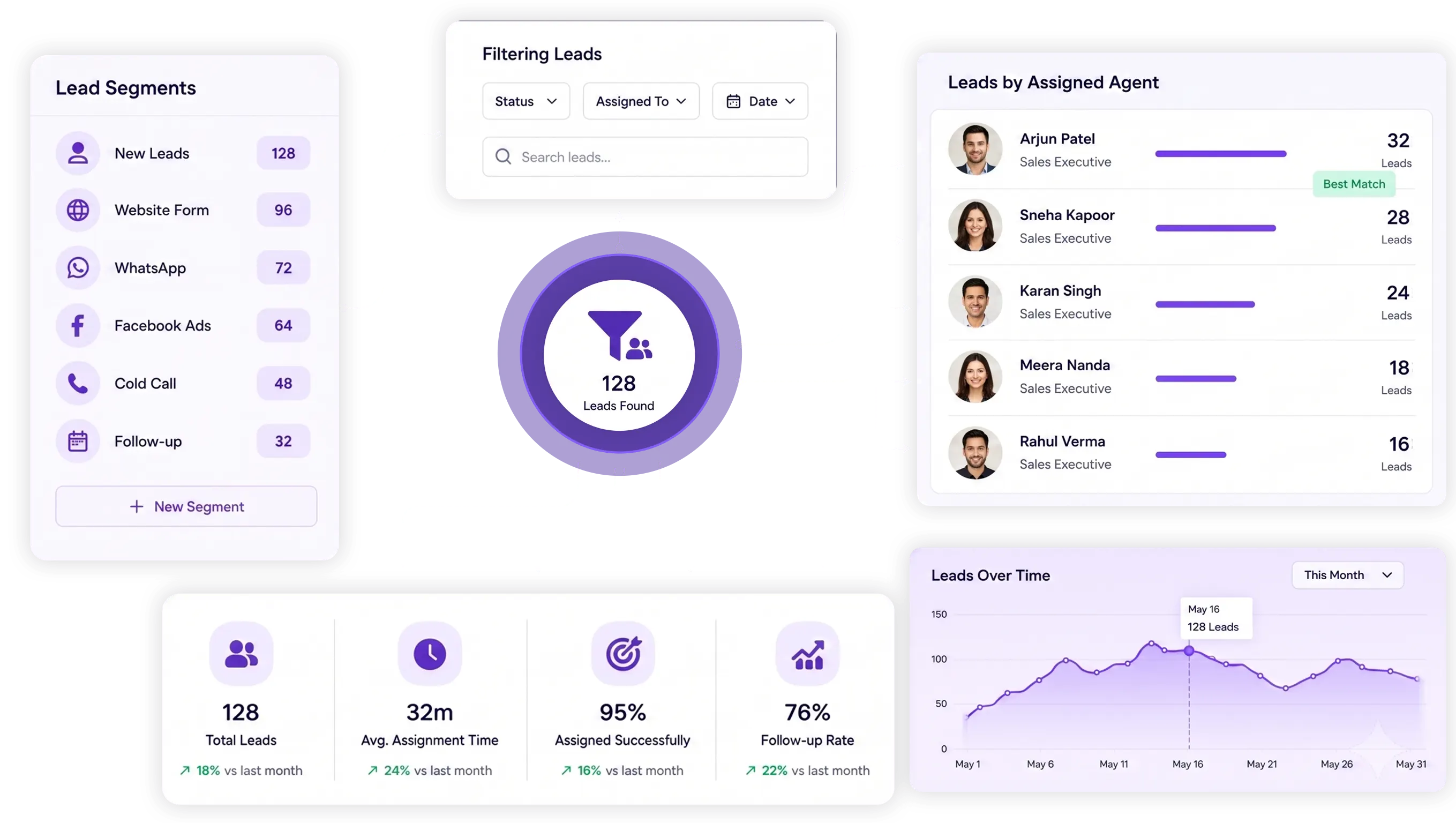















TryowBOT Crm Lead Segmentation

Segment Your CRM Leads and Find the Right Leads Faster

Organize your CRM leads by group, source, status, assigned agent, follow-up date, and search. Find the leads you need and manage them without going through the entire lead list.

Segment Your CRM Leads and Find the Right Leads Faster

Trusted by Growing Businesses

Helping businesses simplify CRM, sales, and customer management.
a2c
aara
ampere
avatar financial Group
Avira organics
Care Dental Hospital
Cash Bazzar
Crestluxe Realty
Ekatrika
Family Medicals
Kottakal Farook Arts and Science College
Maruthi School of Banking
Shop Surgicals
Yamaha
Royal Enfield

A Long Lead List Does Not Tell Your Team What to Do Next

1

Important Leads Get Lost in Large Lead Lists

When new, qualified, inactive, and converted leads stay in one list, your team may struggle to find the leads that need attention.

2

Different Leads Need Different Attention

Leads can come from different sources, groups, locations, and sales agents. Viewing them separately makes daily lead management easier.

3

Manual Lead Sorting Slows Down Your Team

Searching, filtering, and creating separate lead lists manually takes time. It also makes it harder to keep lead groups organized as your CRM grows.
CRM Lead Segmentation

What Is CRM Lead Segmentation?

CRM lead segmentation is the process of organizing leads into smaller groups based on specific information stored in your CRM.

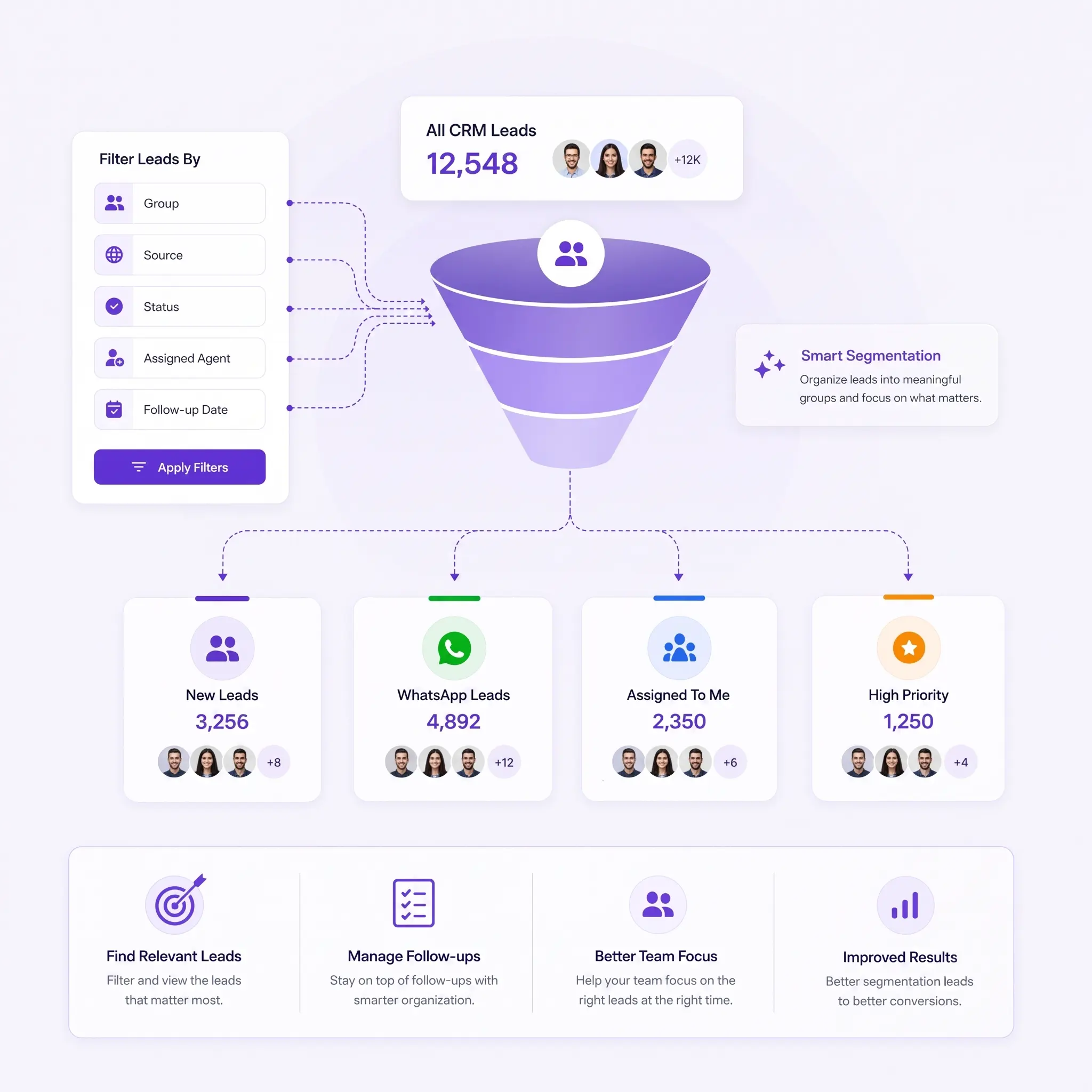
Instead of viewing every lead together, your sales team can narrow the lead list using details such as group, source, status, assigned agent, or follow-up date.

For example, a sales agent can view only leads assigned to them, while a marketing team can find leads from a specific source.

This makes it easier to find relevant leads, manage follow-ups, and focus on the leads that need attention.

LEAD SEGMENTATION

Find the Right Leads With Simple CRM Filters

Search and filter your CRM leads by group, source, status, assigned agent, and follow-up date.

Search Leads

Quickly search your CRM to find a specific lead without going through the entire lead list.

By Group

View and organize leads based on the specific group they belong to in your CRM system.

By Source

Find leads based on where they came from, such as WhatsApp, website, campaigns, or referrals.

By Status

View leads based on their current status, such as new, contacted, qualified, or converted.

By Assigned

View leads assigned to a specific sales agent and keep lead ownership clearly organized.

By Follow-Up Date

Find leads based on their follow-up date and quickly identify leads that need attention.

HOW IT WORKS

Find the Right Leads in Four Simple Steps

Search your CRM, choose a filter, review the matching leads, and continue with your sales activities.

01
Select Criteria

Choose source, group, status, assignment, or activity fields.

02
Add Conditions

Combine multiple conditions to create a focused lead segment.

03
Preview Leads

Review matching leads before taking action.

04
Take Action

Assign leads, create follow-ups, send messages, or start campaigns.

Take Action on the Leads You Find

Take Action on the Leads You Find

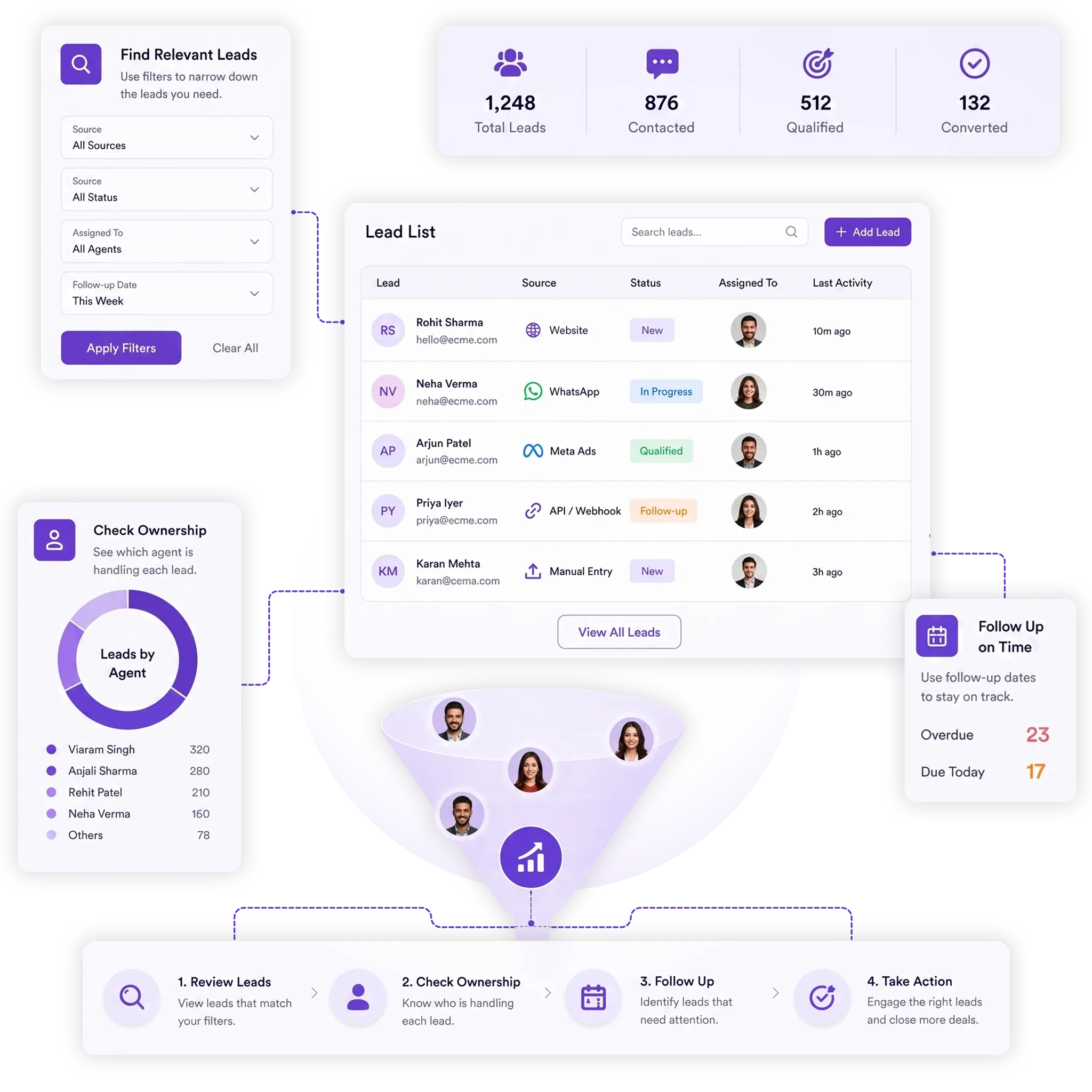
Use CRM filters to find the leads you need, then manage those leads from your lead list. Quickly review lead details, check ownership, and follow up with the right prospects.

Review Relevant Leads

View the leads that match your selected group, source, status, assigned agent, or follow-up date.

Check Lead Ownership

See which sales agent is handling each lead and keep responsibility clear across your sales team.

Follow Up at the Right Time

Use follow-up dates to identify leads that need attention and keep your sales activities organized.

Integrations

Get more value from your tools

Connect your tools, connect your teams. With over 200 apps already available in our directory, your team’s favourite tools are just a click away.

Ready to Find the Right Leads Faster?

Create focused lead segments, filter your CRM data, and help your sales team act on the leads that matter most.

Book a Demo
Avatar-image Avatar-image Avatar-image Avatar-image
+8
10,000+ Businesses trust TryowBOT

Frequently Asked Questions