














Build Workflows Around Three Simple Concepts
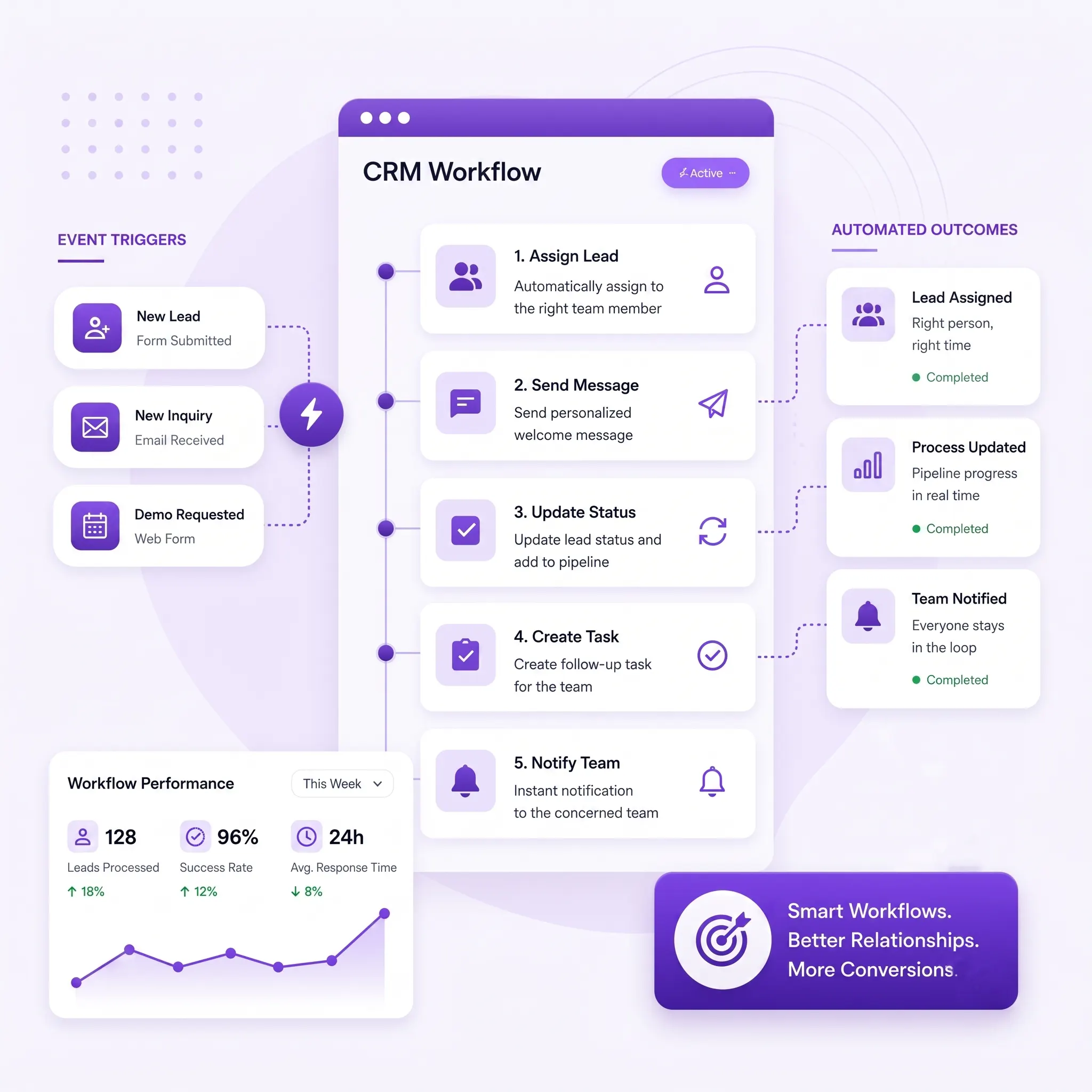
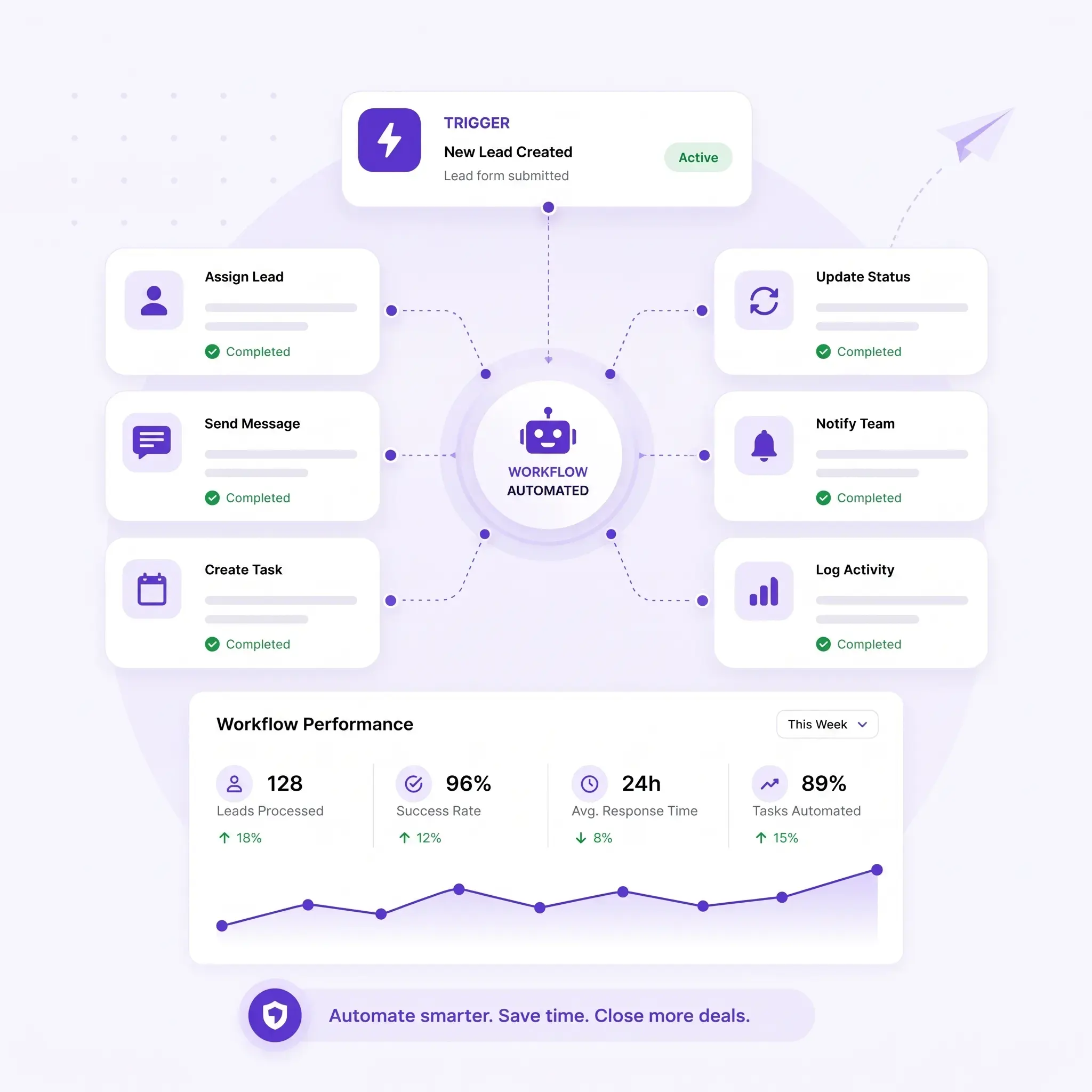
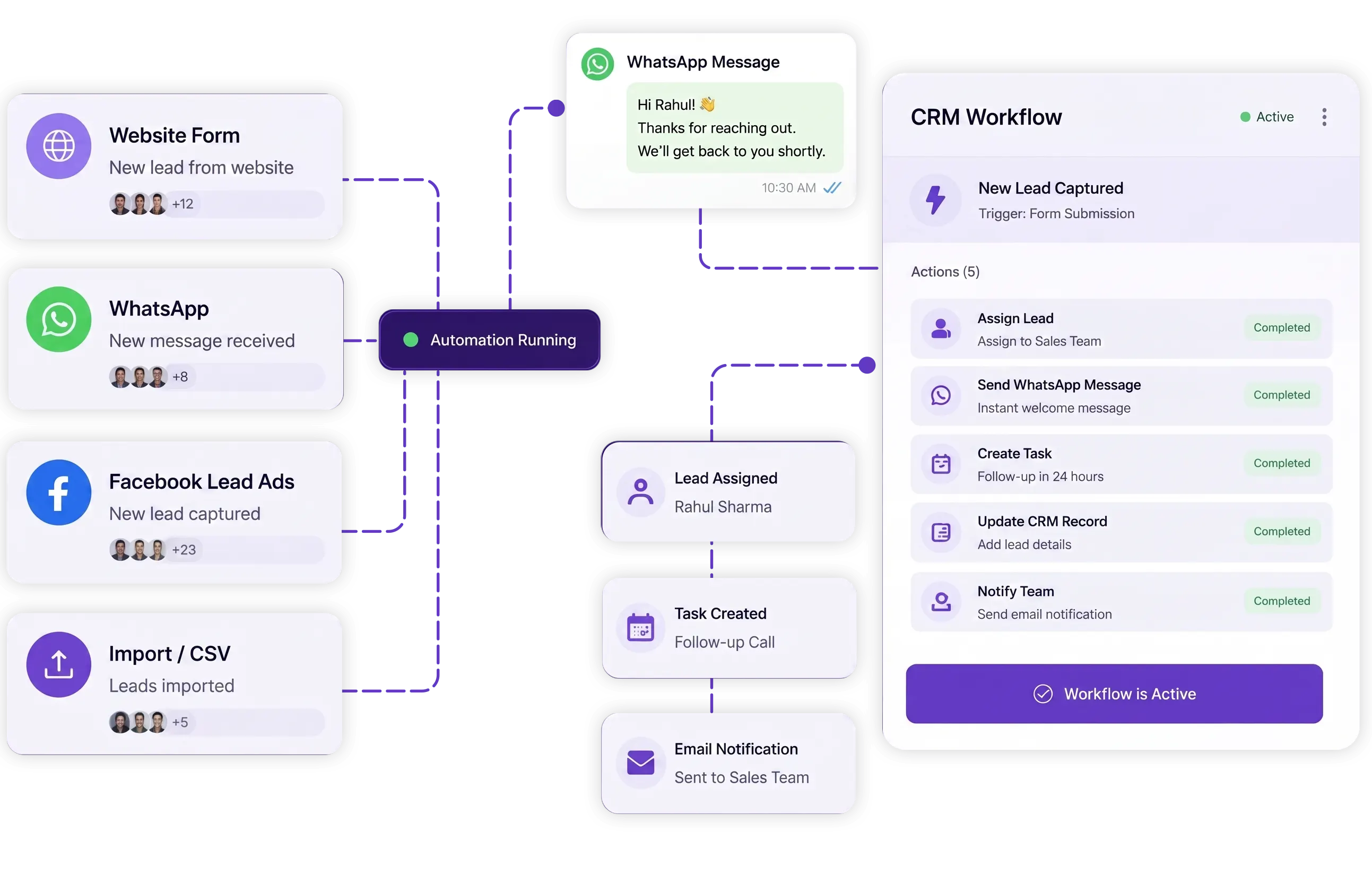
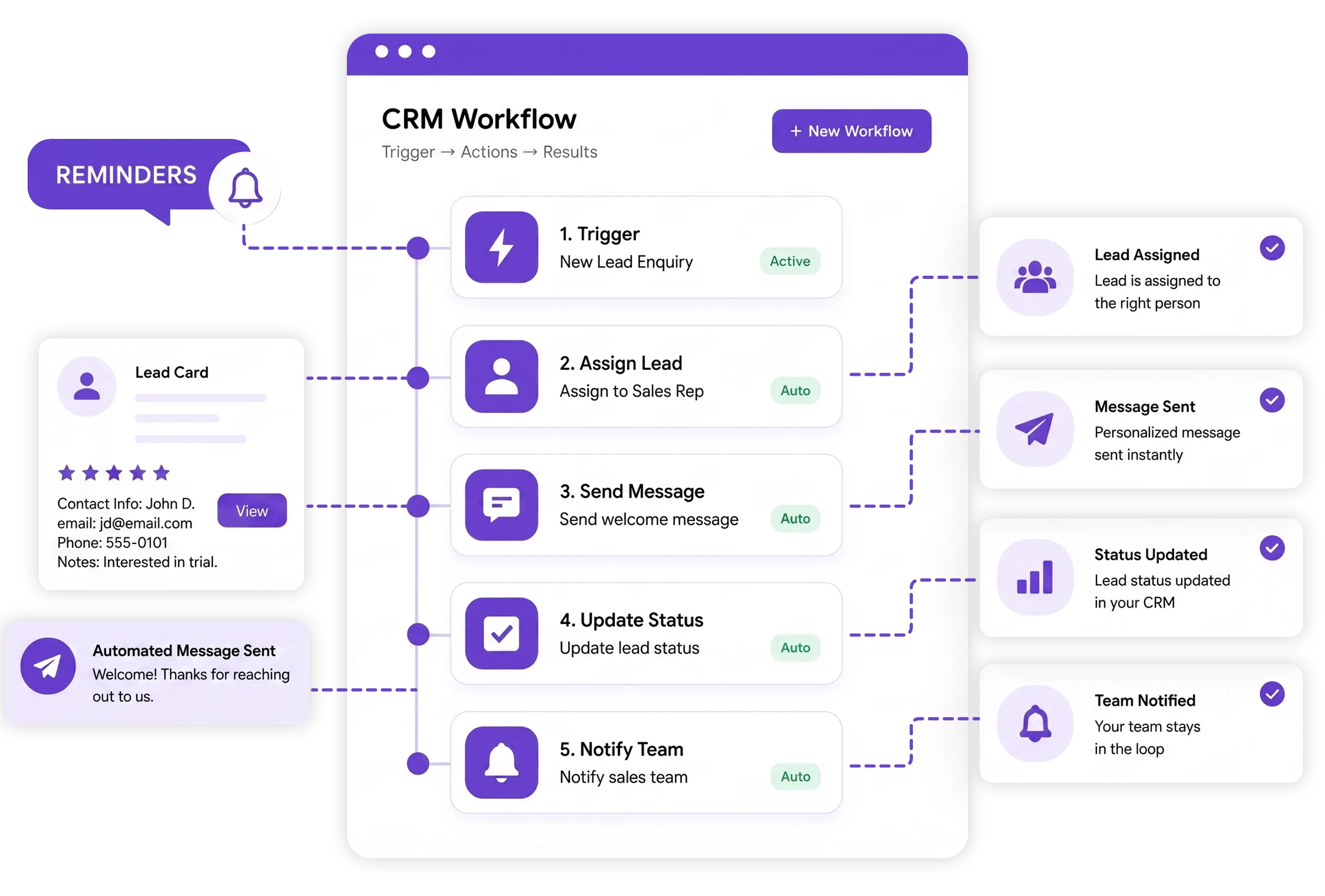
Create a workflow by choosing a trigger, adding the actions you need, and letting TryowBOT run them automatically.
Trigger
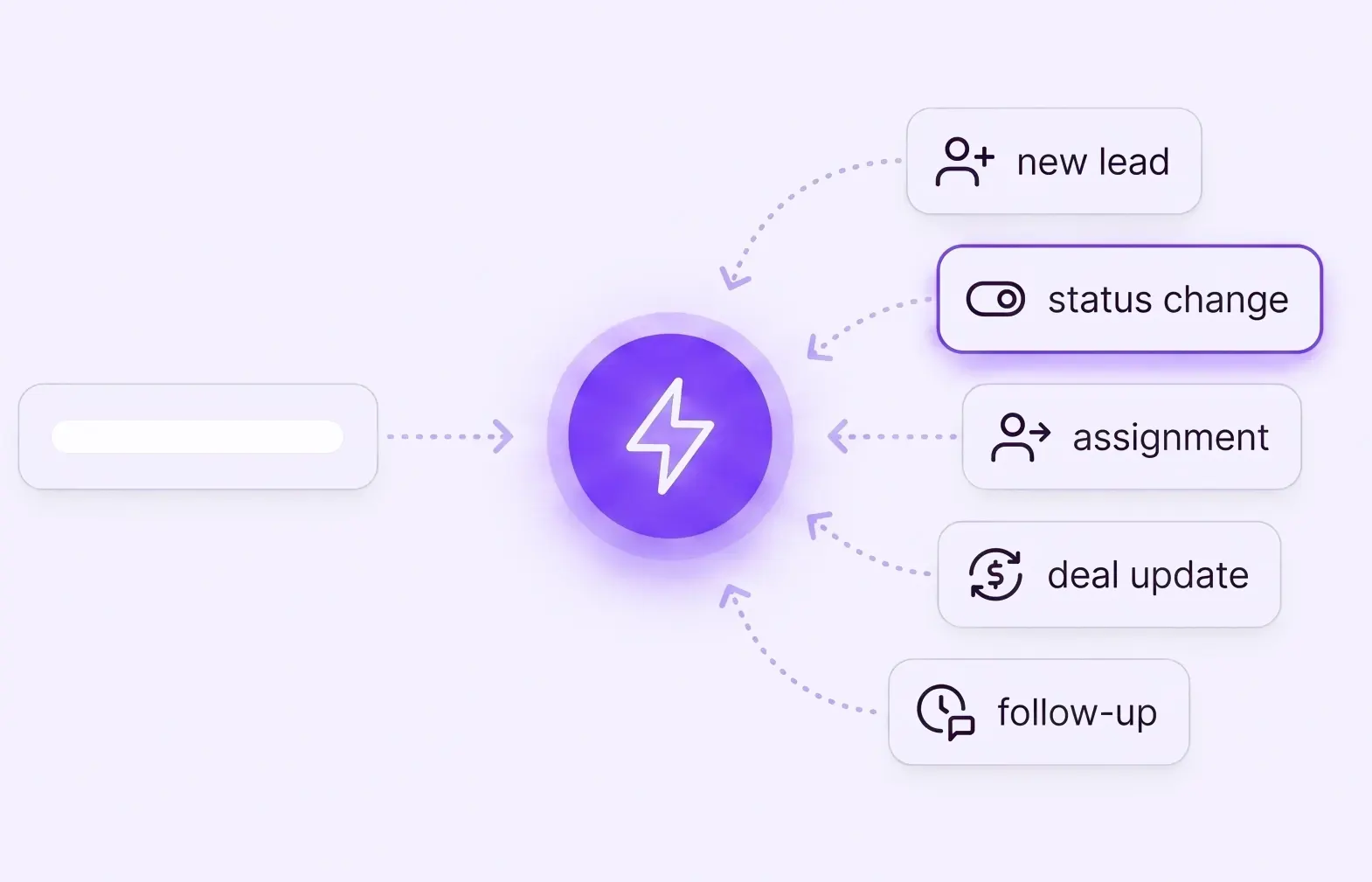
Select the CRM event that starts your workflow. A new lead, status change, assignment, deal update, or follow-up can trigger the process.
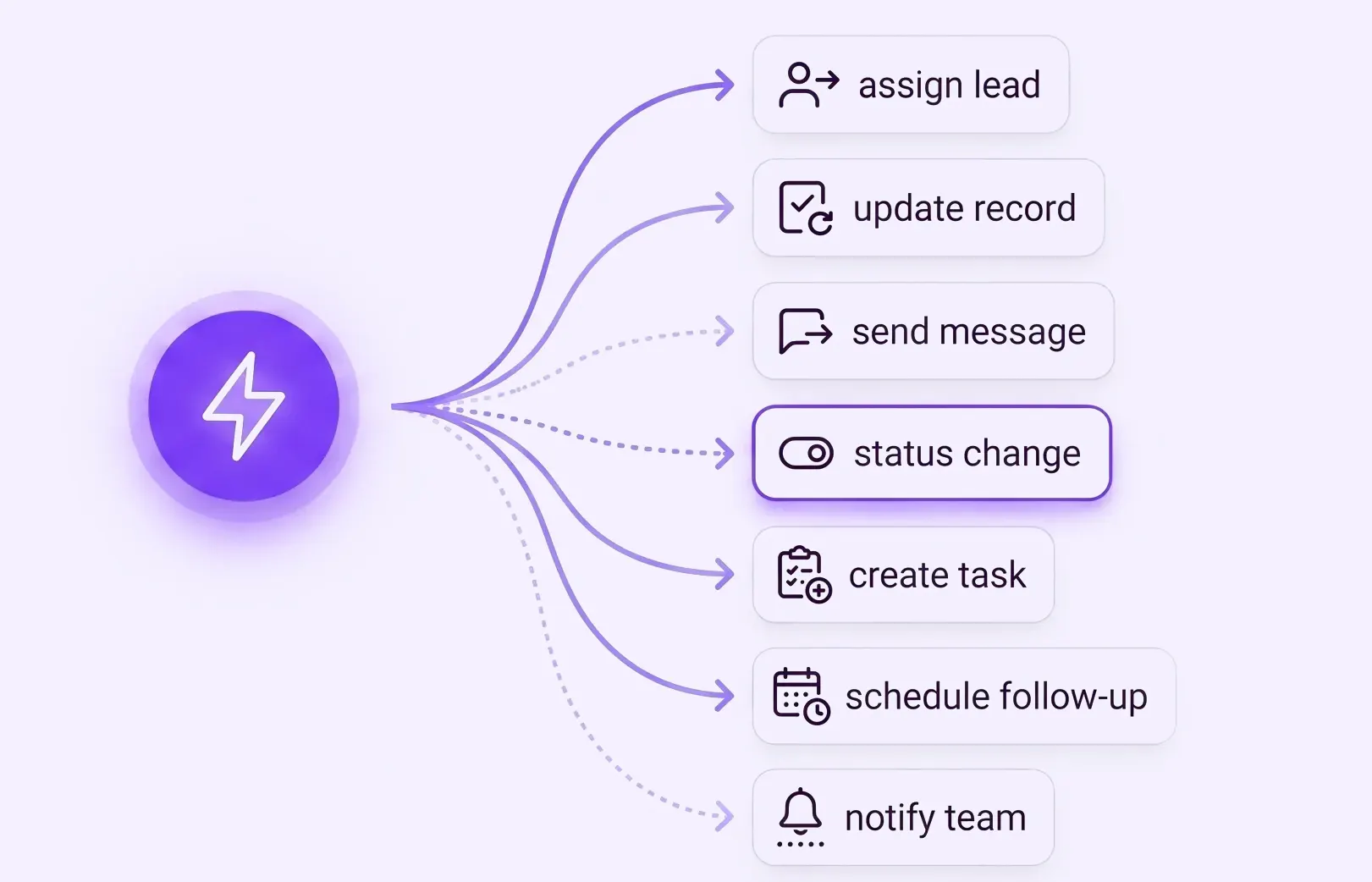
Multiple Actions
Decide what happens after the trigger. Assign leads, update records, send messages, create tasks, schedule follow-ups, or notify your team.
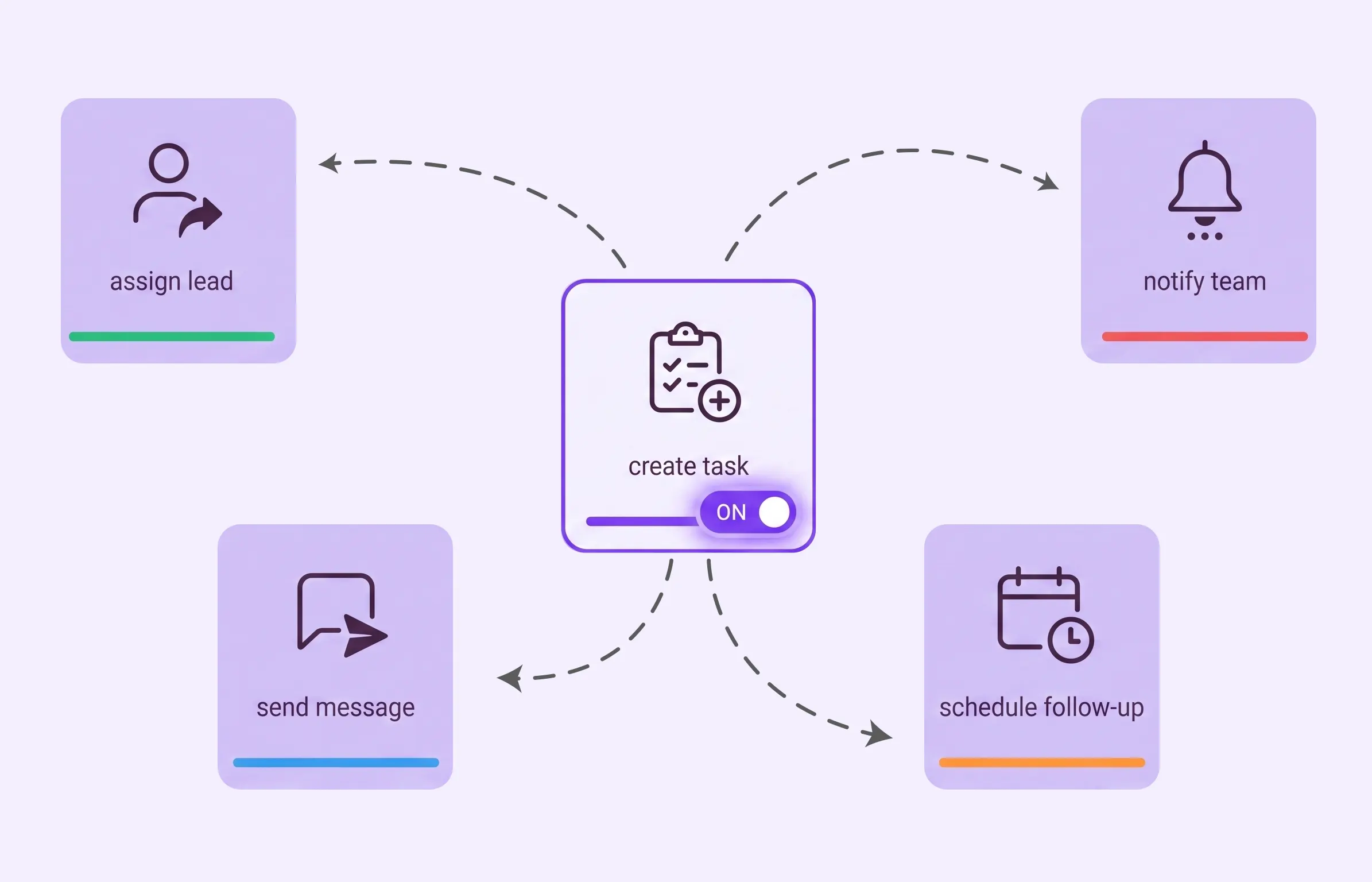
Automation
Once activated, TryowBOT automatically executes the connected actions whenever the selected trigger occurs, keeping your CRM process moving.