Make RCS conversations easier with suggested replies that give customers clear response options without requiring them to type every message.
Show relevant reply options based on the conversation and help customers move to the next step with a simple tap.
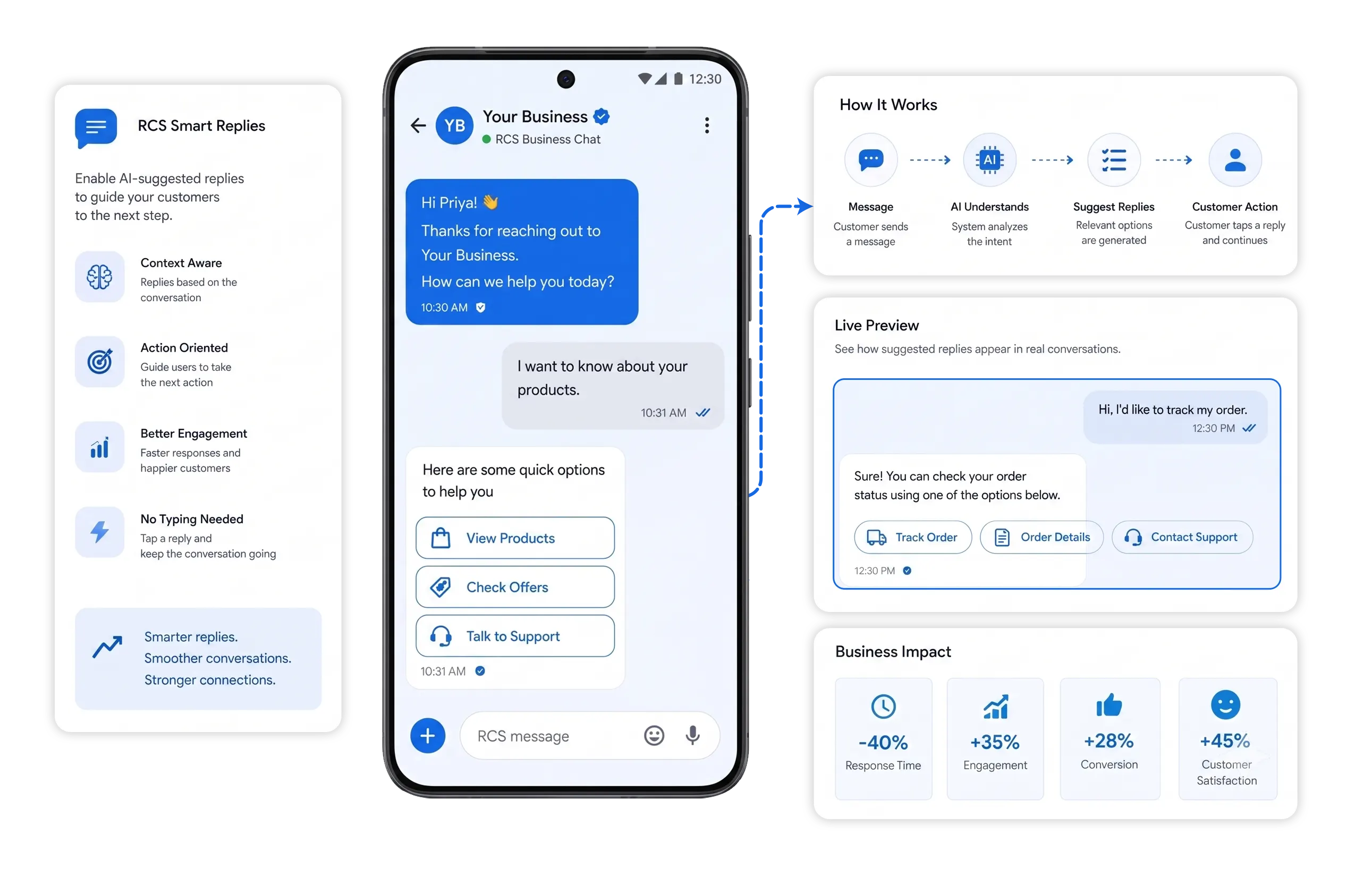















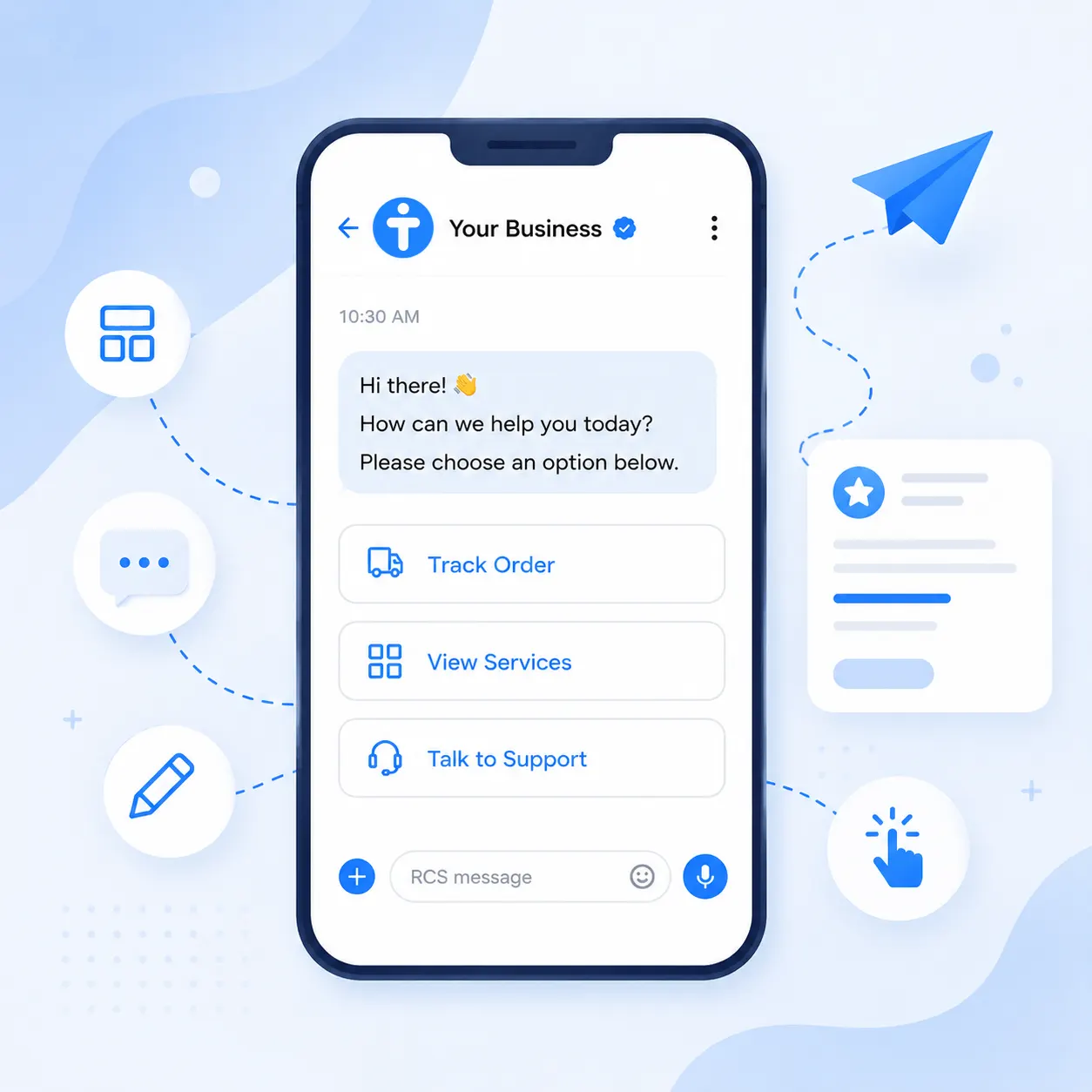
Suggested replies are short, predefined response options displayed with an RCS message. They work especially well when a customer needs to choose between a few clear actions or responses.
Give customers simple options for common questions and actions.
Present responses that match the purpose of the conversation.
Let customers select a response instead of typing it manually.
Suggested replies keep common customer actions inside the RCS conversation, creating a simple path from the message to the response.
Add suggested replies wherever customers regularly choose between a small number of clear actions.
Would you like to confirm your appointment?
What would you like to know about your order?
How would you like to continue with this message?
Help customers respond faster by giving them useful options directly inside the RCS conversation.
Reduce typing for common customer responses.
Help customers respond without unnecessary steps
Present simple options for the next action.
Keep customer conversations moving naturally.
Connect your tools, connect your teams. With over 200 apps already available in our directory, your team’s favourite tools are just a click away.
Give customers clear reply options, make responses easier, and keep every conversation moving with TryowBOT RCS.
Book a Demo



RCS Suggested Replies are predefined response options shown below an RCS message. Customers can tap a reply instead of typing a response, making it easier to continue the conversation.
Suggested Replies appear as tappable options below an RCS message. When a customer selects an option, the selected response is sent and the conversation can continue based on that choice.
You can use Suggested Replies in different customer conversations such as appointment confirmations, order updates, service enquiries, customer support, and other messaging flows where customers need clear response options.
Yes. Suggested Replies provide quick options, but customers can still type their own response when they want to provide a different answer or additional information.
Yes. You can provide multiple relevant reply options so customers can choose the response that best matches what they want to do next.
You can offer simple actions or choices such as Confirm, Reschedule, Track Order, Contact Support, Book Now, or Know More, depending on the purpose of your RCS message.
Suggested Replies make common responses easier for customers by giving them clear choices they can tap. This helps reduce typing and keeps customer conversations focused on the next step.