














Broadcast
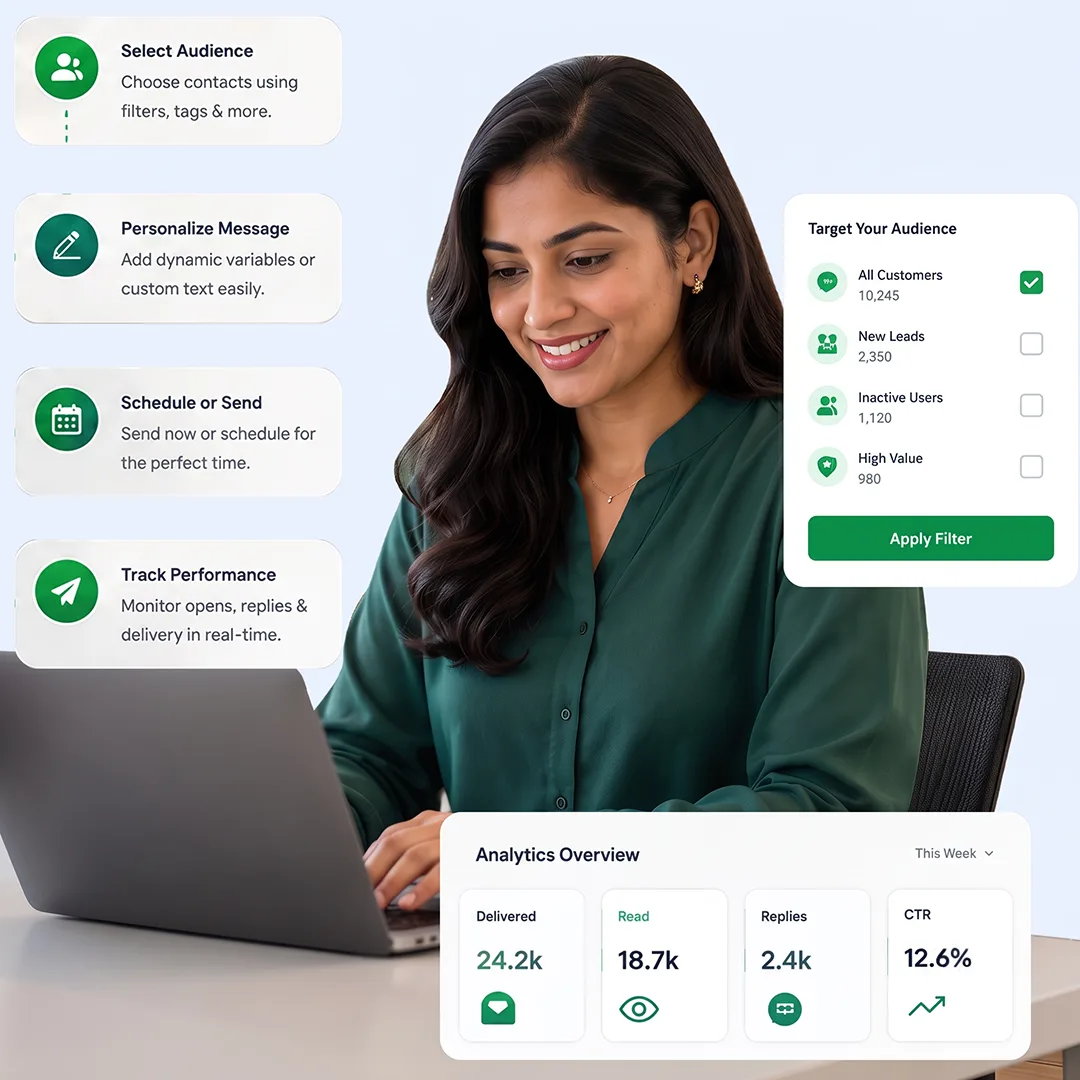
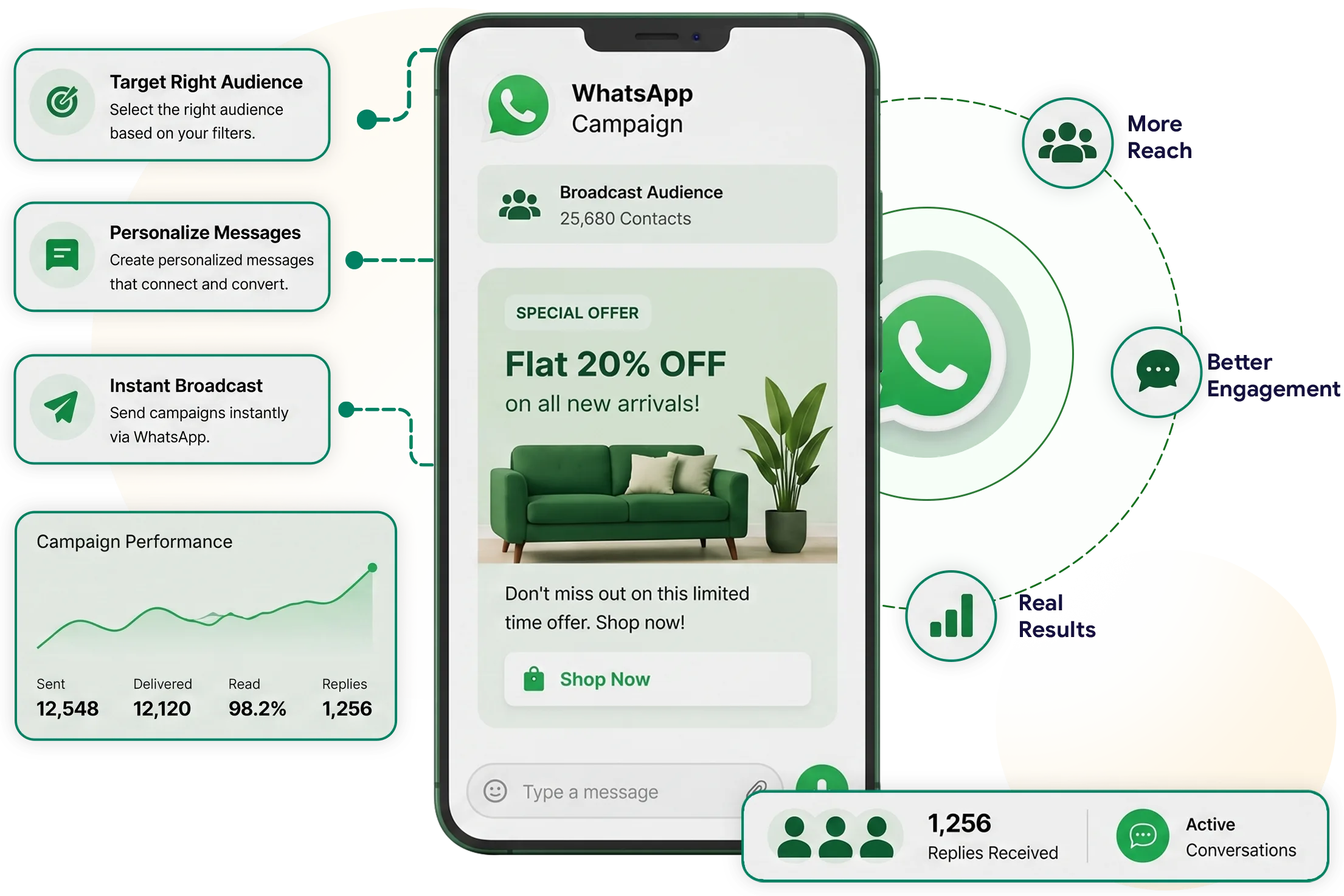
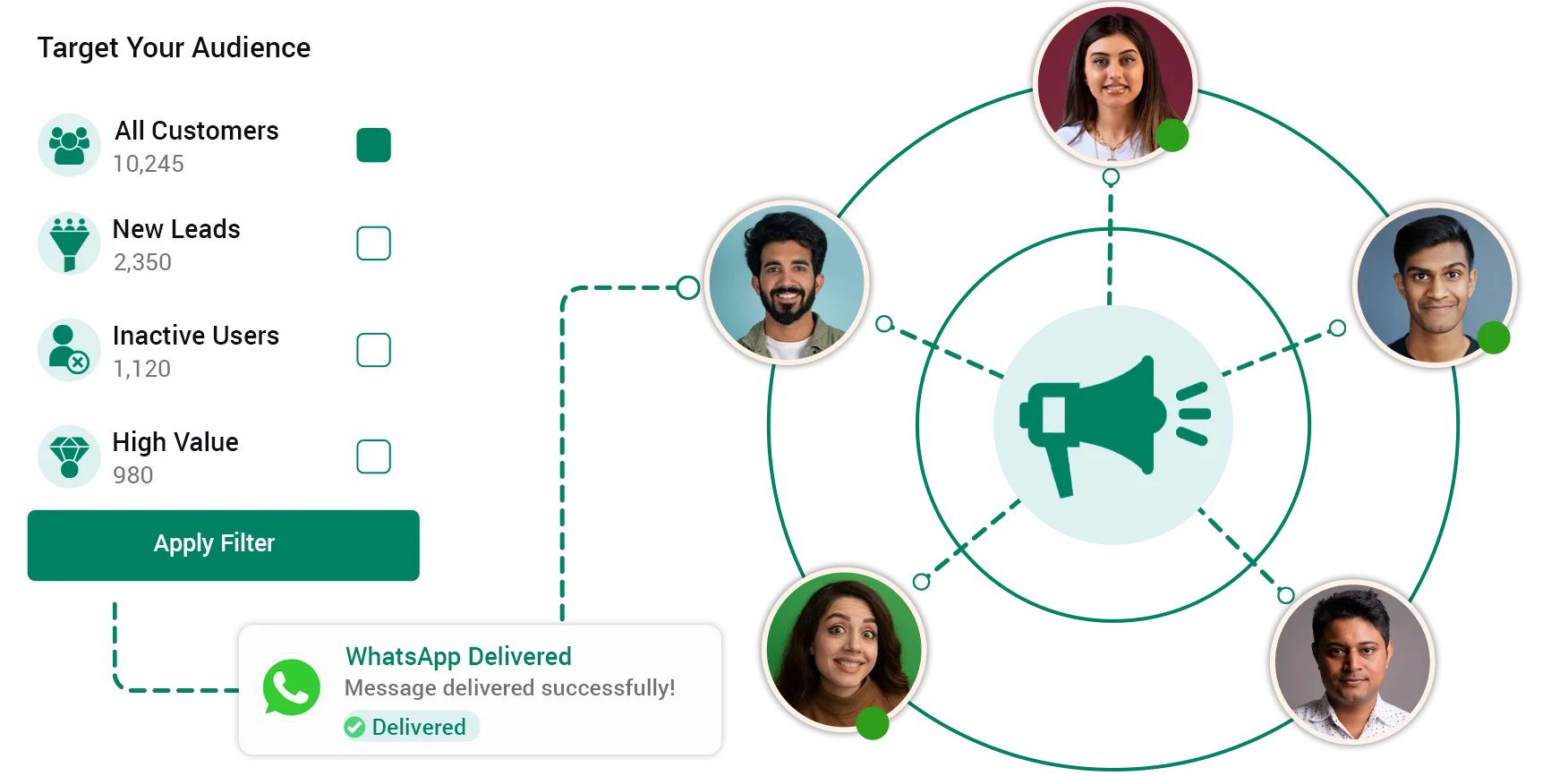
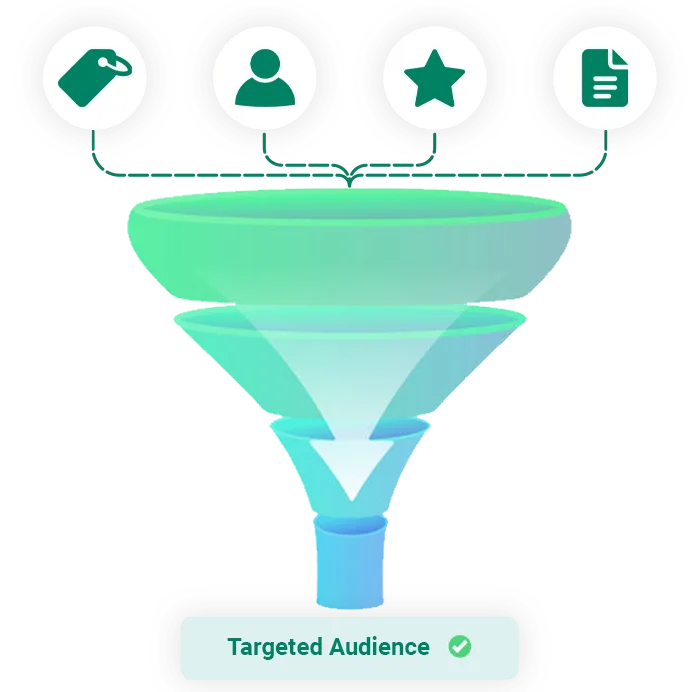
Create targeted WhatsApp broadcast campaigns using your existing TryowBOT contacts. Select audiences with tags, filters, assignments, and other targeting options.
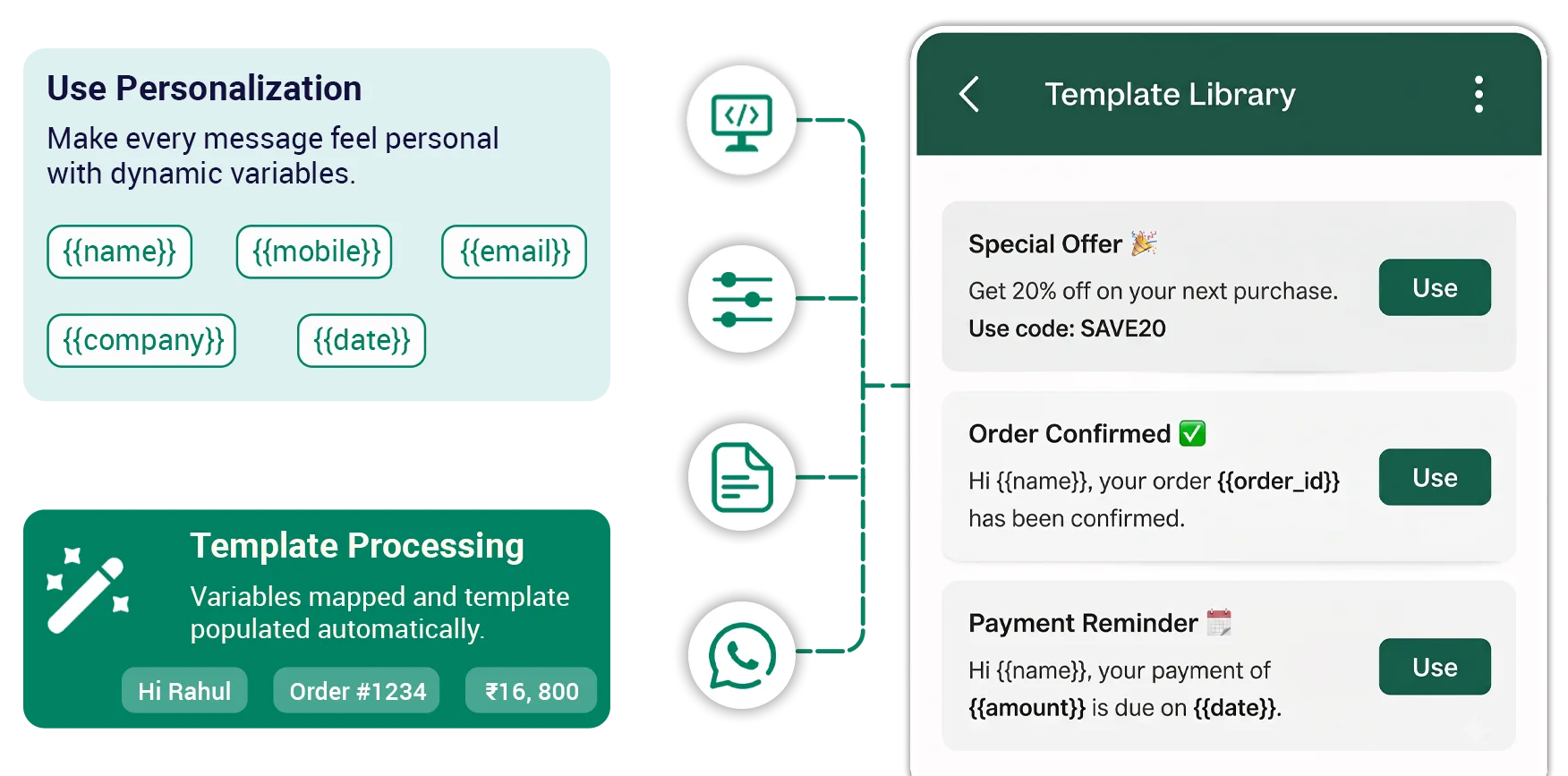
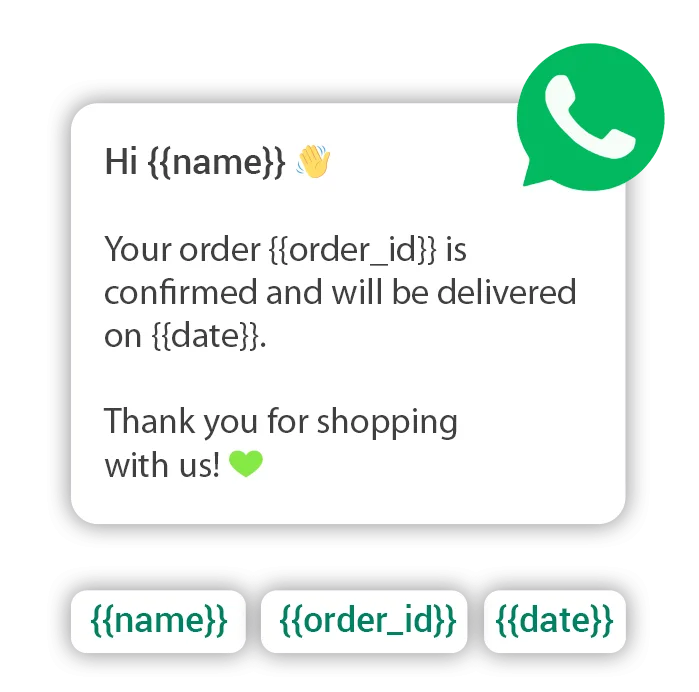
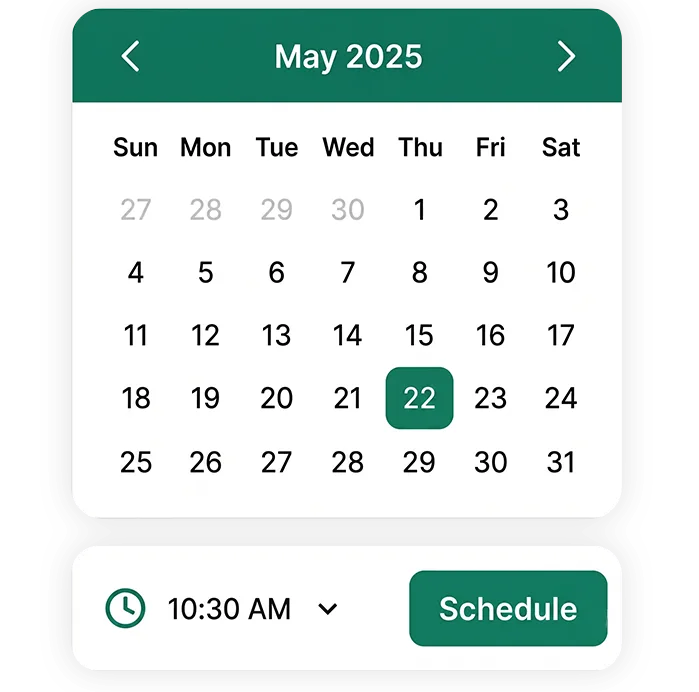
Personalize WhatsApp messages with customer details such as name, mobile number, email, company name, and template variables. Send campaigns instantly or schedule them for later.
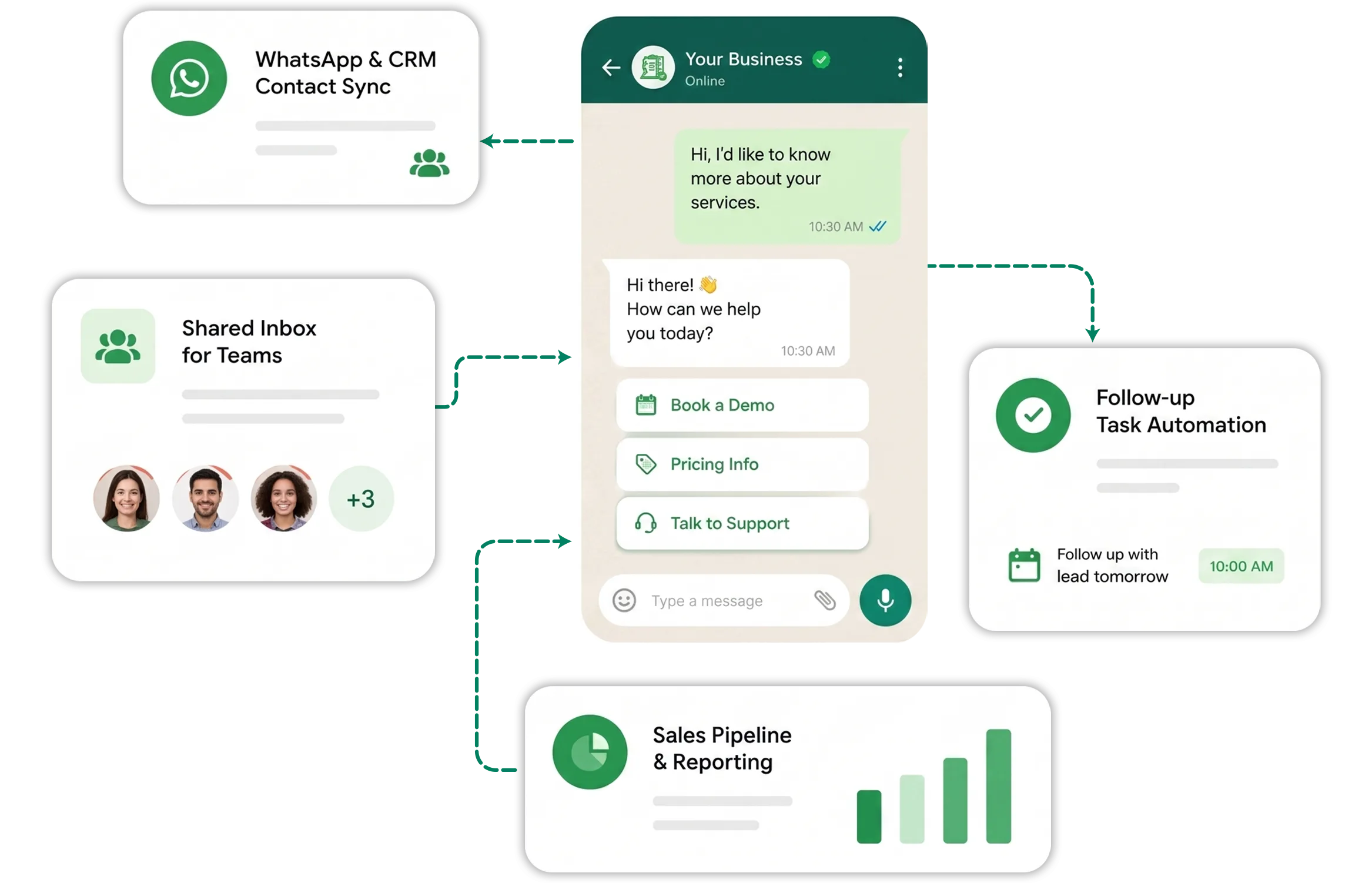
Use WhatsApp Broadcast campaigns for promotions, offers, updates, reminders, and customer communications. Continue conversations directly when customers respond.
Dynamic Broadcast
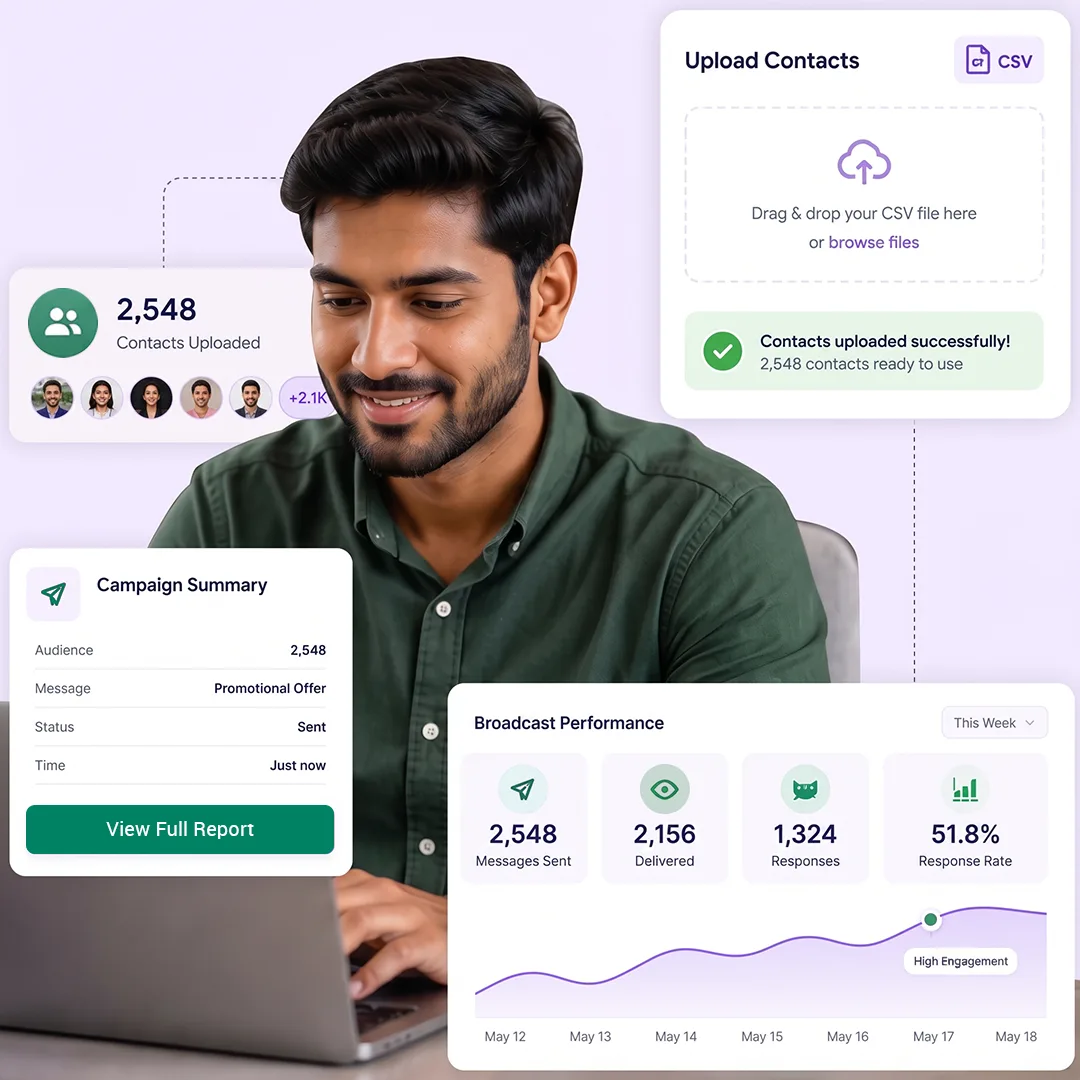
Send WhatsApp campaigns to customers outside your existing TryowBOT contacts by uploading a CSV file with your audience list.
Use external contact lists to reach new leads, prospects, event attendees, and customers collected from different sources.
Create, manage, and track WhatsApp broadcast campaigns from a single platform while engaging customers at scale.
API Broadcast
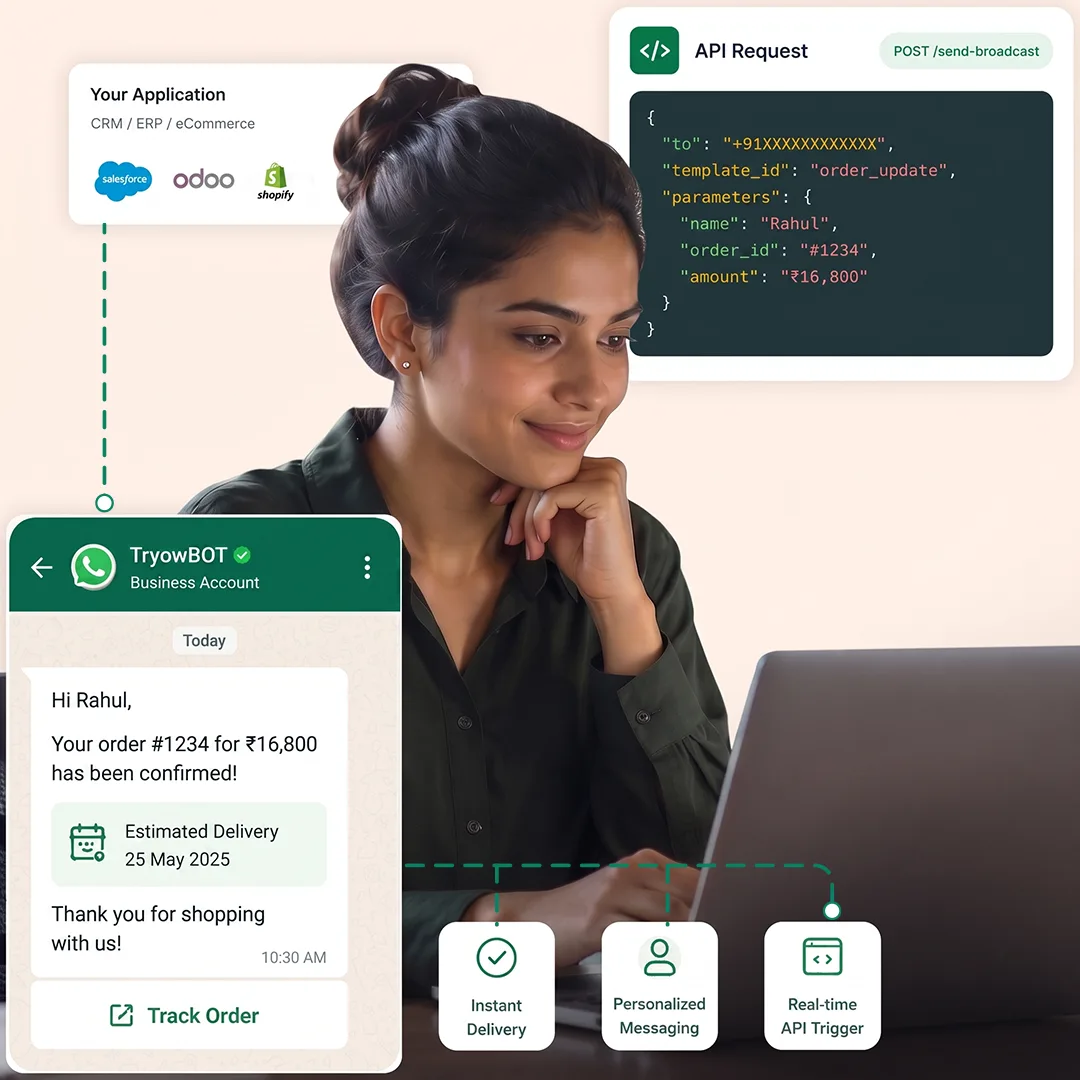
Connect your CRM, ERP, eCommerce, or other business applications with TryowBOT using API Broadcast. Select an approved WhatsApp template and configure the required variables.
Pass customer details through API requests, and TryowBOT automatically maps the values to the selected WhatsApp template before sending.
Trigger personalized WhatsApp messages directly from your existing software to automate notifications, updates, and customer communications.