When customers search for a business on Google, reviews often influence their decisions. They want to know whether other customers had a good experience before contacting or visiting a business.
But collecting reviews is only one part of the process. Businesses also need to monitor feedback, respond to customers, and address complaints.
Ignoring customer reviews can create a negative impression. Customers may feel that their opinions do not matter when businesses never respond.
Google review management helps businesses stay connected with customers and maintain an active online presence.
Why Ignoring Google Reviews Can Affect Your Business
Every customer review provides an opportunity to understand customer expectations.
When businesses leave reviews unanswered, they miss opportunities to communicate with customers and address concerns.
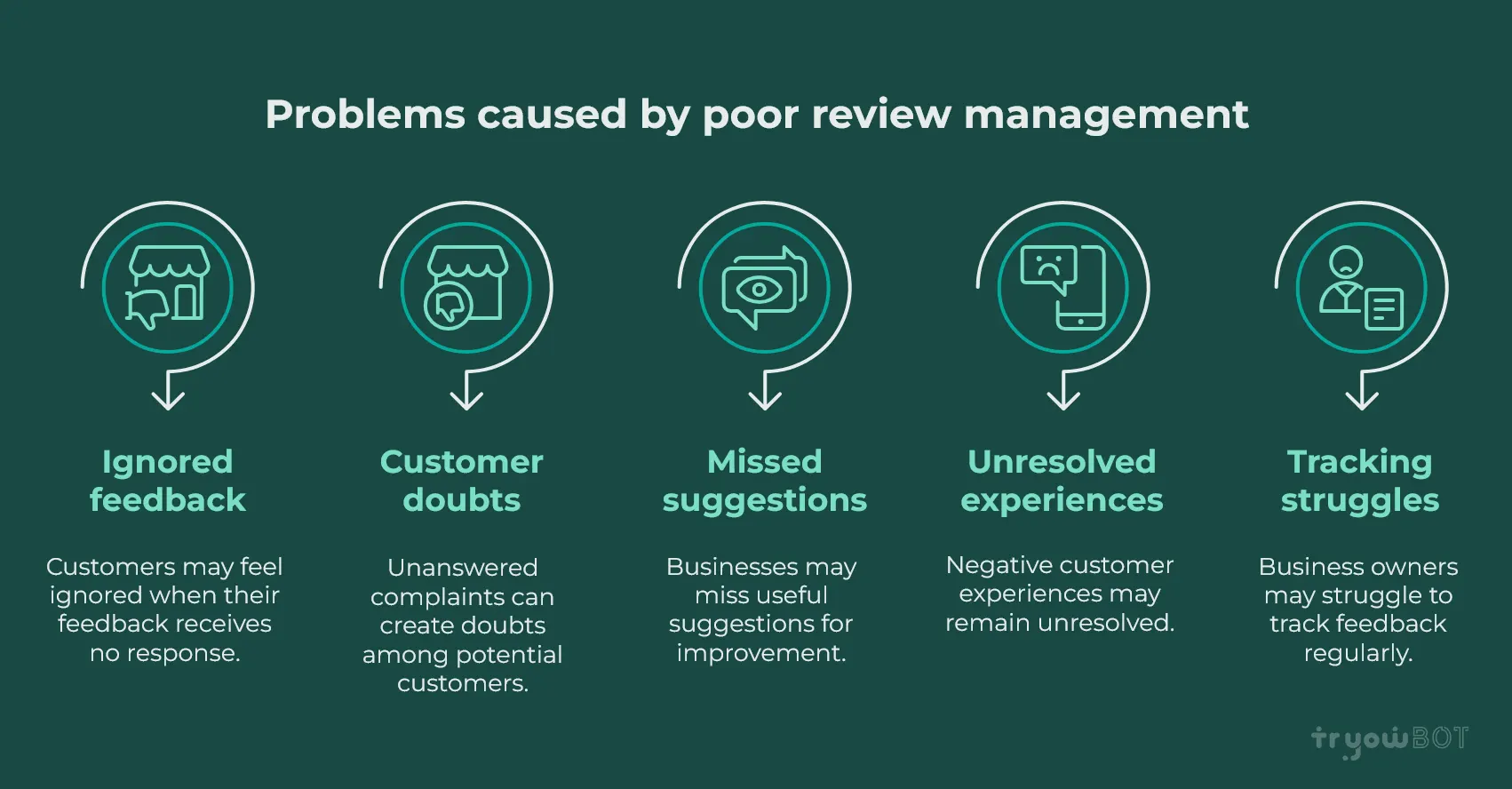
Here are some common problems caused by poor review management:
- Customers may feel ignored when their feedback receives no response.
- Unanswered complaints can create doubts among potential customers.
- Businesses may miss useful suggestions for improvement.
- Negative customer experiences may remain unresolved.
- Business owners may struggle to track feedback regularly.
Managing reviews consistently helps businesses avoid these communication gaps.
What Is Google Review Management?
Google review management is the process of monitoring, responding to, and understanding customer reviews on Google.
It involves more than collecting five-star ratings. Businesses should pay attention to all customer feedback and respond appropriately.
An effective review management process includes:
- Encouraging customers to share genuine experiences.
- Monitoring new reviews regularly.
- Responding to positive customer feedback.
- Addressing negative reviews professionally.
- Identifying repeated customer concerns.
- Improving services based on customer feedback.
How TryowBOT Helps Businesses Manage Google Reviews
TryowBOT helps businesses manage customer communication through WhatsApp automation and Google review management features.
It makes review-related communication easier and reduces dependence on repeated manual activities.
1. Automate Customer Review Requests
Businesses can use WhatsApp automation to send review requests after customer interactions.
Customers receive a message with a direct Google review link. This makes it easier for them to share their experiences.
2. Encourage Regular Customer Feedback
A regular review request process helps businesses avoid depending only on occasional customer requests.
Businesses can communicate with customers at suitable points in their customer journey.
3. Manage Customer Communication
WhatsApp provides a convenient way to communicate with customers. Businesses can use it to share review links, send follow-up messages, and maintain customer relationships.
4. Pay Attention to Customer Experiences
Review management is not only about ratings. Businesses should understand what customers appreciate and where they experience problems.
This feedback can help identify areas that need attention.
5. Respond to Reviews Professionally
A thoughtful response shows customers that their feedback matters.
Thank customers for positive experiences. For negative reviews, acknowledge their concerns and offer an appropriate way to resolve the issue.
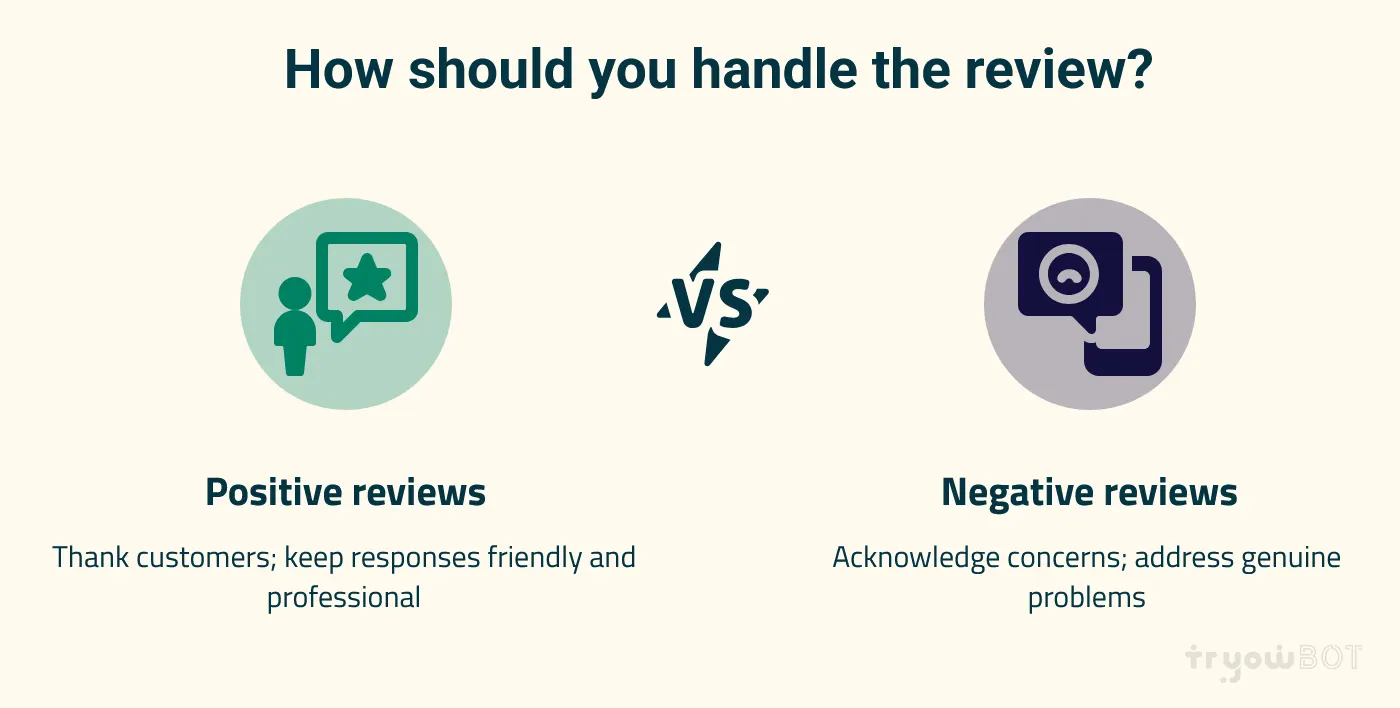
How to Handle Positive and Negative Google Reviews
Every review deserves attention, regardless of its rating.
Responding to positive reviews
- Thank customers for sharing their experiences.
- Mention specific feedback when appropriate.
- Keep responses friendly and professional.
- Avoid using the same response for every customer.
Responding to negative reviews
- Read the complete feedback before replying.
- Acknowledge the customer's concern.
- Avoid arguments or defensive language.
- Offer a suitable way to discuss the issue.
- Take steps to address genuine problems.
Professional responses can help demonstrate that your business takes customer feedback seriously.
Build a Consistent Review Management Process
Managing Google reviews becomes easier when businesses follow a regular process.
Start by creating a direct Google review link. Share it with customers through suitable communication channels.
Use automation to simplify review requests. Check new feedback regularly and make time for thoughtful responses.
Most importantly, use customer feedback to improve your products and services.
Manage Your Google Reviews with TryowBOT
Your customers are already sharing their experiences online. Make sure your business pays attention to what they say.
TryowBOT helps businesses simplify Google review requests through WhatsApp automation. It also supports better customer communication through convenient messaging features.
Make customer feedback an important part of your business process. Explore TryowBOT's Google review management solutions today.