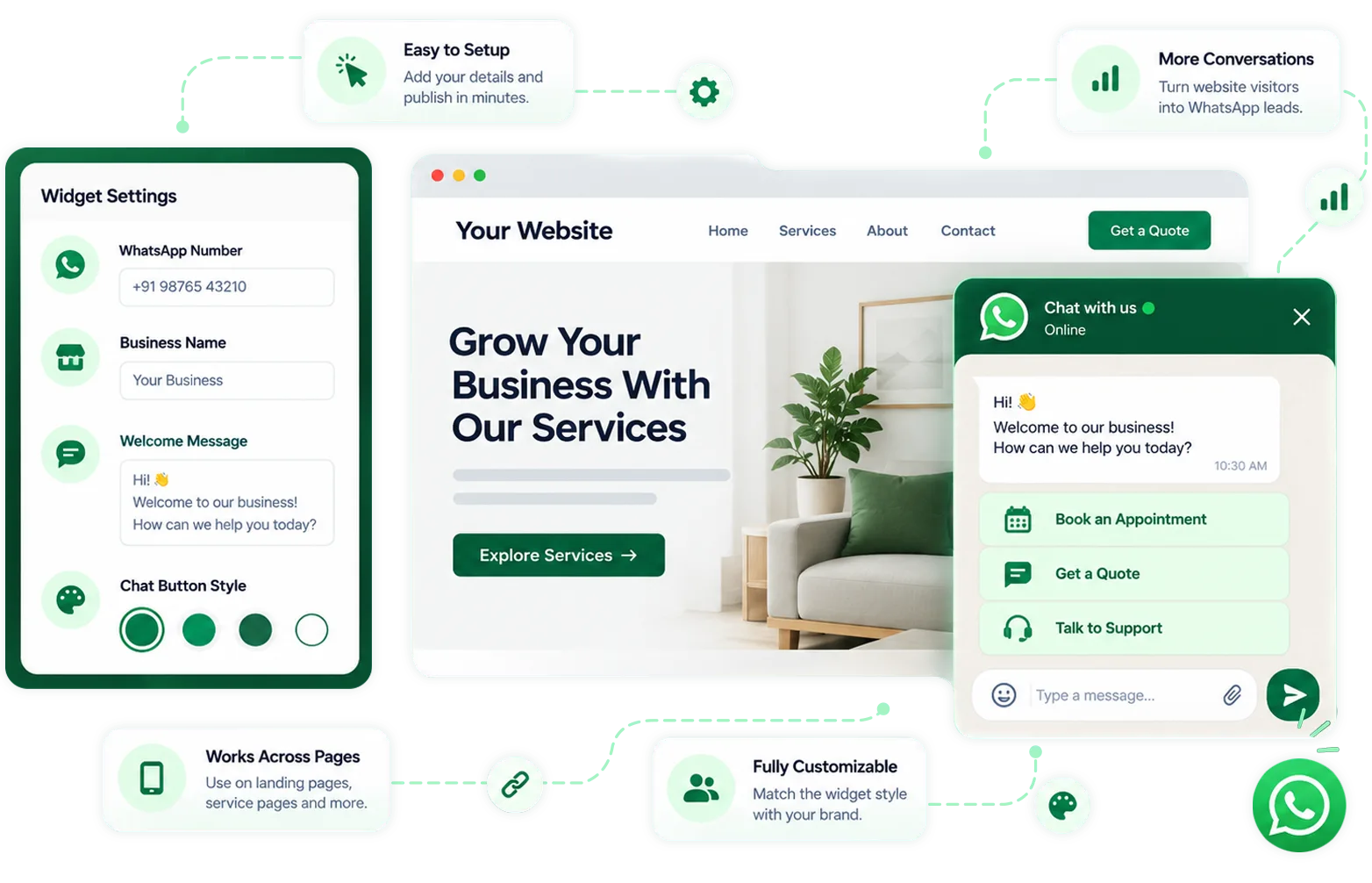
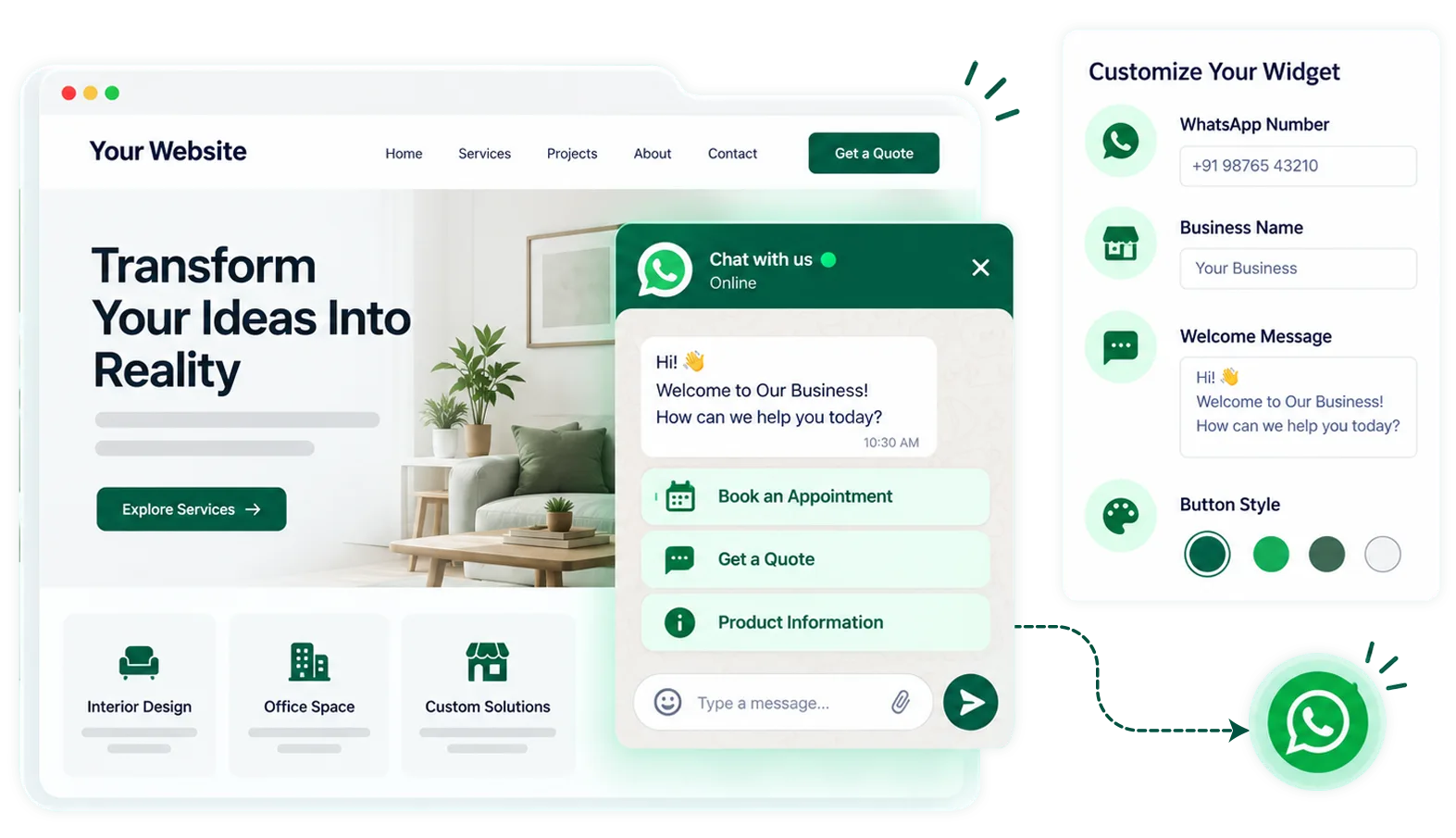
Create a WhatsApp chat widget with your business details, welcome message, and chat button. Customize the widget and add it to your website so visitors can start conversations with your business instantly.
Add a WhatsApp chat widget to your website and give visitors a direct way to connect with your business. Add your WhatsApp number, business name, welcome message, and chat button to create a widget that fits your website.
Visitors can start a WhatsApp conversation directly from your website without searching for your contact details. Use the widget across landing pages, product pages, service pages, and other important customer touchpoints.

Set up your widget, preview the experience, and add it to your website.
Enter your WhatsApp number, business name, and welcome message.
Choose your button text and widget position for your website.
Generate the widget and add the provided code to your website.
Give website visitors a simple way to connect with your business while keeping your WhatsApp widget easy to create, customize, and add to your website.
Create your widget by adding your WhatsApp and business details.
Customize your welcome message, button text, and widget position.
Generate your widget and add it to your website with the provided setup.
Give visitors a direct way to start conversations with your business.
Create, customize, preview, and add your WhatsApp widget with ease.
Connect your widget with your business WhatsApp number instantly.
Greet website visitors with a personalized welcome message instantly.
Customize your chat button text for clearer visitor actions.
Choose the widget position that suits your website layout.
Preview your widget before adding it to your website.
Add the generated widget code directly to your website.
Add a WhatsApp chat widget to important pages and give visitors an easy way to connect with your business.
Give website visitors a direct way to connect with your business.
Let visitors ask product questions and connect with your business.
Give campaign visitors a simple way to start WhatsApp conversations.
Make it easier for customers to reach your support team.
Connect campaign audiences with your business through WhatsApp.
Help visitors discuss services and ask questions through WhatsApp.
Connect your tools, connect your teams. With over 200 apps already available in our directory, your team’s favourite tools are just a click away.
Create your WhatsApp chat widget in minutes and give every website visitor a direct way to start a conversation with your business.
Book a DemoA WhatsApp chat widget is a floating chat button that you add to your website. When a visitor clicks it, WhatsApp opens with a chat to your business number, so they can message you without searching for your contact details.

Enter your WhatsApp number with the country code, your business name, a welcome message and the button text. Choose a colour and the left or right position, check the live preview, then copy the generated code.
Paste the copied code just before the closing body tag of your page or template. Most website builders and CMS platforms also have a custom code or footer scripts section where you can paste it.
You need your WhatsApp number in international format (country code first, with no plus sign, spaces or leading zeros), your business name and a short welcome message. Button text, colour and position are optional.
Yes. You can change the business name, welcome message, button text, colour and whether the widget sits on the left or right of the page.
Yes. The live preview on this page updates as you type, so you can check how the widget looks and opens before you add it to your website.
Yes. The widget works on mobile and desktop. On a phone it opens the WhatsApp app, and on a computer it opens WhatsApp Web or the desktop app.
No. You fill in a short form and paste one block of code. You do not need to write or edit any code yourself.
Yes. The widget appears only on pages where you paste the code. Add it to the pages or templates where you want it, such as product pages or landing pages.
The widget is a small script with no external files or tracking, so its effect on page speed is minimal.
It works with any number that can receive WhatsApp messages, including a WhatsApp Business number. For a number connected to the WhatsApp Business API through TryowBOT, chats that start from the widget can be handled in the shared inbox and answered by a chatbot.