WhatsApp has become one of the most popular ways for customers to communicate with businesses. Whether someone wants to know about a product, request a price quotation, book a service, or ask a question, sending a WhatsApp message is often the easiest option.
For businesses, this creates a great opportunity to connect with customers, generate leads, and increase sales.
But there is one common problem.
Getting customer enquiries on WhatsApp is easy. Managing those enquiries properly is not always easy.
Imagine your business receives 100 WhatsApp enquiries every day. Some customers ask about pricing, some request product details, some are ready to buy, and others need time to make a decision.
Your sales team must remember who contacted your business, what they asked, which agent handled the conversation, and when they need to follow up.
If all this information is stored only in WhatsApp chats, Excel sheets, or personal notes, things can quickly become confusing.
Some leads may be forgotten. Sales agents may miss follow-ups. Managers may not know which deals are moving forward and which customers are no longer interested.
This is where a WhatsApp CRM becomes useful.
A WhatsApp CRM helps businesses connect customer conversations with lead management, sales tracking, follow-ups, and customer information.
Instead of managing WhatsApp conversations and sales activities separately, businesses can bring everything into one organized system.
With a solution like TryowBOT, you can capture leads from different sources, manage customer information, track sales opportunities, assign leads to sales agents, schedule follow-ups, and monitor your team's performance.
In this blog, let's understand what WhatsApp CRM is, how it works, and how it can help your business manage leads, sales pipelines, and customer relationships more effectively.
What Is WhatsApp CRM?
WhatsApp CRM is a customer relationship management system that connects WhatsApp communication with your business sales and customer management activities.
A traditional CRM helps businesses store customer details, manage leads, track sales opportunities, and maintain customer relationships.
A WhatsApp CRM takes this a step further by connecting customer conversations with these CRM activities.
For example, imagine a customer visits your website and clicks the WhatsApp button.
They send a message:
"Hi, I am interested in your product. Can you share the pricing details?"
Instead of simply receiving this message in WhatsApp, your CRM workflow can capture the enquiry and create a lead record.
Your sales team can then:
- View the customer's name and contact details.
- Identify where the lead came from.
- Assign the lead to a sales representative.
- Add notes about the customer's requirements.
- Track the current sales stage.
- Schedule a follow-up.
- Update the lead when the customer makes a purchase.
The WhatsApp conversation becomes part of a larger customer management process.
This means your business is not just replying to messages. It is managing every enquiry as a potential sales opportunity.
In simple words, WhatsApp CRM helps you turn customer chats into organized business leads and sales opportunities.
Why Do Businesses Need WhatsApp CRM?
Many businesses already use WhatsApp every day to communicate with customers.
However, using WhatsApp alone may not be enough when the business starts receiving a large number of enquiries.
Let's look at some common problems.
1. Customer Enquiries Get Lost
Imagine a customer contacts your business today and asks about your services.
Your sales agent replies with the details, but the customer does not make a decision immediately.
After a few days, the customer may be interested again.
But if the original conversation is buried among hundreds of other messages, your team may struggle to find it.
A WhatsApp CRM helps organize enquiries as lead records so that your team can find and manage them more easily.
2. Sales Agents Forget Follow-Ups
Following up with interested customers is an important part of the sales process.
However, sales agents often handle multiple customers at the same time.
They may forget to contact someone who requested a quotation or promised to confirm an order later.
A CRM helps by allowing agents to schedule follow-up tasks and reminders.
Instead of remembering everything manually, they can check their upcoming activities and contact customers at the right time.
3. No Clear View of the Sales Pipeline
A business may have hundreds of leads, but not all of them are at the same stage.
Some customers are new enquiries. Some have received quotations. Some are discussing pricing, while others are ready to purchase.
Without a sales pipeline, it becomes difficult to understand the progress of each opportunity.
A WhatsApp CRM helps you organize leads into different sales stages so that managers and sales agents can understand what needs attention.
4. Customer Information Is Scattered
Customer details may be stored in different places:
- WhatsApp conversations.
- Excel spreadsheets.
- Sales agents' personal notes.
- Website enquiry forms.
- Email conversations.
- Marketing campaign reports.
When information is scattered, your sales team spends more time searching for customer details.
A CRM brings important customer information together in one place.
5. Managers Cannot Easily Track Sales Performance
Sales managers need to understand how their team is performing.
They may want to know:
- How many leads came in this month?
- How many leads were assigned to each agent?
- How many customers received quotations?
- How many deals were successfully closed?
- How many follow-ups are pending?
- Which sales opportunities need attention?
A WhatsApp CRM with reporting and analytics helps managers get better visibility into sales activities and business performance.
How WhatsApp CRM Helps With Lead Tracking
Lead tracking means keeping track of every potential customer from the moment they contact your business until they become a customer or the opportunity is closed.
Every enquiry has a different level of interest.
For example:
- One customer may only be exploring your products.
- Another customer may be comparing prices.
- Someone else may be ready to place an order.
- Another customer may need a follow-up next week.
Your sales team should understand where every lead stands.
A WhatsApp CRM makes this process easier.
1. Capture Leads From Multiple Sources
Customers may discover your business through different channels.
They might contact you through:
- WhatsApp messages.
- Website enquiry forms.
- Facebook and Instagram advertisements.
- Social media pages.
- Online campaigns.
- Referrals.
- Manual entries by your sales team.
If every lead is managed separately, your team may find it difficult to maintain accurate records.
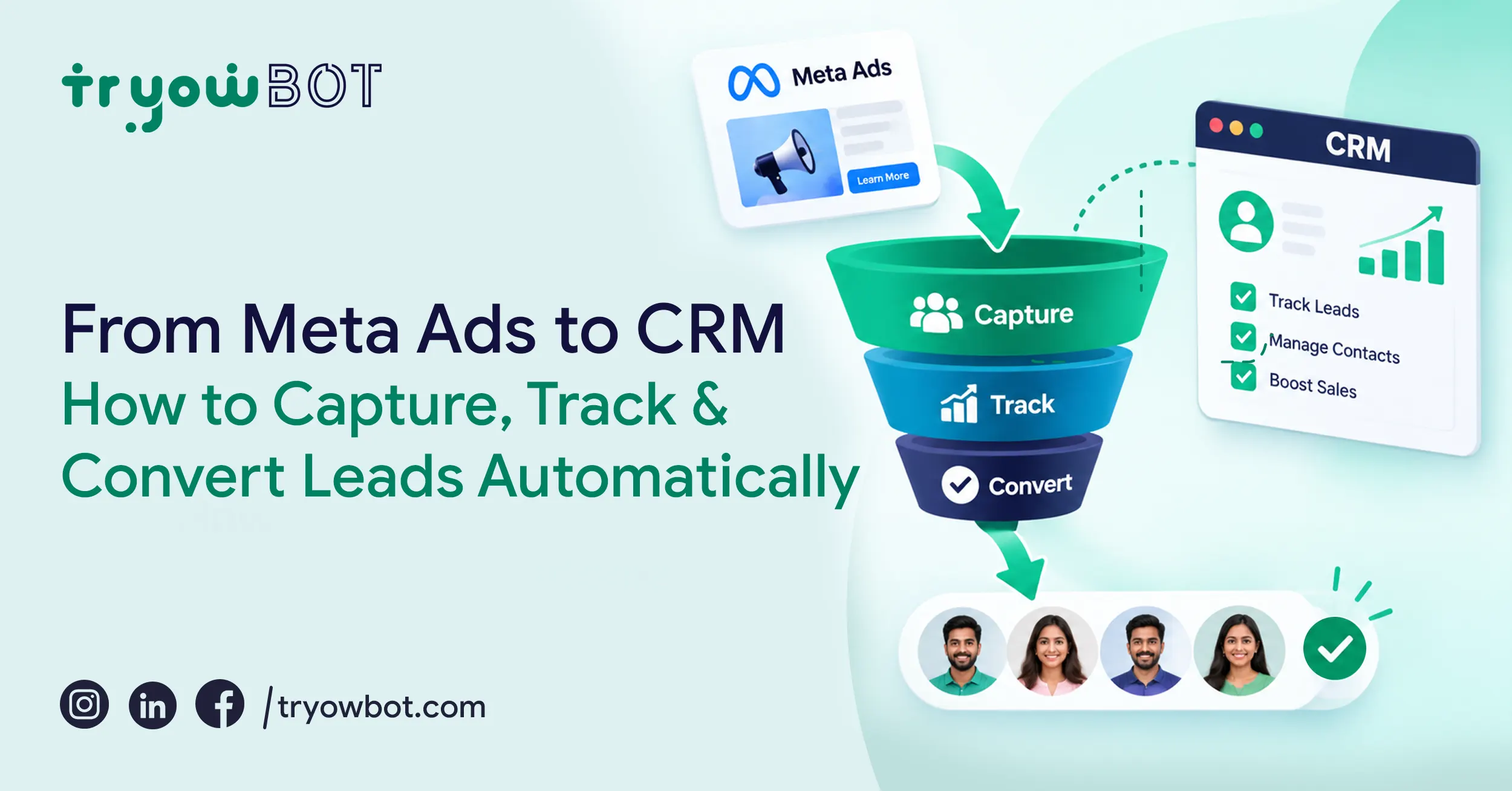
With TryowBOT CRM, leads from supported sources such as WhatsApp, websites, Meta Ads, APIs, webhooks, and manual entries can be brought into one CRM.
This helps businesses manage enquiries from different channels through one organized system.
2. Store Complete Lead Information
A lead is more than just a phone number.
Your sales team needs to understand who the customer is and what they are looking for.
A lead profile can include:
- Customer name.
- Phone number.
- Email address.
- Company name.
- Lead source.
- Product or service interest.
- Assigned sales agent.
- Current lead status.
- Notes and previous activities.
- Upcoming follow-up date.
When this information is available in one place, agents can understand customer requirements before starting a conversation.
3. Assign Leads to Sales Agents
When multiple sales agents work together, every lead should have a clear owner.
For example, if your business receives a new enquiry about a particular product, the CRM can assign that lead to the sales representative responsible for that product category.
This helps prevent confusion and ensures that every enquiry has someone responsible for handling it.
Managers can also review assigned leads and redistribute them when necessary.
4. Track Lead Status
Not every lead is ready to purchase.
A good lead tracking process allows your team to update the status of each enquiry.
For example:
- New Lead: A customer has contacted your business for the first time.
- Contacted: A sales agent has responded.
- Qualified: The customer has a genuine requirement.
- Interested: The customer wants more details or pricing.
- Follow-Up: The customer needs another conversation.
- Converted: The customer has completed a purchase.
- Lost: The sales opportunity did not move forward.
These statuses help your sales team understand the next action for every customer.
5. Identify High-Potential Leads
Some customers are more likely to make a purchase than others.
For example, a customer who has requested a quotation, discussed delivery, and asked about payment options may be closer to making a purchase than someone who has only asked for general information.
Lead scoring can help businesses prioritize promising opportunities based on relevant customer information and engagement.
Instead of spending equal time on every enquiry, sales agents can focus more attention on leads that need immediate action.
What Is a Sales Pipeline in WhatsApp CRM?
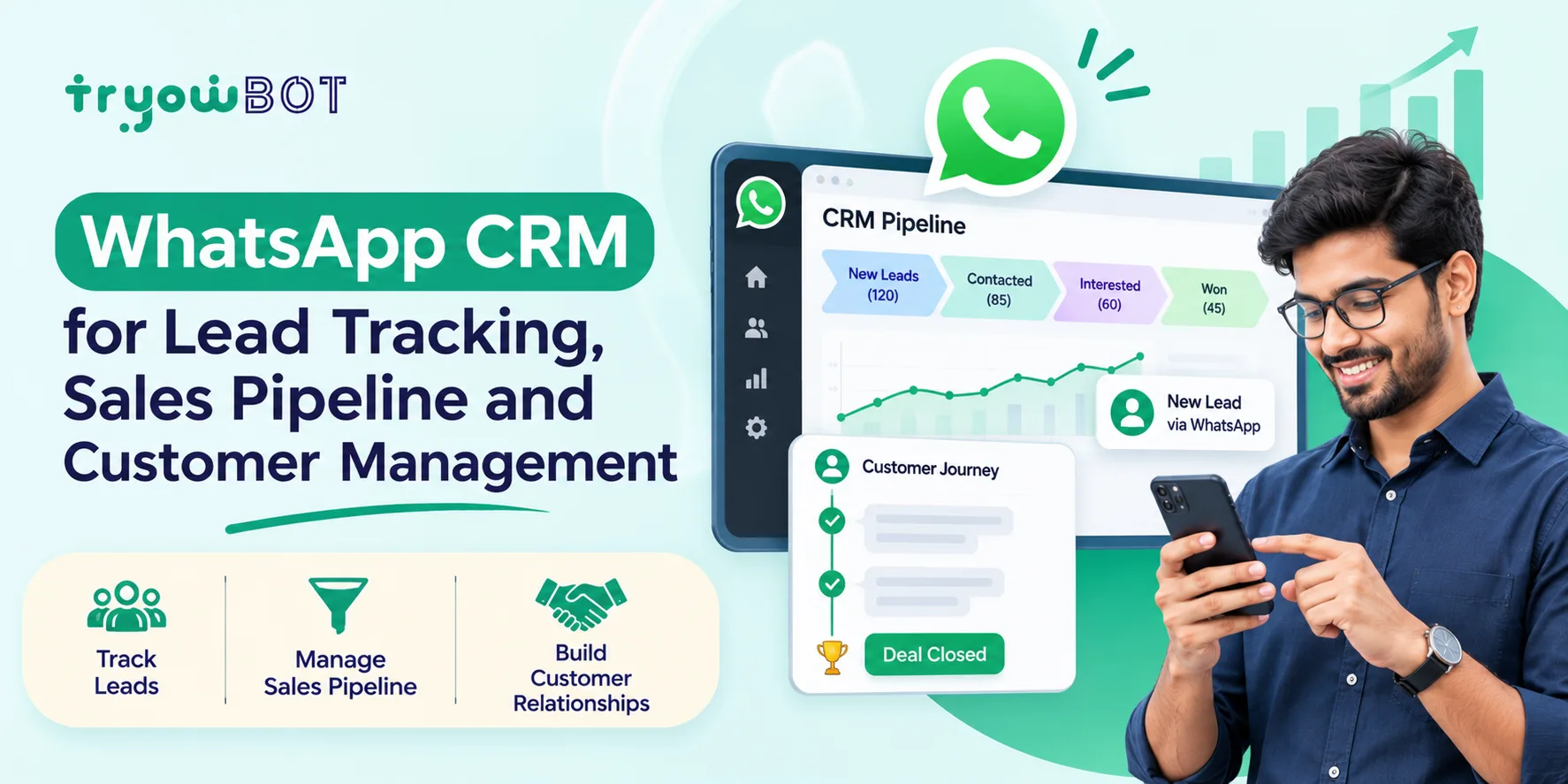
A sales pipeline is a visual way of tracking where each customer stands in your sales process.
It helps businesses understand how a potential customer moves from the first enquiry to the final purchase.
Think of it as a journey.
A customer first discovers your business, then contacts you, discusses their requirements, receives pricing information, and finally makes a purchase.
Each step represents a stage in the sales pipeline.
For example, a business may use the following sales pipeline:
| Sales Stage | What Happens |
|---|---|
| New Enquiry | Customer contacts your business |
| Contacted | Sales agent responds |
| Qualified | Customer requirements are understood |
| Product Demo | Product or service is demonstrated |
| Proposal Sent | Pricing or quotation is shared |
| Negotiation | Customer discusses terms and pricing |
| Won | Customer completes the purchase |
| Lost | Opportunity is closed without a sale |
Your business can create sales stages based on its actual sales process.
The main advantage is that managers no longer need to ask every sales agent for updates manually.
They can view the pipeline and understand how many opportunities are present at each stage.
How to Manage Your Sales Pipeline Using WhatsApp CRM
Let's understand how a sales pipeline works with a practical example.
Imagine you run a company that sells industrial machinery.
A customer finds your company through a Google search and sends a WhatsApp message asking about a particular machine.
Here is how your sales team can manage that opportunity.
Step 1: Receive a New Enquiry
The customer sends a WhatsApp message:
"Hi, we are looking for an industrial cutting machine. Can you share the available models and pricing?"
The enquiry is received through your business WhatsApp channel.
The lead can be captured in your CRM with the available customer details and enquiry information.
Step 2: Move the Lead to Contacted
A sales representative reviews the enquiry and responds to the customer.
They ask about the customer's requirements, production capacity, and expected budget.
Once the conversation starts, the lead status is updated to Contacted.
Step 3: Qualify the Customer
The sales agent understands that the customer is planning to purchase a machine within the next month.
They record important information in the CRM, such as:
- Machine requirement.
- Expected purchase timeline.
- Budget range.
- Company details.
- Technical requirements.
The lead is now qualified.
Step 4: Share Product Details and Quotation
The sales agent sends product information, specifications, images, and a quotation through WhatsApp.
The opportunity moves to the Proposal Sent stage.
The manager can see that the customer has received a quotation and is waiting for the next discussion.
Step 5: Schedule a Follow-Up
The customer says they need a few days to review the quotation.
Instead of depending on memory, the sales agent creates a follow-up task for the agreed date.
The CRM helps the agent keep track of the next action.
Step 6: Close the Deal
After discussing the requirements and pricing, the customer confirms the purchase.
The sales representative updates the opportunity to Won.
The business can now maintain the customer record for future communication, service enquiries, and repeat business.
Throughout the process, the WhatsApp conversation and CRM activities provide a clearer picture of the customer's journey.
This is how a WhatsApp CRM helps businesses manage sales opportunities from the first enquiry to the final sale.
How WhatsApp CRM Improves Customer Management
Getting new customers is important, but maintaining good relationships with existing customers is equally important.
A business should not forget a customer after completing the first sale.
Customers may return to purchase additional products, request support, ask about new services, or recommend your business to others.
A WhatsApp CRM helps your team maintain customer information and communication history.
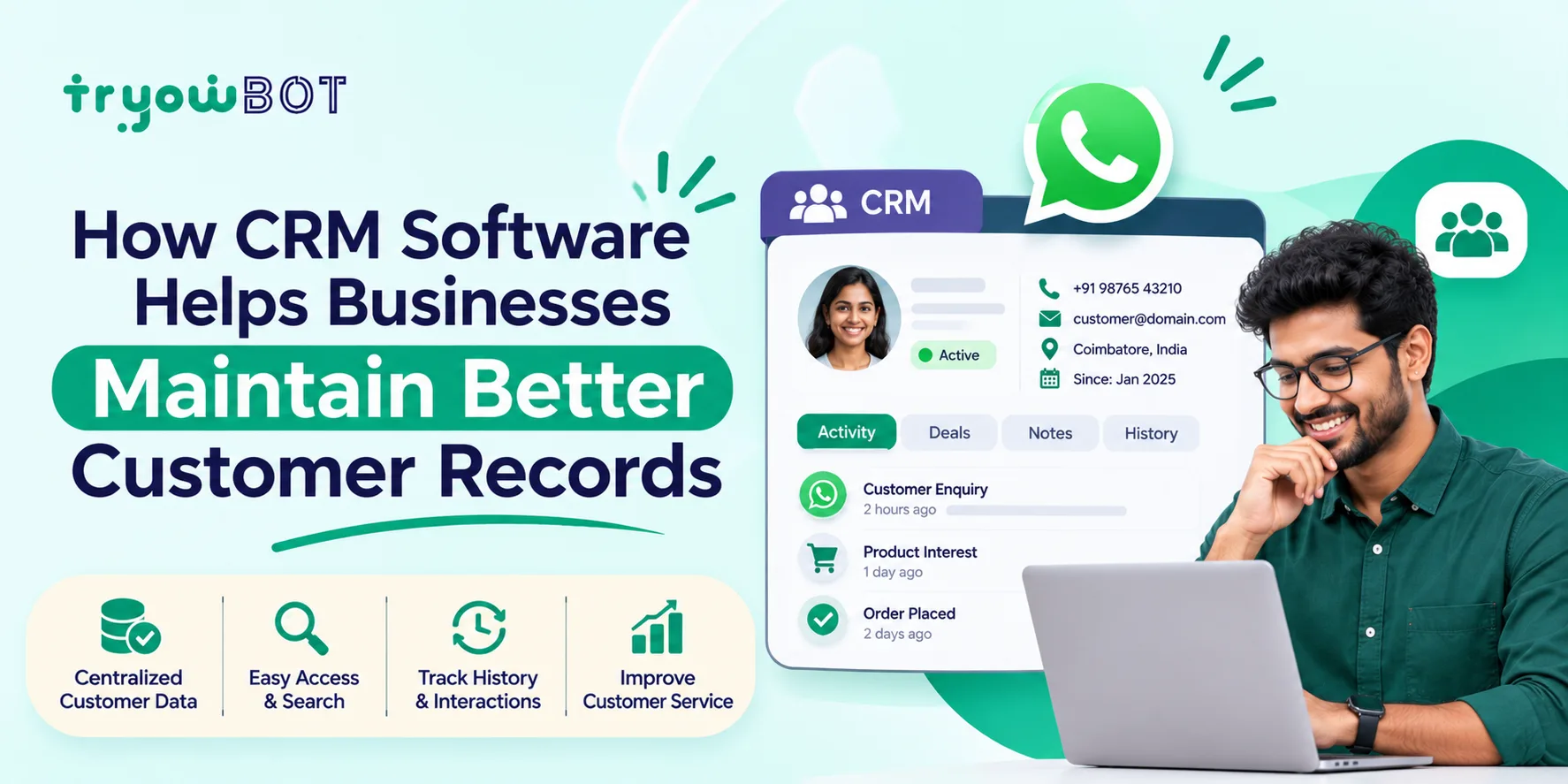
1. Maintain Complete Customer Profiles
Every customer should have an organized profile containing relevant details.
For example:
- Contact information.
- Purchase history.
- Product interests.
- Previous enquiries.
- WhatsApp conversation history.
- Sales activities.
- Follow-up records.
- Customer preferences.
This helps sales and support teams understand the customer's relationship with your business.
2. View Previous Customer Conversations
Imagine a customer contacts your business after three months and asks about a product they discussed earlier.
Without conversation history, your sales agent may have to ask all the same questions again.
With a connected CRM and communication history, authorized team members can review previous interactions and continue the discussion with better context.
Customers do not have to repeat their requirements every time they contact your business.
3. Segment Customers Based on Their Interests
Not every customer is interested in the same product or service.
Some may be interested in premium products, while others may be looking for budget-friendly options.
Customer segmentation helps businesses group customers based on relevant information.
For example:
- New customers.
- Existing customers.
- High-value customers.
- Interested but not converted.
- Customers interested in a particular product.
- Customers who have not purchased recently.
Businesses can use these segments to organize communication and create more relevant marketing campaigns.
4. Improve Customer Follow-Ups
Customer management does not end after the first conversation.
You may need to contact customers about pending quotations, service appointments, product availability, or repeat purchases.
A CRM helps organize these activities using tasks, reminders, and customer timelines.
This ensures that important customer interactions are not forgotten.
5. Build Long-Term Customer Relationships
When your business understands customer requirements and previous interactions, it becomes easier to provide relevant communication.
Instead of sending the same message to everyone, you can communicate based on customer interests and business needs.
For example, an existing customer who purchased a product six months ago may be interested in accessories, upgrades, or related services.
Organized customer information helps your team identify these opportunities.
WhatsApp CRM vs Traditional CRM: What Is the Difference?
A traditional CRM is mainly used to store customer information, manage leads, and track sales activities.
A WhatsApp CRM connects these activities with customer conversations on WhatsApp.
Both can help manage customer relationships, but a connected WhatsApp CRM makes it easier for sales teams to work with messaging-based enquiries.
Here is a simple comparison.
| Feature | Traditional CRM | WhatsApp CRM |
|---|---|---|
| Customer database | Yes | Yes |
| Lead management | Yes | Yes |
| Sales pipeline | Yes | Yes |
| Task and follow-up management | Yes | Yes |
| WhatsApp conversation integration | Depends on integration | Available through connected WhatsApp platform |
| WhatsApp notifications | Depends on integration | Supported through configured workflows |
| Customer conversation history | Depends on integrations | Can be connected to CRM records |
| Lead assignment | Yes | Yes |
| Sales reports | Yes | Yes |
| WhatsApp automation | Usually requires integration | Available through connected automation |
Which One Should Your Business Choose?
If your business receives most enquiries through websites, phone calls, or other channels, a traditional CRM may be sufficient.
But if WhatsApp plays an important role in your sales and customer communication, connecting it with your CRM can make daily work much easier.
Your team can manage customer conversations while keeping lead information, follow-ups, and sales opportunities organized.
Important Features to Look for in WhatsApp CRM Software
Not all CRM solutions offer the same capabilities.
Before choosing a WhatsApp CRM, make sure it supports the features your business needs.
Here are some important features to consider.
1. Lead Management
The CRM should help you capture leads, organize customer details, assign sales agents, and track lead status.
2. Sales Pipeline Management
You should be able to create sales stages based on your business process and track every opportunity from enquiry to conversion.
3. WhatsApp Integration
Your CRM should connect with your business WhatsApp communication so your team can manage customer conversations with the right context.
4. Follow-Up Reminders
Look for task management, scheduled activities, and reminders that help sales agents remember important customer follow-ups.
5. Lead Assignment
The system should allow managers to assign leads to individual agents or teams.
Automatic assignment can also help distribute incoming enquiries more efficiently.
6. Workflow Automation
Automation can reduce repetitive manual tasks.
For example, a new lead can trigger a workflow that assigns the lead, creates a follow-up task, or sends a configured WhatsApp notification.
7. Customer Segmentation
Your CRM should help you organize customers based on their interests, lead source, purchase activity, or other useful information.
8. Reports and Analytics
Managers should be able to review lead performance, sales progress, team activities, and business growth.
These reports help businesses identify problems and improve their sales process.
How TryowBOT WhatsApp CRM Helps Your Business Manage Leads and Sales
Managing customer conversations, lead information, sales opportunities, and follow-ups through separate tools can take a lot of time.
Your sales agents may have to switch between WhatsApp, spreadsheets, calendars, and different applications just to understand what they need to do next.
TryowBOT helps bring these activities together through its CRM and WhatsApp business solutions.
With TryowBOT, businesses can manage leads, sales pipelines, customer activities, and WhatsApp communication through a connected business platform.
Here is how TryowBOT can help.
1. Capture Leads From Multiple Channels
Customer enquiries can come from WhatsApp, websites, Meta Ads, APIs, webhooks, and manual entries.
TryowBOT CRM helps bring supported lead sources into one centralized system.
Your team can view lead details, sources, assigned agents, and current status without searching through multiple platforms.
2. Manage All Your Leads in One Place
Instead of maintaining separate spreadsheets for different sales agents, your business can organize lead information in one CRM.
You can maintain customer details, notes, lead status, activities, and follow-up information.
This gives your sales team a clearer understanding of every opportunity.
3. Track Your Sales Pipeline
TryowBOT CRM helps you organize deals through different sales stages.
You can track opportunities, manage deal progress, create custom sales stages, convert qualified leads into deals, and monitor revenue.
Sales managers can understand which opportunities are moving forward and which deals need attention.
4. Assign Leads to Your Sales Team
When multiple sales representatives handle enquiries, proper lead ownership is important.
TryowBOT supports lead assignment so businesses can distribute enquiries among the appropriate team members.
This helps agents understand their responsibilities and manage customer conversations more effectively.
5. Schedule Follow-Ups and Activities
One of the biggest reasons businesses lose potential customers is missed follow-ups.
TryowBOT CRM includes task and activity management features that help your team schedule customer follow-ups, plan activities, and manage overdue tasks.
Your agents can organize their daily work and stay focused on important opportunities.
6. Automate Repetitive Sales Activities
Sales teams spend a lot of time performing repetitive tasks.
For example, assigning new leads, creating tasks, sending notifications, and updating lead information.
TryowBOT supports CRM workflow automation to help reduce manual work.
Depending on your configured workflows, you can automate actions such as:
- Assigning new leads.
- Creating follow-up tasks.
- Updating lead status.
- Sending WhatsApp notifications.
- Sending team alerts.
- Triggering actions based on defined conditions.
This gives sales agents more time to focus on customer discussions and closing deals.
7. Keep Customer Conversations Connected
Customer conversations are an important part of the sales process.
TryowBOT brings WhatsApp communication and CRM activities together so businesses can maintain better customer context.
Your team can manage customer enquiries, review communication history, and coordinate follow-ups through connected workflows.
8. Monitor Sales Performance With Reports
Sales managers need more than a list of customer names.
They need to understand how the sales process is performing.
TryowBOT provides CRM reporting capabilities for tracking areas such as:
- Lead performance.
- Sales activities.
- Sales reports.
- Team performance.
- Business progress.
These insights can help managers make better decisions and improve their sales operations.
With TryowBOT, your business can move beyond simply receiving WhatsApp messages and start managing every customer enquiry as part of a structured sales process.
Explore TryowBOT CRM: https://tryowbot.com/crm/
Real-World Examples: How Different Businesses Can Use WhatsApp CRM
WhatsApp CRM is not limited to one industry.
Any business that receives customer enquiries, manages sales opportunities, or needs regular customer communication can benefit from it.
Let's look at a few examples.
1. Real Estate Companies
Real estate businesses receive enquiries from customers looking for apartments, houses, plots, and commercial properties.
A WhatsApp CRM can help real estate teams:
- Capture property enquiries.
- Record customer budgets.
- Track preferred locations.
- Assign leads to property agents.
- Schedule site visits.
- Share property details.
- Follow up with interested buyers.
- Track deals until booking.
For example, a customer enquires about a 2BHK apartment through WhatsApp.
The sales agent records the customer's budget and preferred location, shares matching properties, and schedules a site visit.
The CRM helps track the opportunity until the customer makes a decision.
2. Educational Institutions
Schools, colleges, and training institutes receive enquiries about admissions, courses, fees, and eligibility.
A WhatsApp CRM can help admission teams:
- Capture admission enquiries.
- Record course interests.
- Assign leads to admission counsellors.
- Schedule counselling calls.
- Share course details.
- Follow up with interested students.
- Track admission progress.
This makes it easier to manage admission enquiries during busy admission seasons.
3. Automobile Dealerships
Car and bike dealerships receive enquiries about different models, prices, financing, and test drives.
A WhatsApp CRM can help sales teams manage these enquiries and maintain customer information.
For example, a customer enquires about a new car model.
The sales agent records the model interest, shares pricing details, schedules a test drive, and follows up after the visit.
The dealership can track the opportunity until the vehicle is purchased.
4. E-commerce Businesses
Online stores receive questions about products, prices, orders, delivery, and returns.
A WhatsApp CRM can help e-commerce teams:
- Organize customer enquiries.
- Track product interests.
- Maintain customer profiles.
- Manage order-related conversations.
- Segment customers.
- Follow up with interested buyers.
- Identify repeat purchase opportunities.
This helps businesses provide a more organized customer experience.
5. B2B and Manufacturing Companies
B2B companies often have longer sales cycles.
A customer may enquire about bulk pricing, product specifications, technical details, or customized requirements.
A WhatsApp CRM helps sales teams track these opportunities through different stages, maintain quotation details, schedule meetings, and follow up until the deal is closed.
6. Service-Based Businesses
Businesses offering consulting, repairs, installation, marketing, and professional services receive many enquiries before a customer confirms a service.
A WhatsApp CRM helps organize these enquiries, understand customer requirements, schedule appointments, assign team members, and maintain service communication history.
Common WhatsApp CRM Mistakes Businesses Should Avoid
Having CRM software is a good start, but businesses also need a proper process to use it effectively.
Here are some common mistakes to avoid.
1. Not Updating Lead Status
If sales agents do not update lead statuses, the CRM information becomes outdated.
Encourage your team to update every lead after an important conversation or sales activity.
2. Not Scheduling Follow-Ups
Do not depend only on memory.
Every customer who needs another conversation should have a clear next action or follow-up task.
3. Collecting Customer Information Without Organizing It
Having thousands of contact numbers does not automatically mean you have a useful customer database.
Store relevant information such as customer requirements, interests, lead source, and sales status.
4. Not Assigning Lead Ownership
Every active lead should have a responsible sales agent.
Without clear ownership, customer enquiries can be ignored or handled by multiple agents unnecessarily.
5. Treating Every Lead the Same Way
A customer who is ready to buy should not receive the same attention as someone who is only exploring.
Use lead status, customer interests, and scoring where appropriate to prioritize sales activities.
6. Not Reviewing CRM Reports
Managers should regularly review sales reports and pipeline progress.
This helps identify delayed opportunities, missed follow-ups, and areas where the team needs improvement.
7. Sending Too Many WhatsApp Messages
Automation should improve communication, not annoy customers.
Send useful and relevant messages, respect customer preferences, follow WhatsApp policies, and use approved message templates where required.
Frequently Asked Questions (FAQs)
1. What is WhatsApp CRM software?
WhatsApp CRM software connects WhatsApp customer conversations with lead management, sales tracking, customer information, and follow-up activities.
It helps businesses manage customer enquiries and sales opportunities through one organized system.
2. Can WhatsApp be connected to a CRM?
Yes. Businesses can connect WhatsApp through the official WhatsApp Business Platform and a compatible CRM solution.
This allows customer communication to work alongside lead records, sales activities, and customer management processes.
3. Can I track leads from WhatsApp in a CRM?
Yes. With a connected WhatsApp and CRM workflow, incoming enquiries can be captured as leads and organized with customer details, lead sources, assigned agents, and statuses.
4. Can I manage my sales pipeline through WhatsApp CRM?
Yes. A WhatsApp CRM with sales pipeline management allows you to track opportunities through stages such as New Enquiry, Contacted, Qualified, Proposal Sent, Negotiation, Won, and Lost.
You can customize the stages based on your sales process.
5. Can multiple sales agents use the same WhatsApp CRM?
Yes. Multiple authorized team members can work through a shared CRM and WhatsApp team inbox.
Managers can assign leads and conversations to individual sales agents and monitor their activities.
6. Can WhatsApp CRM send automatic follow-up reminders?
Yes. CRM task management and automation can help schedule follow-ups, create reminders, and notify sales agents about pending activities.
Depending on your workflow configuration, WhatsApp notifications can also be triggered automatically.
7. Can I capture leads from Facebook Ads and my website?
Yes. A CRM that supports integrations can collect leads from sources such as websites, Meta Ads, APIs, webhooks, and manual entries.
TryowBOT CRM supports these lead capture options, helping businesses manage enquiries from different sources in one place.
8. Can I track which sales agent converted a lead?
A CRM can help track lead ownership, assigned agents, activities, and deal progress.
With proper lead assignment and sales record updates, managers can understand which team members are handling and converting opportunities.
9. Is WhatsApp CRM useful for small businesses?
Yes. Small businesses can use WhatsApp CRM to organize customer information, track enquiries, schedule follow-ups, and manage sales activities.
It is especially useful when customer conversations start increasing and manual tracking becomes difficult.
10. What is the difference between WhatsApp Business and WhatsApp CRM?
WhatsApp Business is primarily a messaging application for communicating with customers.
WhatsApp CRM connects customer communication with lead management, customer profiles, sales pipeline tracking, follow-ups, and reporting.
The CRM provides additional tools to manage the business process behind customer conversations.
11. Can I manage existing customers using WhatsApp CRM?
Yes. You can maintain customer profiles, review previous interactions, organize customer segments, and manage follow-up activities.
This helps your business maintain relationships after the first sale and identify opportunities for repeat purchases.
12. Why should I choose TryowBOT CRM?
TryowBOT CRM helps businesses manage leads, assign sales opportunities, track sales pipelines, schedule follow-ups, automate routine activities, and monitor team performance.
It also connects with WhatsApp business communication, helping your sales team manage customer interactions with better context.
Final Thoughts
WhatsApp is a powerful communication channel for businesses, but managing customer enquiries through chats alone can become difficult as your business grows.
You need to know who your customers are, what they are interested in, which sales agent is handling them, what stage each opportunity has reached, and when the next follow-up is due.
That is why connecting WhatsApp with a CRM is important.
A WhatsApp CRM helps your business:
- Capture leads from different sources.
- Keep customer information organized.
- Track every lead from enquiry to conversion.
- Manage sales pipelines.
- Assign leads to sales agents.
- Schedule follow-ups and reminders.
- Maintain customer communication history.
- Monitor team performance.
- Build stronger customer relationships.
Instead of managing customer conversations, sales activities, and follow-ups separately, you can bring them together in one organized workflow.
TryowBOT makes it easier to manage leads, track your sales pipeline, and build better customer relationships through its connected WhatsApp and CRM solutions.
Whether you run a small business, an educational institution, a real estate company, an automobile dealership, or a growing sales organization, having the right CRM system can make your daily sales operations more organized.
Ready to Manage Your Leads and Sales Pipeline Better?
Stop losing track of customer enquiries and missed follow-ups.
Bring your leads, sales activities, customer information, and WhatsApp communication together with TryowBOT.
Explore TryowBOT CRM and take control of your customer relationships.
Website: https://tryowbot.com/crm/
Book a demo and discover a better way to manage your business leads and sales process.